 Alex Martin
Pop-ups, when designed and deployed correctly, are a powerful tool for driving conversions, capturing leads, and guiding user journeys. The challenge isn't whether to use them, but how to implement them without disrupting the user experience. The key lies in using a strategically chosen template that aligns with your specific campaign goals, from announcing a flash sale to growing your email list. A well-designed popup feels like a helpful, timely intervention rather than an annoying interruption. This is where high-quality pop ups templates become indispensable, providing a professional foundation that you can customize to match your brand and campaign objectives.
This curated roundup moves beyond generic advice to provide a practical guide to the best platforms and template libraries available, with a special focus on Divi compatibility. We will explore a variety of solutions, from dedicated popup builders to comprehensive conversion optimization platforms. Many effective pop-up templates are designed around capturing information, making the choice of the best form builder software options crucial for maximizing conversions.
Each entry in this list includes detailed insights into its primary purpose, recommended triggers for maximum impact, and actionable customization tips. You will find screenshots for visual reference and clear, step-by-step instructions for quick implementation, ensuring you can find and deploy the perfect template for your next project efficiently.
1. Divimode
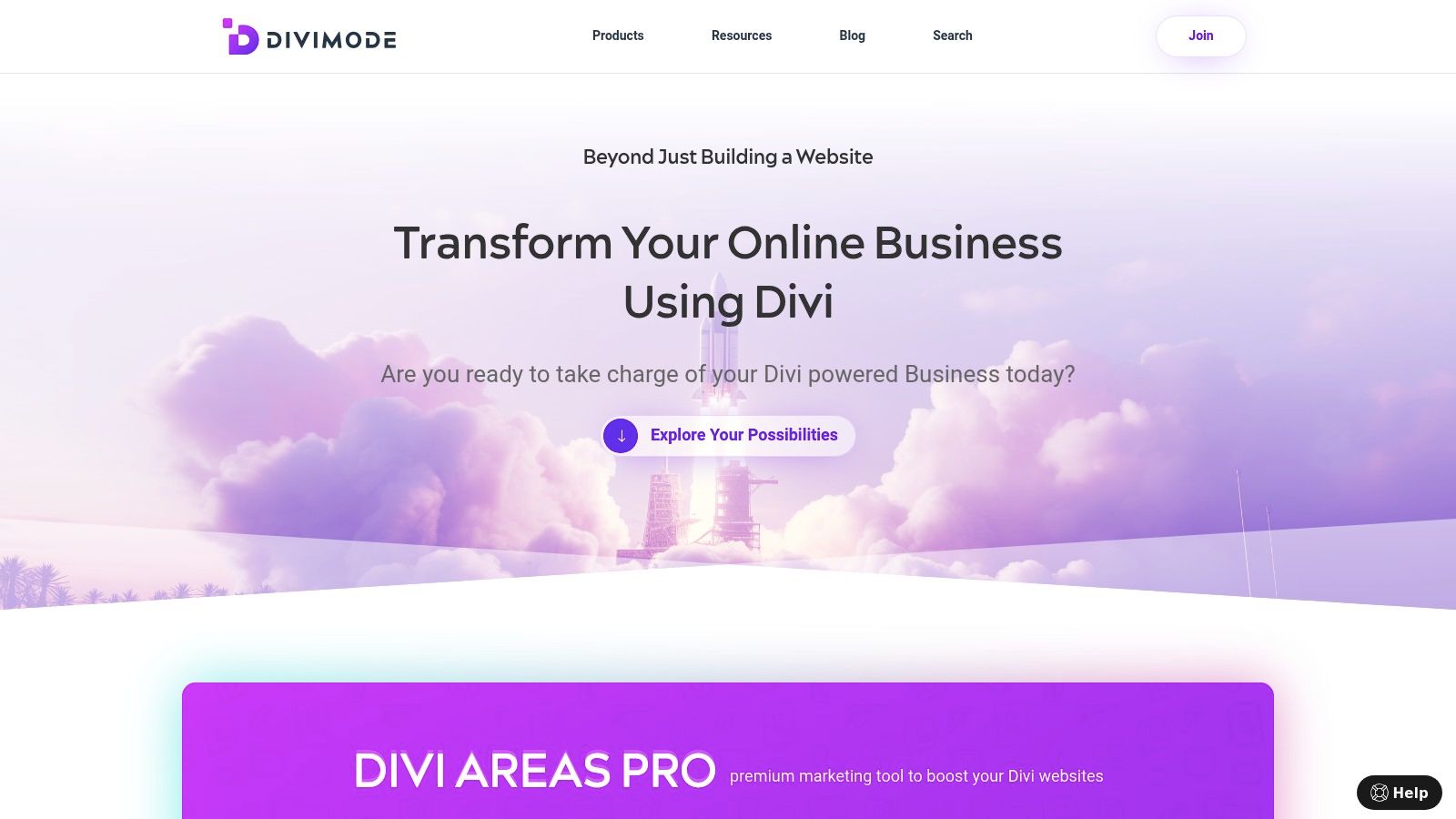
Divimode stands as a premier resource for Divi designers and developers seeking to create high-converting, interactive website elements. Its flagship product, Divi Areas Pro, is a comprehensive marketing toolkit built specifically for the Divi ecosystem, offering a robust solution for more than just popups. It excels at creating fly-ins, dynamic mega menus, and inline content injection, all managed within a native Divi workflow. This deep integration makes it a standout choice for anyone building with Divi, the Extra theme, or WooCommerce.
The platform distinguishes itself by offering a growing library of professionally designed pop ups templates that are ready to import and customize. These pre-built layouts accelerate the design process, allowing users to deploy effective marketing campaigns without starting from scratch. Divimode is not merely a plugin vendor; it functions as a dedicated Divi-focused resource hub, providing extensive documentation, performance tutorials, and responsive support that has earned it high praise from its user base.
Key Features & Capabilities
Divimode’s power lies in its advanced targeting and trigger system, giving you pixel-perfect control over who sees your content and when.
- Advanced Triggers: Go beyond simple popups with triggers like exit-intent, time delay, scroll depth, on-click, on-hover, and even a unique back-button detection trigger that can capture users before they navigate away.
- Conditional Display Rules: Target your audience with precision. Display popups based on user role, device type, specific pages or posts, login status, date ranges, and more. This is ideal for running scheduled promotions or creating member-exclusive content.
- Seamless Divi & WooCommerce Integration: Because it's built for Divi, everything feels native. You design popups using the familiar Divi Builder, ensuring brand consistency. Its deep compatibility with WooCommerce allows you to create targeted offers like cart-abandonment popups or product-specific announcements.
- Developer-Friendly: For advanced users and agencies, Divi Areas Pro includes a clean, extendable API. This allows for custom integrations and unique functionality, making it a flexible tool that can adapt to complex project requirements.
Getting Started & Practical Use
For those new to the platform, Divimode offers a risk-free entry point. You can start with the Popups for Divi plugin, available for free on wordpress.org. It allows you to build and test basic popups within the Divi Builder. This is an excellent way to evaluate the core functionality before committing to the premium version.
Once you upgrade to Divi Areas Pro, you gain access to the full suite of advanced features and the template library. The combination of pre-built layouts and powerful display rules makes it a versatile tool for achieving specific marketing goals, from lead generation to increasing sales.
| Feature | Popups for Divi (Free) | Divi Areas Pro (Premium) |
|---|---|---|
| Builder | Divi Builder | Divi Builder |
| Popup Types | Basic Popups | Popups, Fly-ins, Tooltips, Mega Menus |
| Triggers | On-click | Exit-Intent, Scroll, Time, Hover, & more |
| Display Rules | Limited | Advanced (User Role, Device, Page, etc.) |
| Template Library | No | Yes |
| Developer API | No | Yes |
Website: https://divimode.com
2. OptinMonster
OptinMonster is a powerful, standalone lead generation software that has earned its place as a market leader through an extensive library of high-quality pop ups templates and incredibly detailed targeting rules. While not a native Divi plugin, its seamless integration with WordPress makes it a top choice for marketers and developers who need advanced functionality beyond basic popups. The platform is ideal for teams focused on rapid experimentation and deep audience segmentation.
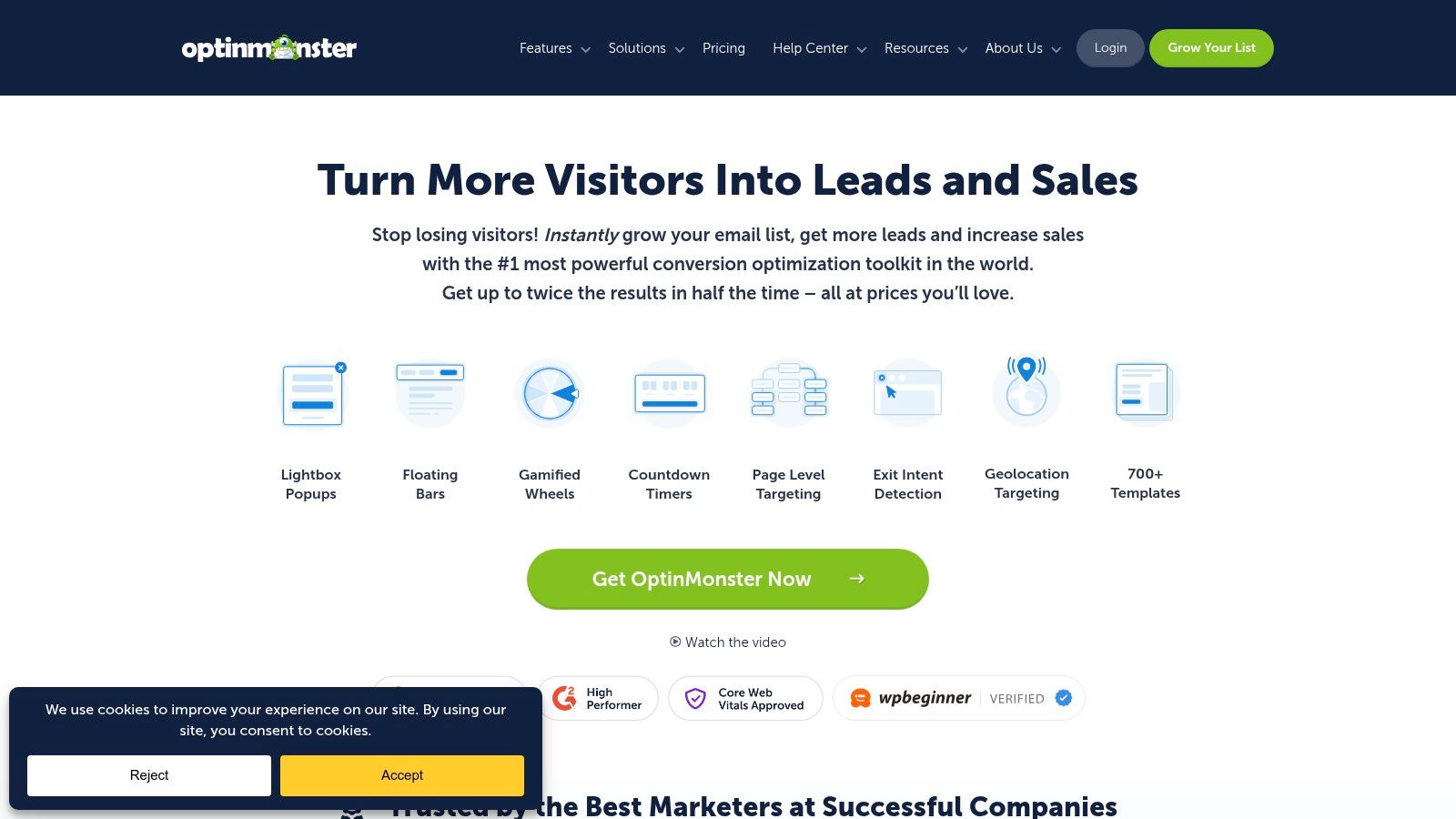
Its core strength lies in its vast template catalog and sophisticated display rules. With over 700 professionally designed and conversion-optimized templates, you can launch campaigns for lead magnets, coupon codes, or webinar sign-ups in minutes. The drag-and-drop builder is intuitive, allowing for deep customization without touching a line of code.
Standout Features & Use Cases
What truly sets OptinMonster apart is its targeting engine. You can trigger campaigns based on user behavior like exit-intent, scroll depth, and time on page. More advanced rules include targeting by geolocation, referring source, new vs. returning visitors, and even what’s in a user's WooCommerce cart. This makes it perfect for e-commerce sites wanting to reduce cart abandonment or for content-heavy blogs aiming to convert readers into subscribers.
Pro Tip: Use OptinMonster's "Onsite Retargeting" feature to show unique popups to returning visitors. For example, if a user previously downloaded an ebook, you can show them a popup for a related webinar on their next visit, creating a personalized user journey.
Platform Details & Integration
| Feature | Details |
|---|---|
| Pricing | Starts at $9/month (billed annually). Impressions-based, not pageview-based. |
| Templates | 700+ covering lightbox, fullscreen, slide-in, floating bar, and more. |
| Integrations | Connects with all major email marketing services and CRM platforms. |
| Support | Extensive documentation and responsive customer support. |
While its interface can feel complex at first due to the sheer number of options, the power it provides is unmatched. The platform supports various types of pop-ups, from subtle slide-ins to attention-grabbing fullscreen overlays.
Visit OptinMonster: https://optinmonster.com
3. Elementor Popup Builder (WordPress)
Elementor Popup Builder is a powerful feature integrated directly into Elementor Pro, offering a seamless design experience for users already embedded in its ecosystem. It’s the go-to solution for developers and designers who want to create visually stunning pop ups templates without leaving the familiar WordPress dashboard. The builder is perfect for teams who prioritize a unified workflow and want complete design control over every pixel of their popups.
Its main advantage is the unified editing environment. You build popups using the same drag-and-drop interface and widgets you use for pages, ensuring brand consistency and a shallow learning curve. The platform provides a gallery of professionally designed popup templates to get you started, which can be fully customized with over 100 widgets to create everything from simple email opt-ins to complex, multi-step forms.
Standout Features & Use Cases
What makes Elementor’s tool so effective are its advanced display conditions and triggers, which are built right in. You can trigger popups based on page load, scroll depth, click, inactivity, or exit intent. The targeting rules allow you to specify exactly where and to whom the popups appear, with options to include or exclude content across the entire site, specific pages, posts, archives, or even just for logged-in users. This makes it ideal for WooCommerce sites wanting to show a coupon on the cart page or for bloggers aiming to display a targeted lead magnet on a specific category of posts.
Pro Tip: Combine Elementor's motion effects with the popup builder to create eye-catching animations. For instance, have a "SALE" banner slide in with a bounce effect on your shop page to immediately grab a visitor's attention without being overly intrusive.
Platform Details & Integration
| Feature | Details |
|---|---|
| Pricing | Included with Elementor Pro, starting at $59/year for one website. |
| Templates | Library of popup templates plus 100+ widgets for custom designs. |
| Integrations | Connects with popular email marketing services and CRMs via form actions. |
| Support | Access to 24/7 premium support and a comprehensive knowledge base. |
While it lacks some of the advanced A/B testing and analytics found in dedicated SaaS tools, its deep integration with WordPress makes it a top contender for the best WordPress popup plugin. The absence of usage limits on popups or impressions is a major advantage for high-traffic sites.
Visit Elementor Popup Builder: https://elementor.com/features/popup-builder/
4. Popupsmart
Popupsmart is a lightweight, code-embed popup platform that prioritizes speed and ease of use, making it an excellent choice for performance-conscious teams. It offers a rich library of goal-based pop ups templates designed for lead generation, announcements, and e-commerce promotions. Its streamlined setup and clear, pageview-based pricing make it a scalable solution for businesses that want effective popups without a heavy footprint.
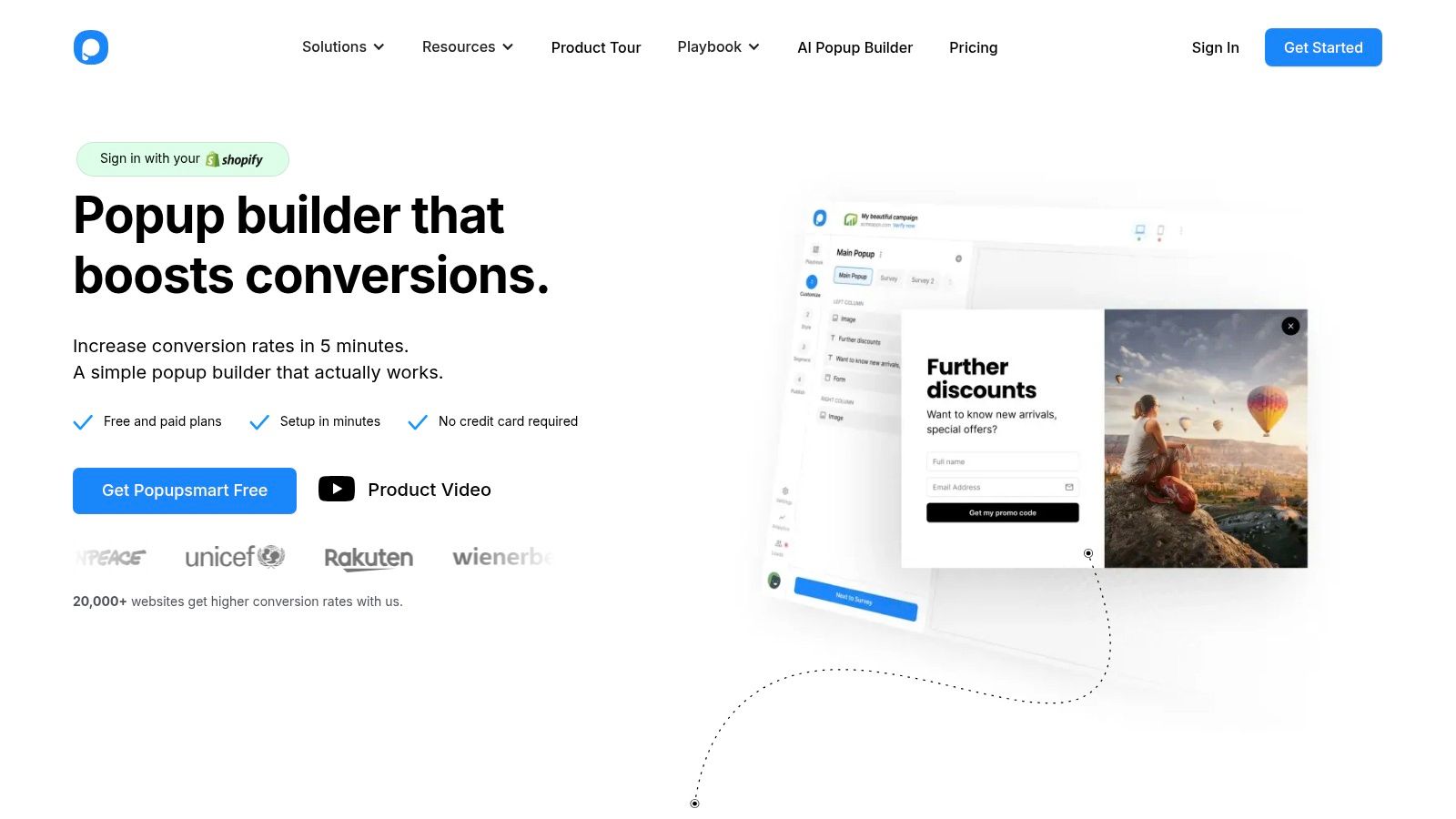
The platform’s core advantage is its blend of simplicity and functionality. The template gallery provides professionally designed options that can be launched quickly, while the visual drag-and-drop editor allows for deep customization to match your brand identity. Because it operates via a single line of code, it remains fast and doesn't bloat your Divi website with extra plugins.
Standout Features & Use Cases
Popupsmart excels with its goal-oriented templates and straightforward targeting rules. You can easily set up campaigns based on common triggers like exit-intent, scroll percentage, and time delays. Its targeting options allow you to show popups based on device, visitor source, and geolocation, making it ideal for running precise campaigns. E-commerce stores can use it to display discount codes to first-time visitors or recover abandoning carts, while bloggers can use it to grow their email lists without slowing down their site.
Pro Tip: Use Popupsmart’s "Success Popup" feature to thank users after they subscribe. Instead of just closing the form, you can display a follow-up message with a download link for a lead magnet or a special coupon code as an immediate reward, boosting engagement.
Platform Details & Integration
| Feature | Details |
|---|---|
| Pricing | Free plan available. Paid plans start at $32.5/month (billed annually) based on pageviews. |
| Templates | 50+ templates for lightbox, side message, floating bar, and fullscreen overlays. |
| Integrations | Connects with dozens of email marketing services and supports Zapier for custom workflows. |
| Support | Priority support is available on all paid tiers. |
While A/B testing is reserved for higher-tier plans, the platform's focus on performance and its transparent pricing model make it a strong contender. For Divi users who need a fast, reliable, and easy-to-manage popup solution, Popupsmart delivers a powerful toolkit without the complexity.
Visit Popupsmart: https://popupsmart.com
5. Poptin
Poptin is a versatile conversion optimization toolkit designed for small to medium-sized businesses and agencies looking for an affordable yet powerful solution. It specializes in engaging popups, embedded forms, and autoresponders, offering a rich collection of pop ups templates even on its free plan. Its user-friendly drag-and-drop editor and straightforward setup make it an excellent choice for those who need to launch and test various campaigns quickly without a steep learning curve.
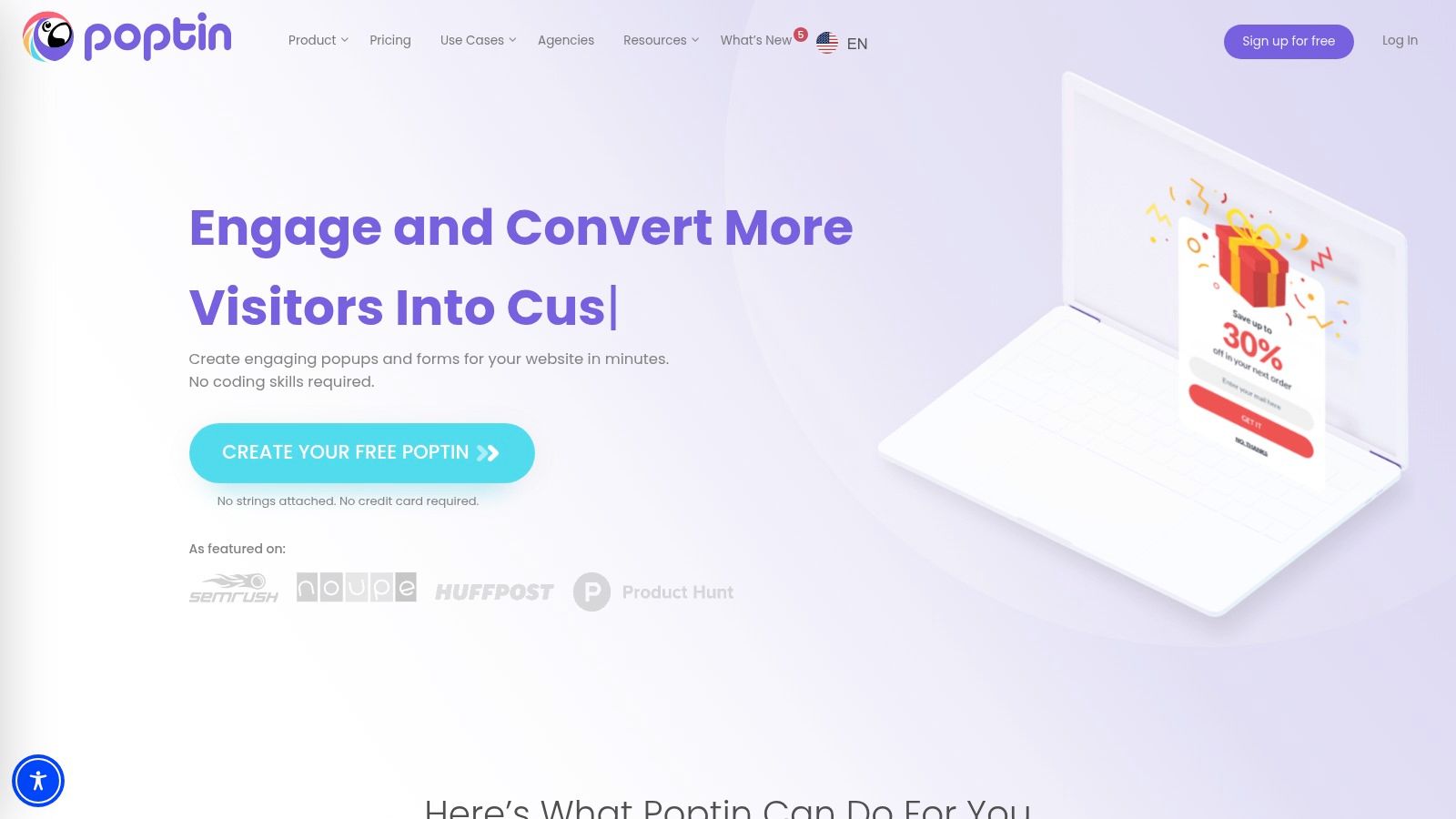
The platform's core appeal is its balance of functionality and accessibility. With over 40 professionally designed templates, including lightboxes, fullscreen overlays, slide-ins, and even gamified popups, users can easily find a starting point for their campaign. The editor allows for quick customization of colors, fonts, and layouts to match your brand identity perfectly.
Standout Features & Use Cases
Poptin excels with its robust targeting and triggering options, which include exit-intent technology, time delay, scroll percentage, and on-click triggers. It also allows for A/B testing, making it easy to optimize your campaigns for higher conversions. The built-in autoresponder is a convenient feature for sending an immediate follow-up, such as a discount code or lead magnet, after a user subscribes. This makes it ideal for e-commerce stores running promotions or bloggers looking to grow their email list efficiently.
Pro Tip: Leverage Poptin’s gamified templates, like the "spin the wheel" popup, to boost engagement and lead capture. Offering a chance to win various discounts can significantly increase opt-in rates compared to a standard coupon offer.
Platform Details & Integration
| Feature | Details |
|---|---|
| Pricing | Free plan available. Paid plans start at $20/month (billed annually). Visitor-based quotas. |
| Templates | 40+ templates including lightbox, gamified, fullscreen, and slide-in styles. |
| Integrations | Connects with dozens of popular email marketing and CRM platforms. |
| Support | Live chat support, knowledge base, and tutorials are available. |
While the Poptin branding is present on the free plan, its generous feature set provides immense value for testing. The platform's commitment to user-friendly design ensures that even a well-timed popup adheres to the best practices of popup etiquette by providing value without being intrusive.
Visit Poptin: https://www.poptin.com
6. ConvertFlow
ConvertFlow is a comprehensive conversion platform that goes beyond simple popups, offering an all-in-one solution for building complete marketing funnels. Its strength lies in orchestrating coordinated onsite campaigns, making it ideal for teams who need more than just standalone popups. The platform provides a unified system for landing pages, multi-step forms, quizzes, sticky bars, and overlays, allowing for a cohesive user journey.
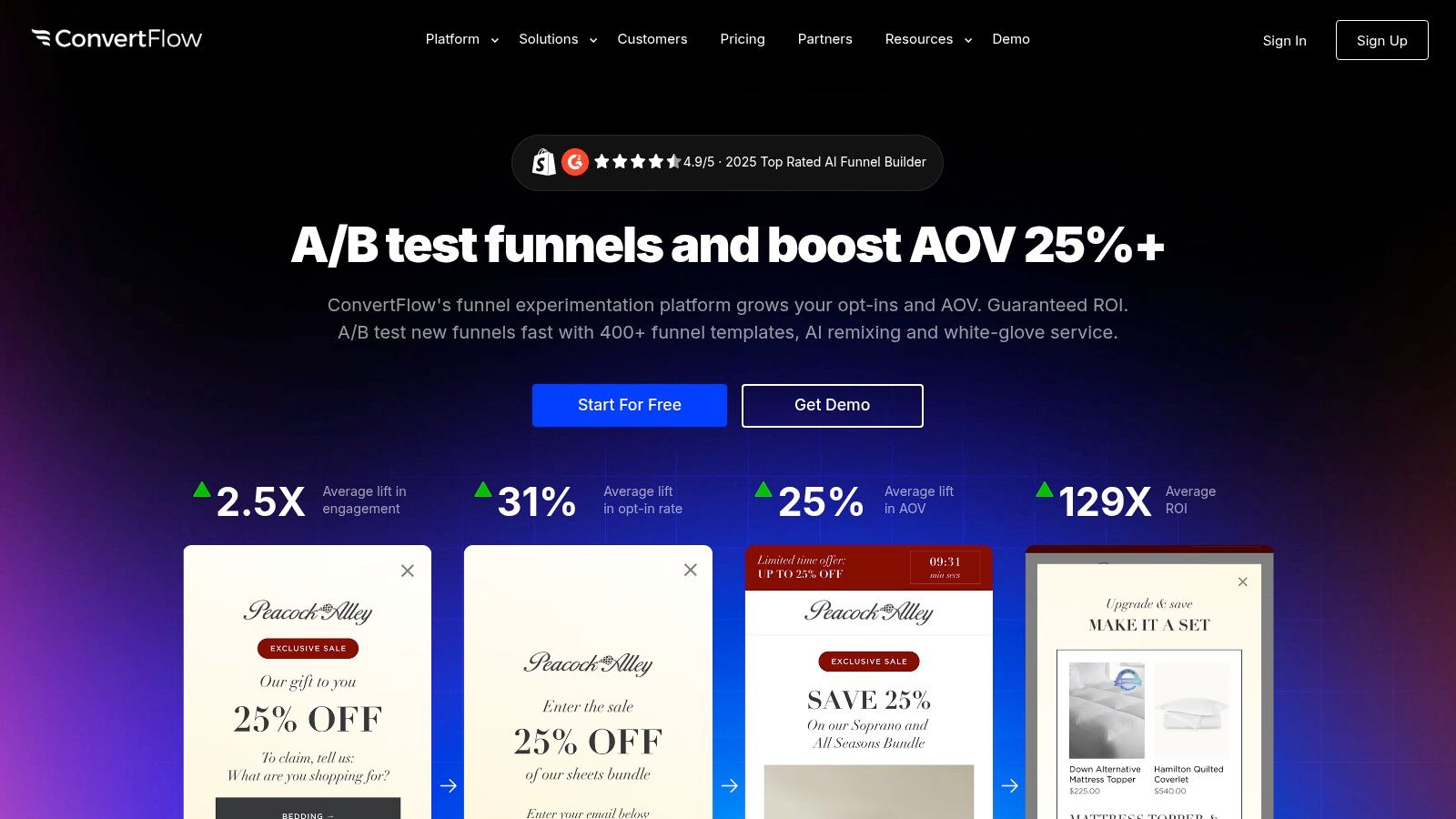
With over 400 pop ups templates and funnel templates, ConvertFlow accelerates the launch of end-to-end campaigns. Its no-code, drag-and-drop builder makes it easy to customize every element, ensuring your popups and forms align perfectly with your Divi site's branding. This integrated approach helps reduce tool sprawl and simplifies campaign management.
Standout Features & Use Cases
What sets ConvertFlow apart is its powerful funnel orchestration and personalization engine. You can use conditional logic to guide users through multi-step forms, quizzes, and surveys, collecting valuable zero-party data. This makes it perfect for e-commerce stores wanting to create product recommendation quizzes or for service-based businesses looking to qualify leads with targeted questions before they book a call.
Pro Tip: Use ConvertFlow's website personalization feature to show unique calls-to-action based on a visitor's CRM data. For example, you can greet a returning customer by name or show a special offer to contacts tagged with a specific interest in your marketing platform.
Platform Details & Integration
| Feature | Details |
|---|---|
| Pricing | Free plan available. Pro plans start at $129/month. |
| Templates | 400+ covering popups, landing pages, forms, quizzes, and sticky bars. |
| Integrations | Deep integrations with major e-commerce and marketing stacks. |
| Support | Onboarding support, extensive documentation, and responsive live chat. |
While the advanced features have a steeper learning curve, the ability to A/B test entire funnels, not just individual popups, provides unparalleled optimization capabilities. The platform's focus on a unified system ensures all your conversion tools work together seamlessly.
Visit ConvertFlow: https://www.convertflow.com
7. Sleeknote
Sleeknote is a highly user-friendly popup builder, particularly popular among e-commerce brands for its goal-oriented approach and intuitive design process. It stands out by offering not only a standard template library but also a vast "Examples" hub, which provides hundreds of proven, real-world designs that users can clone and adapt. This makes it an excellent choice for marketers who want to quickly launch campaigns based on what's already working for other successful brands.
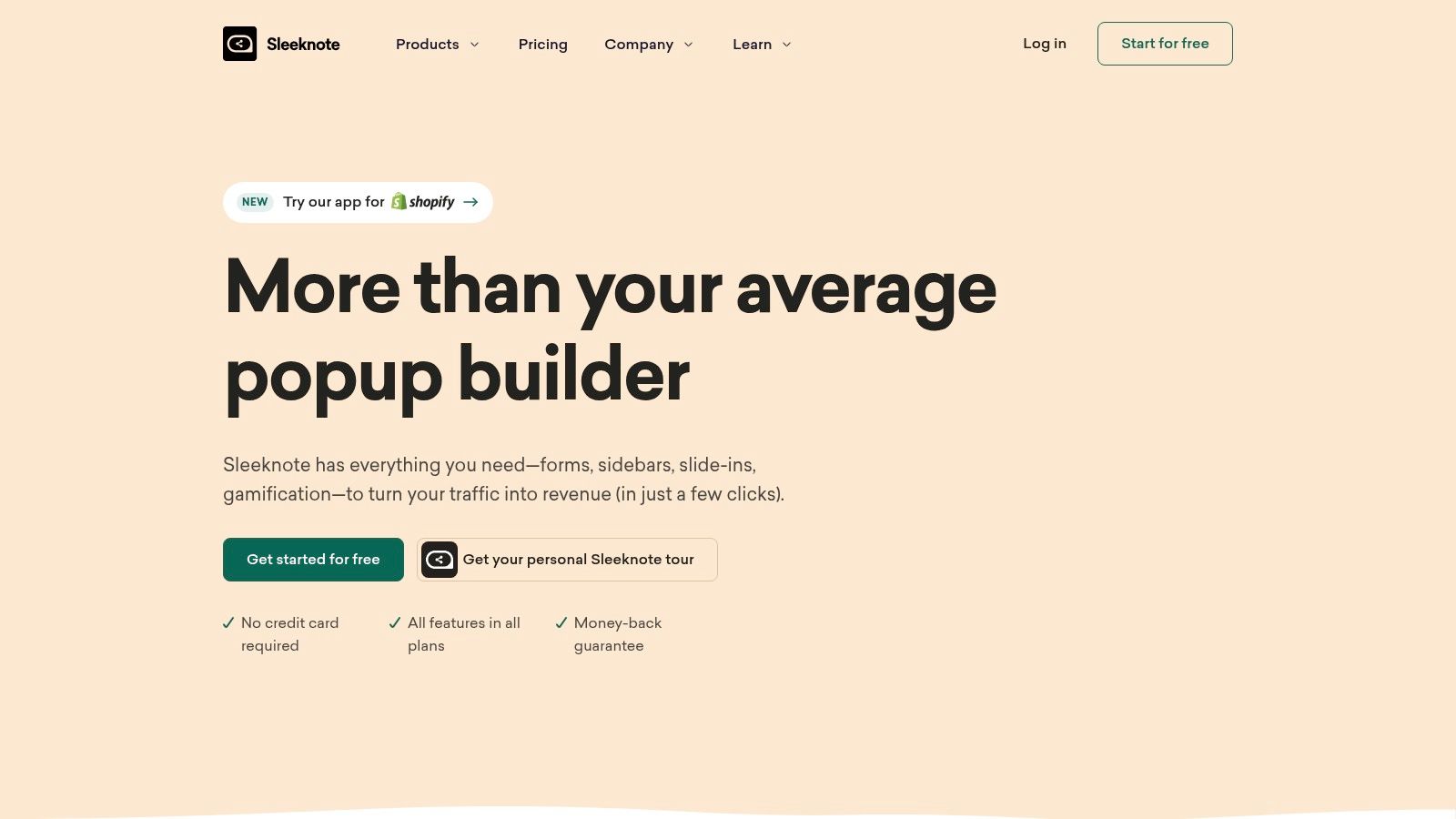
The platform’s core strength is its approachable interface and robust support system, which includes assistance from their design team during the trial period. This focus on user success lowers the barrier to entry for creating sophisticated, multi-step pop ups templates without needing deep technical knowledge. The drag-and-drop editor is clean and easy to navigate, empowering users to build everything from email opt-ins to complex product recommendation popups.
Standout Features & Use Cases
Sleeknote excels in providing practical inspiration. Its "Examples" hub is a game-changer, allowing you to filter by goal (e.g., collect emails, guide visitors, increase sales) and see exactly how other companies have succeeded. This is perfect for e-commerce stores looking for proven cart abandonment popups or for SaaS companies wanting effective demo request forms. The ability to create multi-step campaigns is another key feature, enabling you to ask for less information upfront and increase conversion rates.
Pro Tip: Use Sleeknote’s multi-step popups to create a quiz or survey. For example, a fashion retailer could ask, "What's your style?" with image-based choices, then present a personalized discount code on the final step. This boosts engagement and collects valuable customer data.
Platform Details & Integration
| Feature | Details |
|---|---|
| Pricing | Starts at €49/month (billed annually). Based on visitor sessions. |
| Templates | Large gallery of templates and a hub of hundreds of copy-and-reuse examples. |
| Integrations | Connects seamlessly with major e-commerce platforms, ESPs, and CRMs. |
| Support | Top-tier phone, chat, and email support, plus optional design assistance. |
While its pricing is higher than some basic tools and is tied to traffic volume, the platform's ease of use, extensive example library, and stellar support make it a strong investment. For teams focused on speed and proven results, Sleeknote delivers a powerful and accessible solution.
Visit Sleeknote: https://sleeknote.com
Top 7 Pop-up Template Tools Comparison
| Product | 🔄 Implementation complexity | ⚡ Resource requirements | 📊 Expected outcomes | 💡 Ideal use cases | ⭐ Key advantages |
|---|---|---|---|---|---|
| Divimode | Medium — Divi-native workflow; advanced features need dev skills | Requires Divi/Extra + Divi Builder; Pro license for full features; lightweight code | Targeted, high-conversion interactive Areas on Divi sites | Divi-powered sites and WooCommerce stores needing conditional popups, mega menus, tooltips | Deep Divi integration; flexible triggers; developer API; free Popups entry |
| OptinMonster | Medium — feature-rich SaaS with learning curve | SaaS subscription; wide integrations; impressions-based pricing | Fast experimentation and measurable opt-in/revenue lifts | Teams wanting many templates, A/B testing and cross-platform embeds | 700+ templates; broad integrations; analytics & A/B testing |
| Elementor Popup Builder (WordPress) | Low — visual, no-code if using Elementor Pro | Requires WordPress + Elementor Pro; native editor, no extra scripts | Pixel-perfect popups consistent with site design | Sites using Elementor that want unified visual control | Full design freedom; unlimited popups; 100+ widgets |
| Popupsmart | Low — quick code-embed setup, performance-focused | SaaS with pageview-based plans; simple embed script; Zapier/native connectors | Fast-loading, mobile-optimized popups with clear quotas | Teams prioritizing speed/ performance and straightforward embeds | Lightweight implementation; transparent plans; fast to implement |
| Poptin | Low — drag-and-drop, easy onboarding | SaaS with generous free tier (branding); visitor quotas on plans | Affordable, quick campaigns across multiple domains | SMBs and agencies testing many popup styles affordably | Generous free tier; built-in autoresponder; multi-domain support |
| ConvertFlow | High — full funnel orchestration, conditional logic | Higher-tier SaaS; integrations and onboarding recommended | Coordinated campaigns, personalization and strong funnel lifts | Teams building end-to-end onsite campaigns and complex funnels | All-in-one funnels; powerful testing & conditional logic; large template library |
| Sleeknote | Low–Medium — approachable UI with guided onboarding | SaaS with visitor-based pricing; optional paid design assistance | Good ecommerce conversion gains with proven examples | Ecommerce brands seeking design support and real-world examples | Very approachable UI; Examples hub to clone proven popups; strong support |
Choosing the Right Template for Your Divi Strategy
Navigating the world of pop-ups can feel overwhelming, but as we've explored, the right tools and templates transform them from intrusive annoyances into powerful conversion assets. This roundup demonstrates that a well-designed, strategically timed pop-up is a critical component of any successful Divi website, whether your goal is to grow an email list, reduce cart abandonment, or guide users toward key content.
The key takeaway is that effectiveness isn't just about aesthetics; it's about the seamless integration of design, timing, and targeting. From the native Divi integration offered by Divi Areas Pro and Popups for Divi to the extensive A/B testing capabilities of a platform like OptinMonster, the ideal solution depends entirely on your specific project needs and technical comfort level.
From Inspiration to Implementation
You've seen a variety of high-converting pop ups templates and learned how to deploy them. Now, it's time to move from inspiration to action. Before you download your first template or sign up for a service, take a moment to map out your goals.
- Define a Single, Clear Objective: What is the number one action you want a user to take? Is it signing up for a newsletter, claiming a discount, or downloading a lead magnet? Every design and trigger choice should serve this primary goal.
- Understand Your User's Journey: Where are visitors most likely to convert? A new visitor might respond well to a welcome discount on the homepage, while an exit-intent pop-up on the checkout page is better for preventing cart abandonment.
- Prioritize the User Experience: Aggressive, poorly timed pop-ups can harm your brand's reputation. Always use triggers like scroll-depth, time on page, or exit-intent to present your message at a moment when it feels helpful, not disruptive.
Key Considerations for Your Divi Toolkit
Choosing your pop-up tool involves balancing features, ease of use, and budget. For Divi-centric designers and agencies, a deeply integrated solution often provides the most streamlined workflow. For marketers focused on complex segmentation and analytics, a dedicated SaaS platform might be the better choice.
Remember to consider factors like site speed, as some third-party scripts can impact performance. Also, evaluate the level of design control each tool offers. The best pop ups templates are those you can fully customize to match your brand's unique identity, creating a cohesive and professional user experience across your entire Divi site.
Ultimately, the most effective pop-up strategy is one that is continuously tested and refined. Start with a well-designed template, implement it with clear user-centric triggers, and then use data to optimize your approach. By treating your pop-ups as a dynamic part of your marketing funnel, you’ll unlock a powerful channel for engagement and growth.
Ready to unlock the full potential of pop-ups directly within the Divi builder? Explore the extensive library of professionally designed pop ups templates from Divimode. Built specifically for Divi, our layouts provide the perfect starting point for your next high-converting campaign. Discover the Divimode template library today.
More Articles You Will Like