 Alex Martin
The perfect design often starts with a spark of inspiration. For Divi users, that spark comes from seeing what is truly possible with this powerful builder. But scrolling through endless showcases can be overwhelming. You need more than just pretty pictures-you need a strategic roadmap to turn that inspiration into a functional, high-performing website.
This article cuts through the noise. We present the 7 best sources for high-quality Divi website examples, guiding you to the most innovative designs and layouts available. We go beyond surface-level galleries to show you where to find premium child themes, versatile layout packs, and actionable design patterns that you can adapt for your own client projects. Each entry includes direct links and screenshots to streamline your research.
More importantly, we will deconstruct the advanced interactive elements you see on these top-tier sites. You will learn how to replicate sophisticated features like dynamic popups, conditional mega menus, and targeted content injections. We will provide specific, actionable tips for implementing these effects using powerful tools like Divimode's Divi Areas Pro, giving you the technical know-how to elevate your next Divi build from standard to exceptional.
1. Elegant Themes – Divi Website Examples + Premade Layout Packs
The best place to start your search for Divi website examples is directly at the source: Elegant Themes, the creators of Divi. Their official showcase is not just a gallery; it's an integrated part of the Divi ecosystem, offering a direct line from inspiration to implementation. This makes it an essential first stop for both new and experienced Divi users.
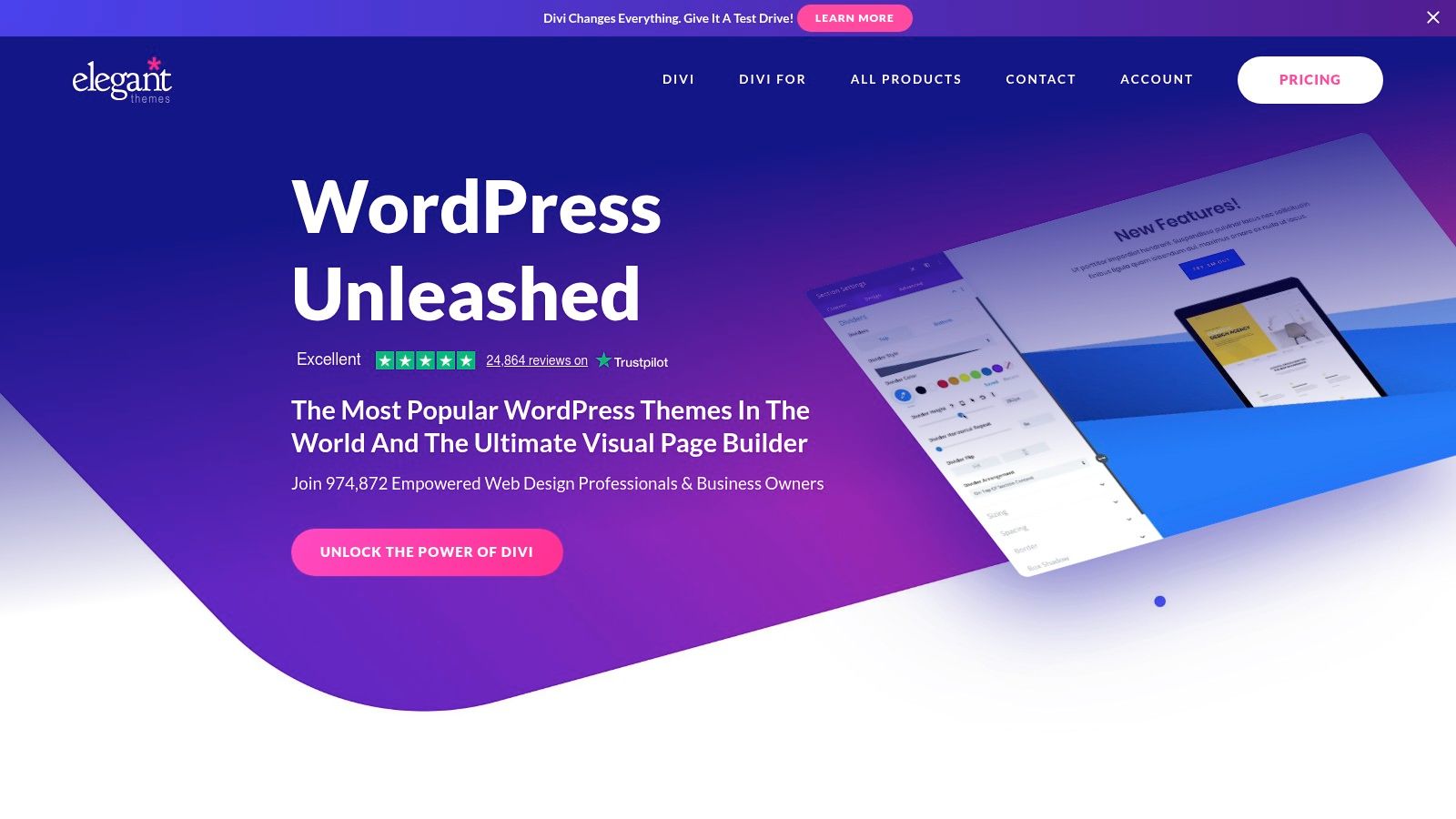
The platform is divided into two core resources: a curated gallery of real-world websites and a massive library of premade layout packs. The layout packs are the platform's standout feature, offering a significant advantage over other galleries.
Strategic Analysis
What sets Elegant Themes apart is the seamless workflow it enables. Instead of just looking at a design, you can find a professionally designed layout pack that matches your project's needs and import it directly into your Divi Builder with a single click. This drastically cuts down on development time, providing a fully designed, multi-page starting point that is guaranteed to be 100% compatible with the core builder. These layouts are not just templates; they are complete design systems with consistent branding, typography, and imagery across multiple pages (e.g., Home, About, Services, Contact).
Actionable Takeaway: Use the layout packs as a high-quality foundation. Instead of building from scratch, import a pack that aligns with your industry and customize it. This approach saves countless hours and ensures you start with a solid, professionally designed structure.
Practical Tips for Implementation
To leverage this resource effectively, access to the layouts requires an active Elegant Themes membership (starting at $89 per year). Once you have a license, you can browse the entire library directly within the Divi Builder on your WordPress site.
- Browse Inside Divi: Open the Divi Builder, click the "+" icon to add a new section, and select "Load From Library." From there, you can access the "Premade Layouts" tab.
- Filter by Category: Use the category filters to quickly find layout packs for specific niches like "Restaurant," "Business," "Agency," or "Health & Fitness."
- One-Click Import: Preview any layout and click the "Use This Layout" button to import the entire page design directly onto your canvas.
By using the official library, you ensure every module and design element is built by the team that created the Divi page builder, guaranteeing optimal performance and compatibility.
Website: https://www.elegantthemes.com/
2. Divi Marketplace (by Elegant Themes)
For those looking to move beyond standard layouts and find highly specialized designs, the official Divi Marketplace is the next logical step. It serves as a centralized, curated hub for third-party child themes, layout packs, and powerful extensions, all built specifically for the Divi ecosystem. Think of it as an app store for your Divi website, offering tools to add unique functionality and niche designs that aren't available in the default builder.
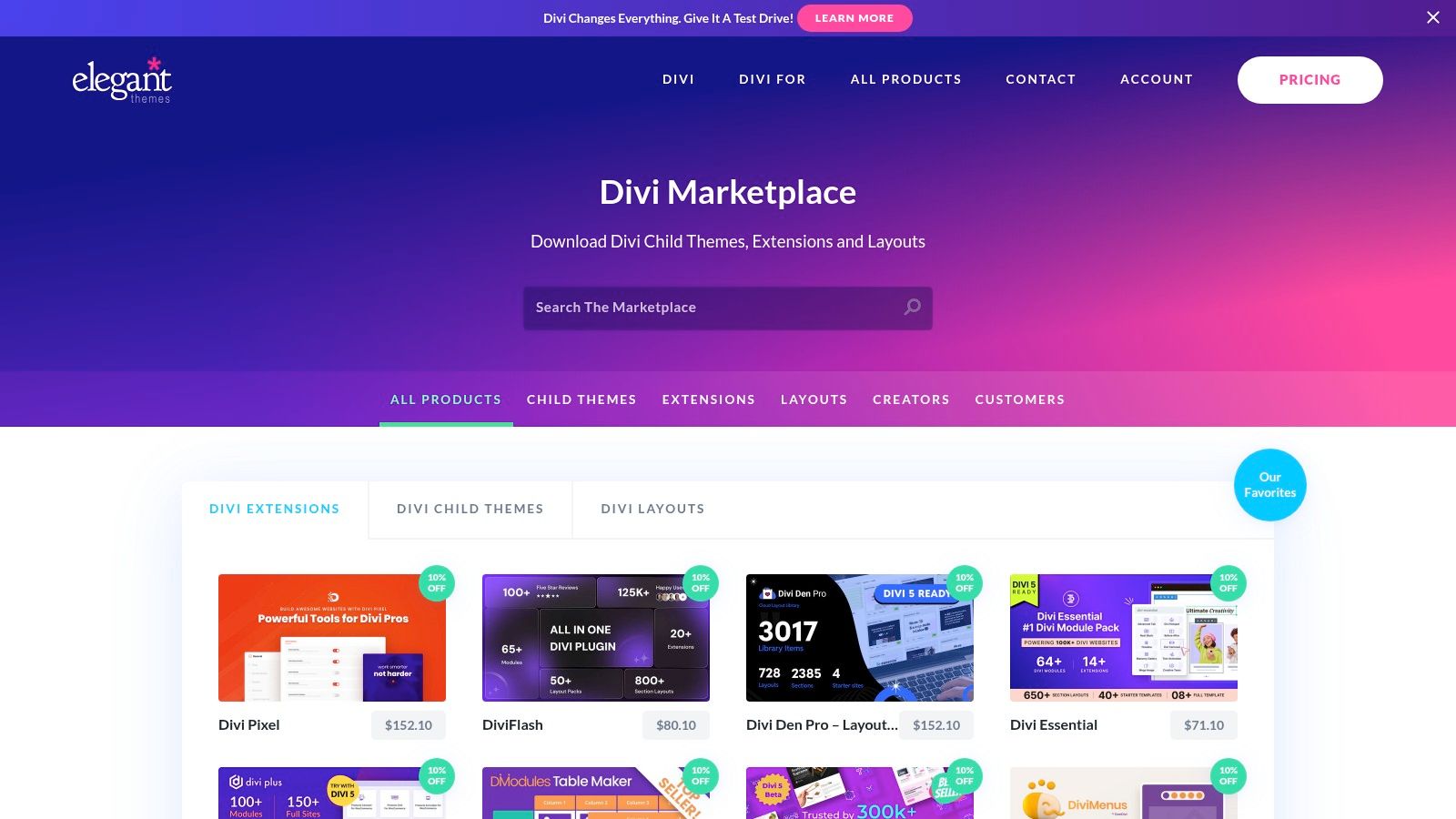
The marketplace acts as a trusted source where every product is vetted by the Elegant Themes team for quality and compatibility. This review process provides peace of mind, ensuring that the add-ons you purchase will integrate smoothly with your site. It is an excellent place to find more Divi website examples that showcase what's possible when the core builder is enhanced with third-party tools.
Strategic Analysis
The key advantage of the Divi Marketplace is its ability to solve highly specific problems without requiring custom code. Need to create a complex booking system, a real estate listings portal, or an advanced mega menu? There's likely an extension for that. Child themes and premium layouts offer complete, industry-specific website packages that can be installed in minutes, providing a more tailored starting point than the general-purpose layouts from the core library. This allows designers to deliver advanced features and aesthetics that would otherwise take weeks to develop.
Actionable Takeaway: When a project requires functionality beyond Divi’s core features, search the Marketplace first. Investing in a well-built extension or a premium child theme is often more cost-effective and faster than hiring a developer for custom work.
Practical Tips for Implementation
Access to purchase and download items from the Marketplace requires an active Elegant Themes account, though browsing is open to everyone. Support for each product is handled directly by its third-party author, so it's wise to check a vendor's reviews and support history before buying.
- Filter and Sort: Use the sidebar filters to narrow your search by category (e.g., Child Themes, Extensions, Layouts) and sort by popularity or release date to find top-rated products.
- Check Demos: Always explore the live demos provided by vendors. This is the best way to see a child theme or extension in action and confirm it meets your needs.
- Review Vendor Profiles: Look at the vendor's profile to see their full range of products, ratings, and how long they've been active on the marketplace.
- Look for Bundles: Many vendors offer bundles of their products at a discounted price, which can be a great value.
The marketplace is also home to some of the best plugins for Divi available, making it an indispensable resource for any serious Divi professional.
Website: https://www.elegantthemes.com/marketplace/
3. Divi Theme Examples (and DiviLayouts.com)
As one of the longest-running independent galleries, Divi Theme Examples provides a highly curated look into real-world Divi website examples. This resource stands apart by hand-picking its showcase, focusing on quality over quantity and organizing sites into practical, niche-specific categories. It serves as a vital research hub for designers looking for proven, effective designs.
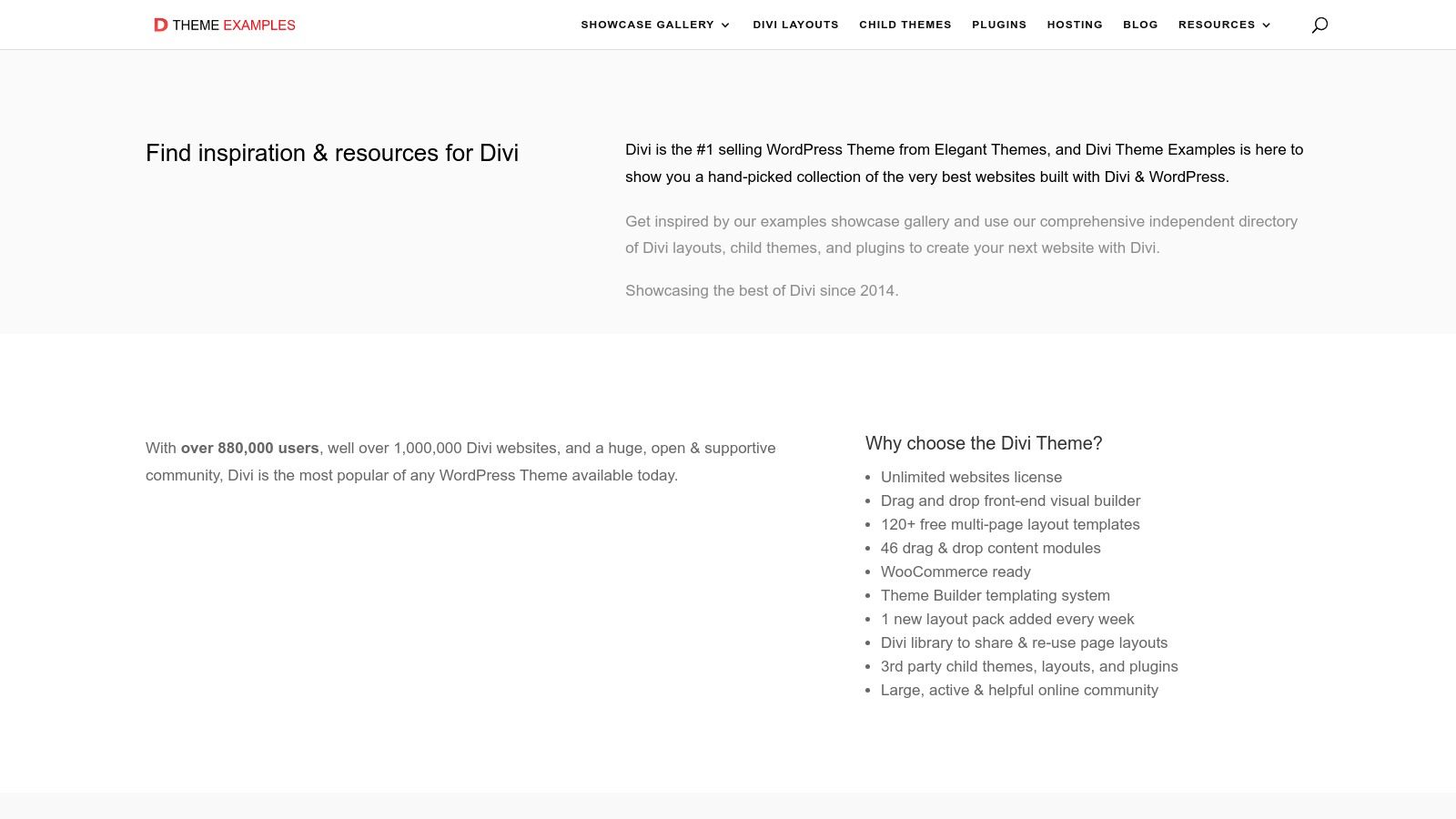
The platform is complemented by its sister site, DiviLayouts.com, which acts as a central directory for free and premium layouts from various third-party vendors. Together, they create a powerful workflow: find inspiration on the main gallery, then discover where to buy a similar layout or child theme through the directory. This two-part system helps bridge the gap between seeing a great design and finding the tools to build it.
Strategic Analysis
The key advantage of Divi Theme Examples is its curated, third-party perspective. Unlike official showcases, it filters through the noise to highlight only the most compelling and well-executed sites, often categorized in unique ways like "best of the year" lists. This curation saves designers significant time by surfacing high-quality examples that adhere to modern website design best practices. The companion layout directory further streamlines the process by aggregating resources, allowing you to compare options from multiple developers in one place.
Actionable Takeaway: Use the main gallery for high-level inspiration and niche research. When you identify a style or feature you like, pivot to DiviLayouts.com to find a commercial child theme or layout pack that can serve as your project's starting point, saving you from reinventing the wheel.
Practical Tips for Implementation
Both the gallery and the layout directory are free to access and browse, making them excellent resources for the initial research phase of any project.
- Filter by Niche: Start on the main showcase and use the specific industry categories (e.g., "Agency," "Portfolio," "Restaurant") to find relevant examples that have already been vetted for quality.
- Explore "Best Of" Lists: The annual "best of" roundups are a great place to see top-tier design trends and innovative uses of the Divi builder.
- Use the Layout Directory for Sourcing: After gathering ideas, head to DiviLayouts.com. Use its filters to find specific layout packs or child themes from various vendors, comparing features and pricing before clicking through to purchase from the original creator.
While the sites link to external vendors, they provide a valuable, centralized starting point that can save hours of searching across different marketplaces for the right assets.
Website: https://www.divithemeexamples.com/
4. Divi Gallery
Divi Gallery operates as a robust, community-driven showcase for Divi website examples, offering a curated look at what designers and developers are building. Unlike official libraries, it provides a real-world perspective by featuring live websites, child themes, and layouts from a diverse range of creators. This makes it an excellent resource for visual inspiration and for discovering third-party products.
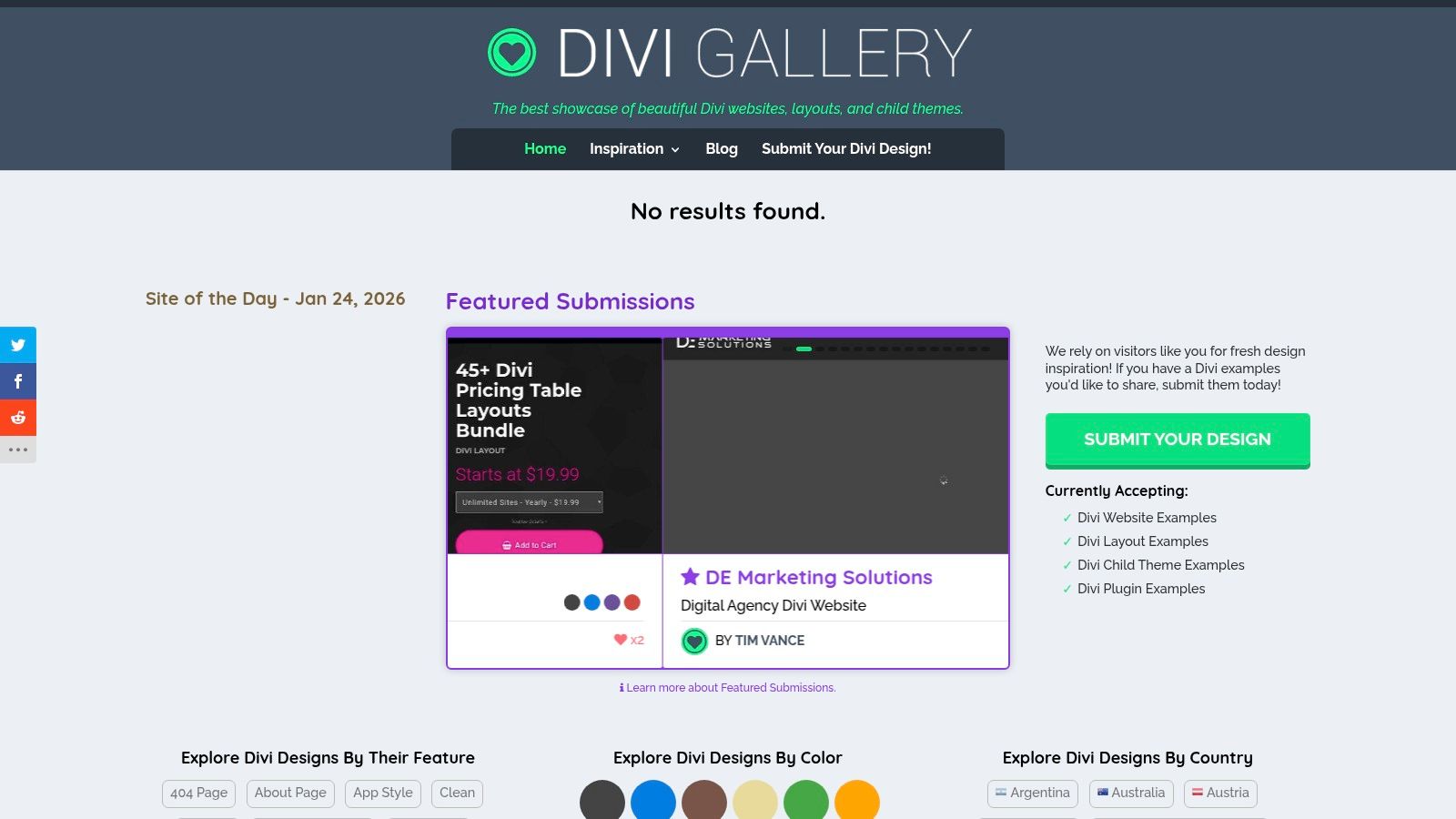
The platform is particularly useful for its comprehensive filtering system, allowing users to sort examples by industry, color palette, and even country. Each entry includes an editorial blurb and direct links to live demos or purchase pages, streamlining the process of finding and vetting new design ideas or commercial themes.
Strategic Analysis
The key advantage of Divi Gallery is its function as a bridge between inspiration and acquisition. While other galleries focus solely on visual showcases, this platform directly connects you to the source, whether it's a live site for design study or a premium child theme for purchase. It acts as an aggregator, saving you time by consolidating hundreds of high-quality examples from across the web. The "Site of the Day" feature ensures fresh content is always highlighted, keeping the inspiration current.
Actionable Takeaway: Use Divi Gallery for competitive research and to find pre-built solutions. Before starting a new project, filter by your client's industry to see what others are doing. If you find a child theme that is 90% of what you need, purchasing it can be far more cost-effective than building from scratch.
Practical Tips for Implementation
Divi Gallery is a free resource to browse, but many of the child themes and layouts featured are premium products sold on third-party marketplaces. Always vet the seller and check for recent updates and support policies before making a purchase.
- Use Advanced Filters: Don't just browse; use the filters for category, color, and country to narrow your search. This is highly effective for finding niche-specific inspiration or seeing regional design trends.
- Check Live Demos: Always click through to the live demo. Screenshots can be deceiving, so interacting with the actual site will give you a true feel for its user experience, responsiveness, and performance.
- Verify Currency: Some listings might be older. Check the product page for the last update date and compatibility with the latest version of Divi to avoid potential issues.
This platform is ideal for designers who want to see how Divi is used in the wild and for developers looking to quickly find and purchase a solid foundation for their next project.
Website: https://divigallery.com/
5. Divi Cake (Marketplace + Tutorials/Tools)
For those looking to expand beyond official resources, Divi Cake serves as a valuable community-driven hub that combines a marketplace, educational blog, and practical tools. It operates as a central directory for third-party Divi child themes, layouts, and plugins, making it a useful stop for finding specialized solutions that extend Divi's native capabilities.
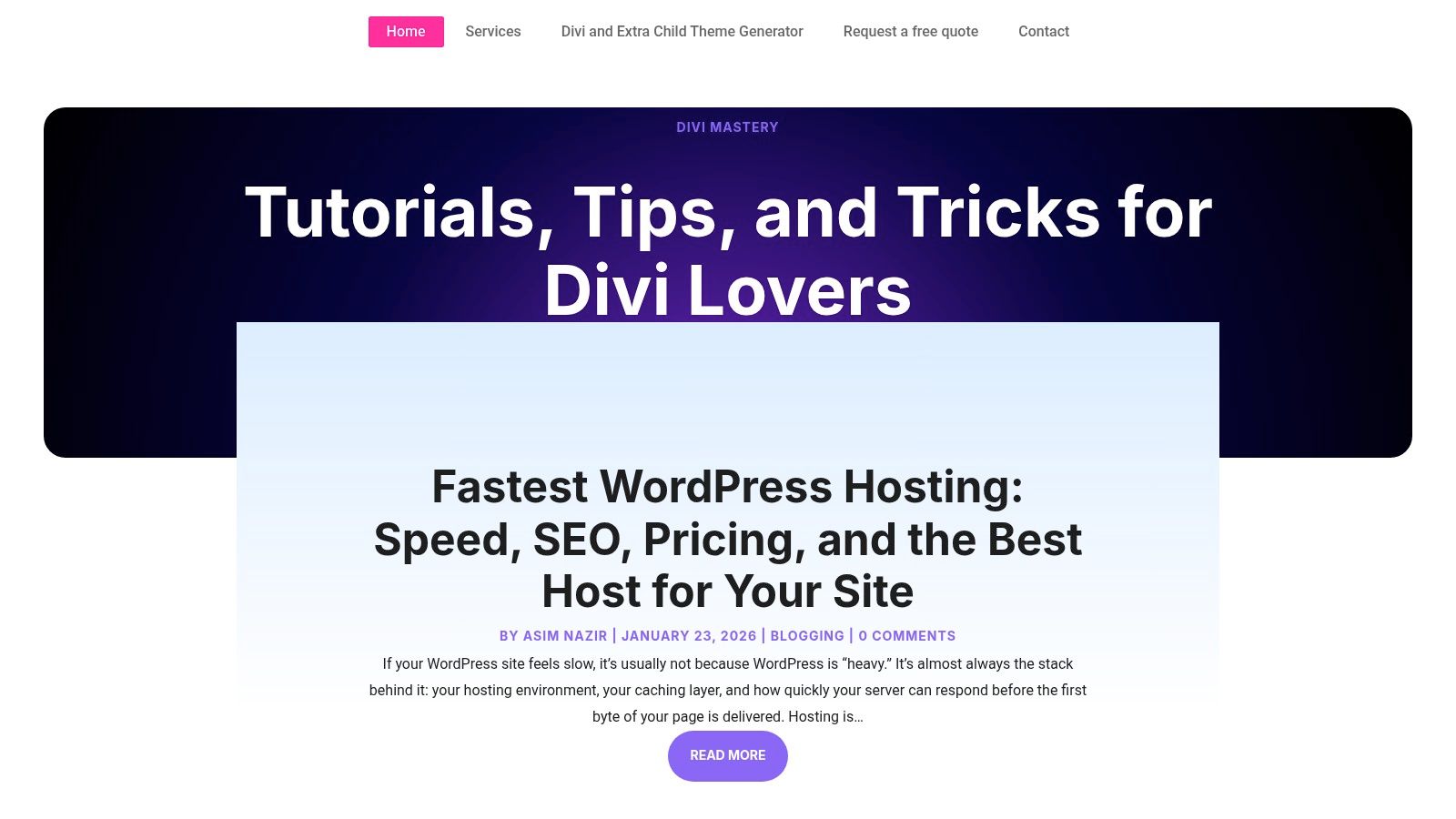
The platform is more than just a store; it’s an ecosystem that supports the entire project lifecycle, from initial setup with its free child theme generator to ongoing learning through its tutorial-rich blog. This blend of commerce and content makes it a unique resource for Divi developers.
Strategic Analysis
Divi Cake’s primary strength lies in its aggregation of niche third-party assets. While the Elegant Themes marketplace offers official products, Divi Cake showcases a wider variety of independent developer creations. This is particularly useful for finding highly specific child themes (e.g., for a "Dog Walker" or "Yoga Studio") that may not be available as a full layout pack elsewhere. Its free Divi Child Theme Generator is a standout utility that streamlines a crucial first step in any professional Divi project.
Actionable Takeaway: Use Divi Cake to find specialized child themes when a standard layout pack is too generic. Before starting a new project, use their free child theme generator to create a proper foundation for custom CSS and code, ensuring your customizations are safe from future theme updates.
Practical Tips for Implementation
The marketplace on Divi Cake is a directory, so purchases and support are often handled by the third-party developers. Always check the reputation and reviews of the original author before buying.
- Generate a Child Theme: Before you write a single line of CSS, visit their generator tool. Select Divi or Extra, fill in the theme details, and download your ready-to-install child theme ZIP file.
- Filter the Marketplace: When searching for products, use the categories like "Child Themes," "Layouts," and "Plugins" to narrow your results. Pay close attention to compatibility notes and last-updated dates.
- Vet Third-Party Sellers: Since Divi Cake links to external products, click through to the seller's website. Review their support policy, documentation, and customer feedback to ensure they are a reliable vendor.
This approach allows you to leverage the creativity of the wider Divi community while following best practices for theme development.
Website: https://divicake.com/
6. Divi Life
Divi Life is a well-established third-party marketplace dedicated entirely to the Divi ecosystem. While other galleries show what’s possible, Divi Life provides the actual tools, offering a vast collection of child themes, plugins, and layout packs designed to extend Divi's native functionality. This makes it a one-stop shop for designers and developers looking for professional-grade assets to accelerate their workflow.
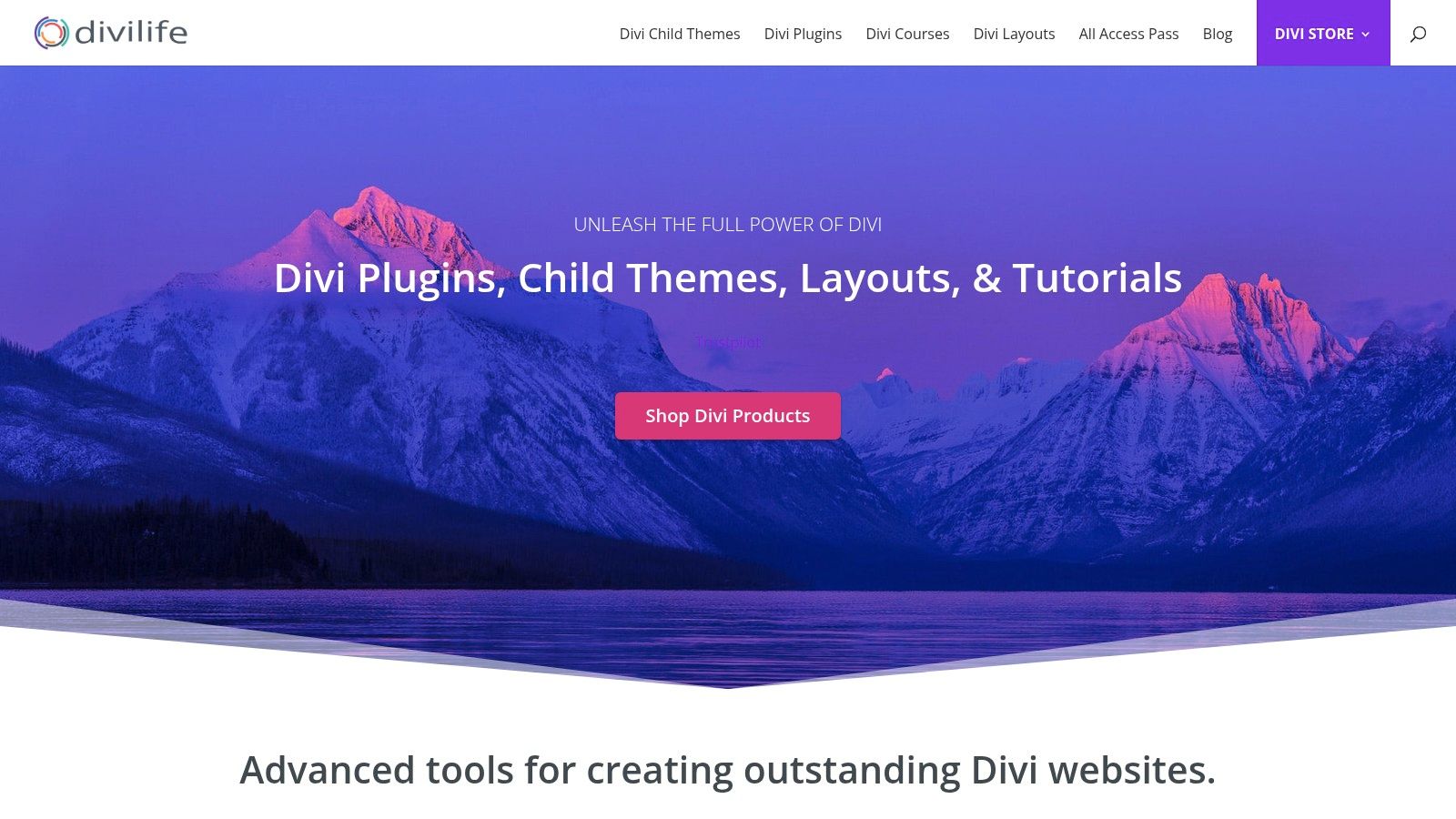
The platform is best known for its "All Access Pass," which bundles over 1,000 layouts, 30 child themes, and 20 plugins into a single, economical package. This comprehensive library offers a huge variety of Divi website examples that are not just for inspiration but are fully importable and ready for customization.
Strategic Analysis
The core advantage of Divi Life is its consolidation of assets. Instead of piecing together solutions from various vendors, you gain access to a cohesive suite of products from a single developer. This ensures better compatibility between plugins, child themes, and the core Divi builder. The All Access Pass transforms Divi from a powerful page builder into a complete web design toolkit, equipping you with solutions for everything from popups and mega menus to specialized e-commerce and portfolio designs.
Actionable Takeaway: Leverage the All Access Pass to build a versatile "Divi toolkit." When a new project comes in, browse Divi Life's child themes and layouts first. Finding a 90% complete solution here can save dozens of development hours compared to starting from scratch or even a basic Elegant Themes layout pack.
Practical Tips for Implementation
Access to the full library is available through an annual or lifetime membership. This is particularly cost-effective for agencies or freelancers who manage multiple Divi client sites.
- Audit Demos First: Before committing, thoroughly explore the live demos for the child themes and layouts. This ensures their design aesthetic aligns with your or your clients' branding.
- Focus on Niche Solutions: Look for child themes that solve specific industry needs, such as their layouts for real estate agents, law firms, or online courses. These are often more feature-rich than generic multipurpose themes.
- Check for Divi 5 Compatibility: Divi Life actively notes compatibility with upcoming Divi versions like Divi 5, which is a crucial consideration for future-proofing your projects.
By integrating Divi Life's resources, you can significantly expand your design capabilities and deliver more sophisticated websites faster.
Website: https://divilife.com/
7. Divi Extended
Divi Extended operates as a third-party marketplace, offering a wide array of premium child themes, layouts, and sections. While the official Divi library provides an excellent starting point, Divi Extended fills the gap for hyper-specific niches and one-off design needs. It’s a great resource for developers looking for specialized Divi website examples and ready-to-deploy solutions without a recurring subscription.
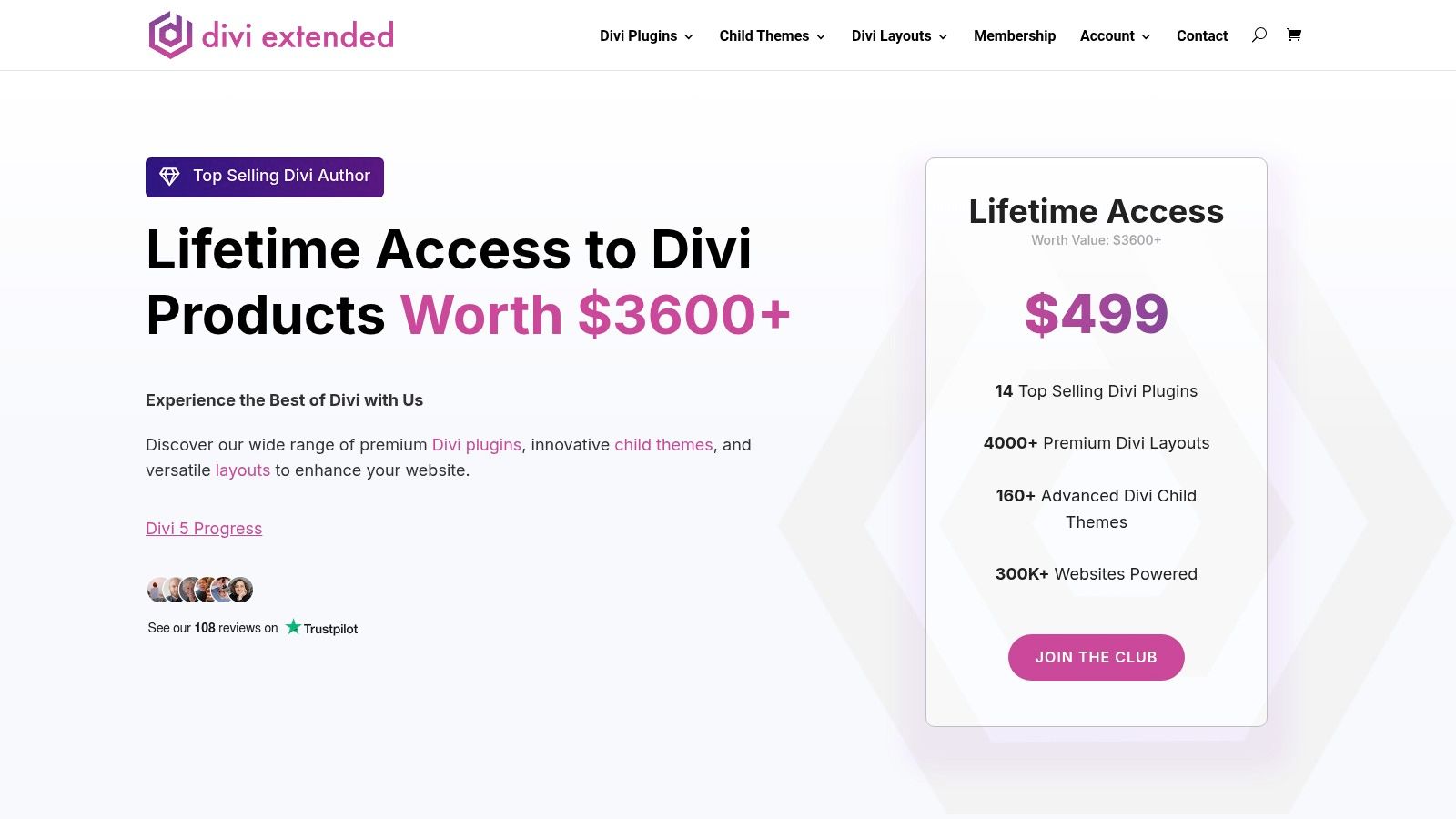
The platform is best known for its extensive collection of child themes tailored for specific industries, such as law firms, dental clinics, and educational institutions with LMS integrations. This focus on vertical markets makes it a valuable asset when a standard layout pack is too generic for a client's project.
Strategic Analysis
The key advantage of Divi Extended is its a la carte pricing model. Instead of a subscription, you can purchase individual products as needed, which is ideal for one-off projects or for testing a specific design direction without a large upfront investment. Many of their child themes come with deep integrations for platforms like WooCommerce and LearnDash, providing a functional and aesthetic head start on complex projects. This saves significant development time compared to styling these integrations from scratch.
Actionable Takeaway: When a project requires a very specific industry design or functionality (like LMS), browse Divi Extended first. A niche child theme often provides a more relevant starting point than a general-purpose layout, cutting down on customization and ensuring industry-specific features are already in place.
Practical Tips for Implementation
Purchasing and using products from Divi Extended is a straightforward process, but it operates outside the official Elegant Themes ecosystem.
- Review Demos Carefully: Since quality and design styles can vary between products, always thoroughly explore the live demos before purchasing. Pay attention to responsiveness, page speed, and overall user experience.
- One-Time Purchases: Products are sold individually, with prices typically ranging from $19 for layout packs to $79 for comprehensive child themes. This one-off cost makes it budget-friendly for single-use cases.
- Installation Process: After purchase, you download the product files and install them on your WordPress site. Child themes are installed via the "Appearance > Themes" menu, while layout files are typically imported directly into the Divi Library.
Remember that support and updates are handled by Divi Extended, not Elegant Themes. Always check the product page for details on the support policy and update frequency before you buy.
Website: https://diviextended.com/
7-Point Comparison: Divi Website Examples
| Resource | Implementation complexity 🔄 | Resource requirements 💡 | Expected outcomes ⭐📊 | Ideal use cases 💡 | Key advantages ⚡ |
|---|---|---|---|---|---|
| Elegant Themes – Divi Website Examples + Premade Layout Packs | Low — one‑click import inside Divi 🔄 | Elegant Themes membership; Divi Builder | High quality & full compatibility ⭐📊 | Quick launches, official templates, start projects fast | Fast import + official support; large professionally designed library ⚡ |
| Divi Marketplace (by Elegant Themes) | Low–Medium — purchase + install items 🔄 | Elegant Themes account; paid items possible | Reliable, vetted results; clear licensing ⭐📊 | Buying vetted third‑party child themes/extensions | Centralized vetted marketplace; clear refund/licensing terms ⚡ |
| Divi Theme Examples (and DiviLayouts.com) | Low to implement — browse easy; external purchases add steps 🔄 | No membership to browse; vendor purchases vary | Curated, strong examples for comparison ⭐📊 | Research, niche inspiration, vendor comparison | Hand‑picked showcases and aggregated layout links for discovery ⚡ |
| Divi Gallery | Low — browsing and filtering is simple 🔄 | No membership to browse; many external links | High visual inspiration; quick demo access ⭐📊 | Visual design checks, live demo review before buying | Filters (industry, color, country) and editorial blurbs for quick discovery ⚡ |
| Divi Cake (Marketplace + Tutorials/Tools) | Medium — marketplace + tooling and tutorials 🔄 | Purchases vary by vendor; free child‑theme generator available | Product + learning mix; faster setups with tools ⭐📊 | Learning Divi, generating child themes, supplemental purchases | Free child‑theme generator and educational content to speed setup ⚡ |
| Divi Life | Medium — membership access and imports 🔄 | All Access Pass (paid) or membership options | Large, consistent library across projects; economical at scale ⭐📊 | Agencies/freelancers needing many templates across sites | Bundle pricing (1,000+ layouts), demos, docs and support for multiple projects ⚡ |
| Divi Extended | Low — per‑item purchase and install 🔄 | Per‑item pricing; vendor support varies | Targeted niche designs; quality varies by item ⭐📊 | Single‑item purchases for verticals or WooCommerce/LMS | Straightforward one‑off pricing and many niche/WooCommerce skins ⚡ |
From Inspiration to Implementation: Your Next Steps
Great design starts with inspiration, but it comes to life through skillful implementation. The diverse collection of Divi website examples we've explored, from the official Elegant Themes layouts to specialized marketplaces like Divi Cake and Divi Extended, offers a powerful launchpad. We've seen how top-tier designers leverage Divi's flexibility to create everything from sleek agency portfolios to high-converting e-commerce storefronts.
However, the key takeaway is that a stunning visual design is only the first step. The true measure of a successful website lies in its user experience, its ability to engage visitors, and its power to drive conversions. This is where the strategic implementation of dynamic elements elevates a good design into a great one. The most impressive examples didn't just look good; they intelligently guided users with interactive features.
Synthesizing Inspiration into Action
As you move from browsing examples to building your own site, remember the core principles we observed. The best Divi websites use targeted popups to capture leads, intuitive mega menus to simplify navigation, and conditional content to deliver personalized user journeys. These aren't just flashy additions; they are strategic tools that enhance usability and achieve business goals.
After gathering inspiration from these Divi examples, it's vital to understand the foundational importance of this work. A well-built site is the cornerstone of your digital strategy, so learning why every business needs a strong online presence and how to build one effectively will give your project a clear purpose. Your goal is not just to replicate a look but to build a high-performance asset for your brand or client.
Choosing the Right Tools for the Job
To translate the advanced functionality we've analyzed into your own projects, you need the right tools. While Divi provides a fantastic foundation, plugins like Divi Areas Pro and Popups for Divi by Divimode provide the specialized power required for sophisticated interactions.
Consider these factors when planning your build:
- Purpose: Are you building a simple lead capture popup or a complex, conditional mega menu? Define the specific goal for each interactive element.
- Triggers: When and how should your dynamic content appear? Base triggers on user behavior like scroll depth, exit intent, or time on page for maximum impact.
- User Experience: Ensure your popups, fly-ins, and tooltips are helpful, not intrusive. A well-timed, relevant interaction feels like a natural part of the browsing experience.
Ultimately, the best Divi website examples serve as a blueprint. They show what's possible when creative design is paired with powerful, user-centric functionality. Use them as your guide, but don't be afraid to innovate and adapt these strategies to fit your unique project needs. The next groundbreaking Divi site could be the one you're about to build.
Ready to turn inspiration into a high-converting reality? Divimode provides the essential tools like Divi Areas Pro and Popups for Divi to build the advanced, dynamic features seen in top-tier websites. Explore the Divimode toolkit to unlock your Divi site's full potential and create an experience that truly engages your audience.
More Articles You Will Like