
 Alex Martin
The Divi Builder has revolutionized WordPress design, but starting every project from scratch can be a significant drain on time and resources. Free Divi layouts provide an incredible shortcut, offering professionally designed foundations for everything from complex landing pages to complete, multi-page websites. However, the web is flooded with options, ranging from official Elegant Themes packs to hidden gems from third-party creators, making it difficult to find high-quality, reliable, and truly free resources. Navigating this landscape to find the best free Divi layouts for your specific needs can be a challenge.
This guide cuts through the noise. We've curated the definitive list of the top sources for free Divi layouts, complete with an in-depth analysis of what each platform offers. For every resource, we provide screenshots, direct download links, and a practical breakdown of its strengths, potential limitations, and ideal use cases. This gives you the clarity needed to choose the perfect starting point for your next project, whether you're building a portfolio, an e-commerce store, or a corporate site.
Beyond just listing resources, we'll cover the essential steps for importing and customizing these layouts. As you dive into optimizing your designs, remember to apply essential responsive web design best practices to ensure a seamless user experience across all devices. We'll also show you how to elevate your chosen templates with powerful tools like Divimode's Divi Areas Pro and Popups for Divi to create interactive popups, fly-ins, and other dynamic content, transforming a static design into an engaging user experience.
1. Elegant Themes (Divi)
The best place to start your search for free Divi layouts is directly from the source: Elegant Themes. Integrated directly into the Divi Builder, their library offers hundreds of professionally designed, multi-page layout packs. These aren't just single-page templates but complete website kits, often including pages for Home, About, Contact, Blog, Services, and more. This makes them an unparalleled starting point for building a cohesive website quickly.
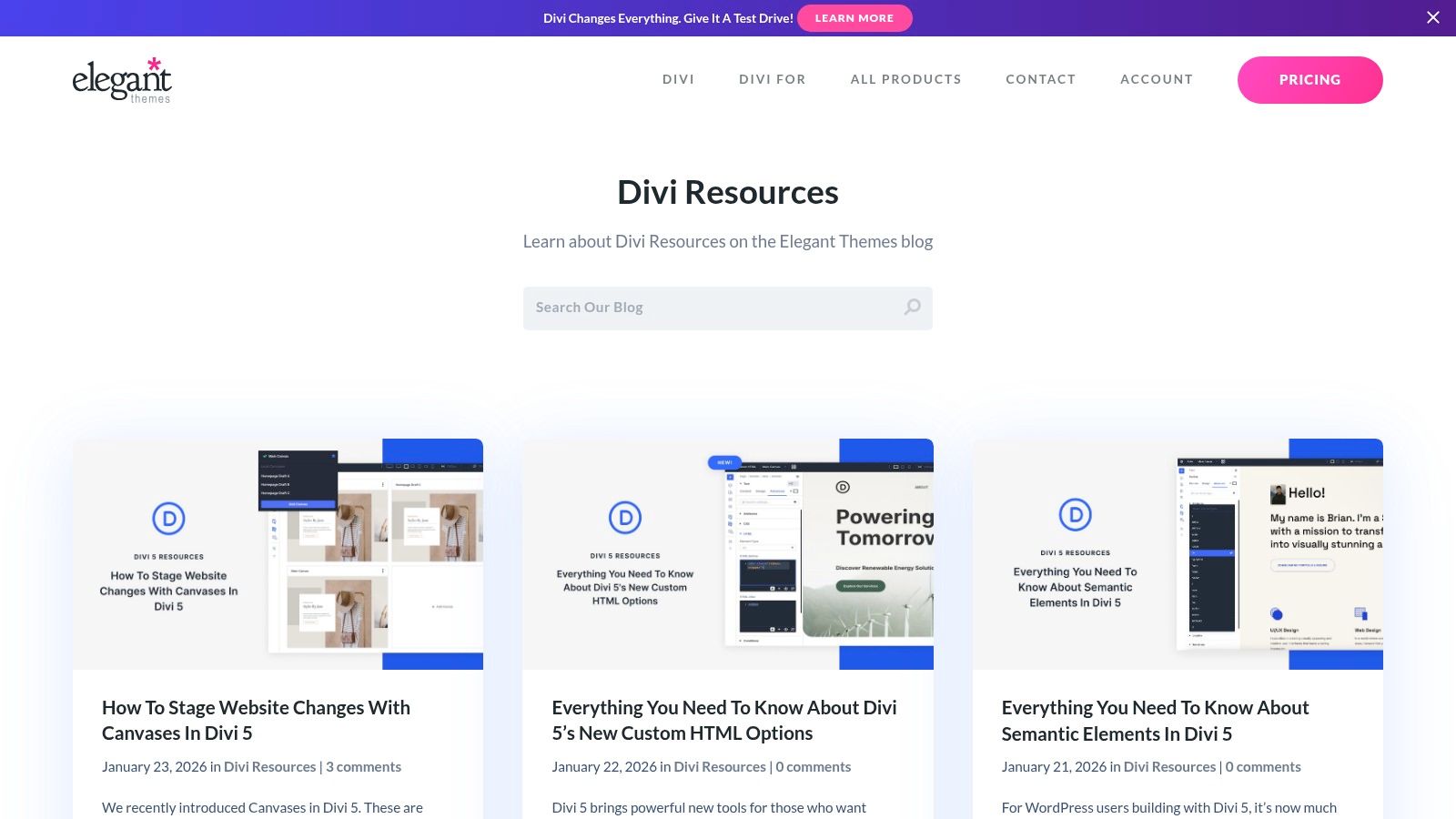
The primary advantage is the seamless user experience. You can browse, preview, and import any layout directly from the Visual Builder with a single click, eliminating the need to download and upload JSON files manually. Each pack is a polished product created by the Divi design team, ensuring high-quality design, consistent styling, and optimal performance.
Key Features & Considerations
A significant benefit is that all photos, icons, and illustrations included in these packs are royalty-free and cleared for commercial use. This saves you the time and expense of sourcing your own assets. While the layouts are technically free, accessing them from within the builder requires an active Elegant Themes membership.
- Best For: Divi users who need a fast, reliable, and integrated solution for building complete websites from a vast, high-quality library.
- Pros: The largest collection available, seamless one-click import, and all bundled assets are cleared for commercial use.
- Cons: Requires an active Elegant Themes membership for in-builder access.
Website: elegantthemes.com/blog/divi-resources
2. Divi Theme Examples
While the Divi Builder provides direct access to layouts, browsing and comparing them efficiently can be challenging. Divi Theme Examples solves this by acting as a curated visual gallery and discovery hub for the official weekly layout packs released by Elegant Themes. It organizes these free Divi layouts into an easy-to-scan showcase, allowing you to quickly view screenshots, read summaries, and access live demos before deciding which pack to import.
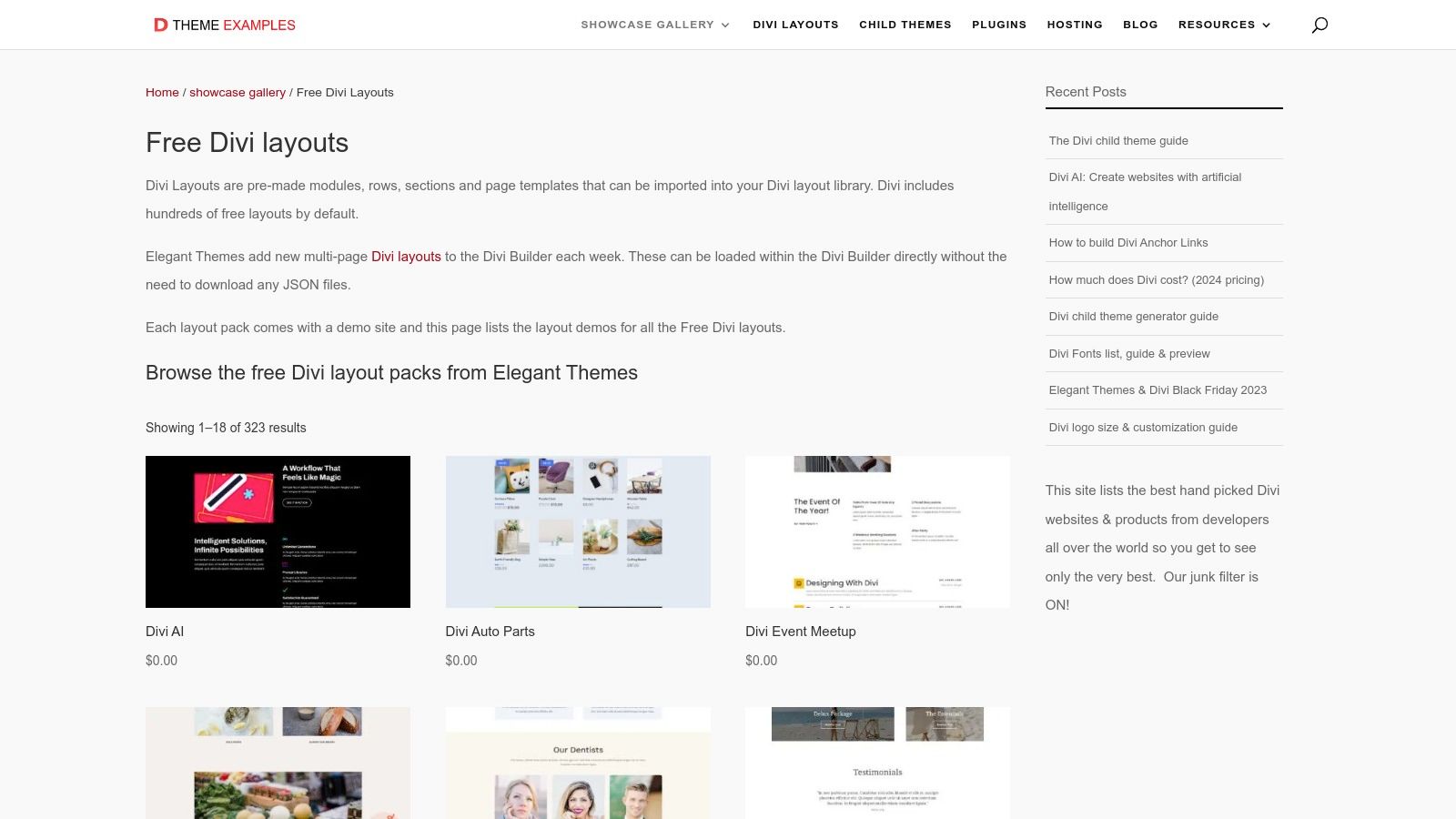
This platform excels at improving the discovery process. Instead of loading layouts one by one inside the Divi Builder, you can open multiple demos in your browser and compare them side-by-side. Each listing provides a direct link to the official Elegant Themes blog post where the pack was announced, giving you context and the option to download the JSON files directly. It’s an indispensable research tool for designers who want to evaluate the full scope of a layout pack before committing to it.
Key Features & Considerations
Divi Theme Examples is not a source for downloading files but a directory that streamlines your workflow. It aggregates everything in one place, saving you time you would otherwise spend searching the Elegant Themes blog. By providing a clear visual index, it helps you find the perfect aesthetic for your project much faster. Once you've chosen a layout, you can either find it within the Divi Builder or download it from the linked source. To take these designs even further, you can learn how to transform Divi layouts with Divi AI and generate custom content effortlessly.
- Best For: Designers and developers who want a quick, visual way to browse, compare, and vet official Elegant Themes layout packs before importing them.
- Pros: Excellent for fast visual discovery, simplifies comparison of multiple packs, and provides direct links to demos and official download pages.
- Cons: Acts as a directory, not a direct source. The layouts themselves are still hosted and accessed via an Elegant Themes membership.
Website: divithemeexamples.com/divi-showcase-category/free-divi-layouts/
3. DiviLayouts.com
For those looking to explore beyond the official Elegant Themes library, DiviLayouts.com serves as an excellent community-driven directory. It aggregates both free and premium layouts from a wide range of third-party creators, acting as a central hub for discovering unique designs. This platform is particularly useful for finding niche templates and creative concepts that you might not find in the official collection.
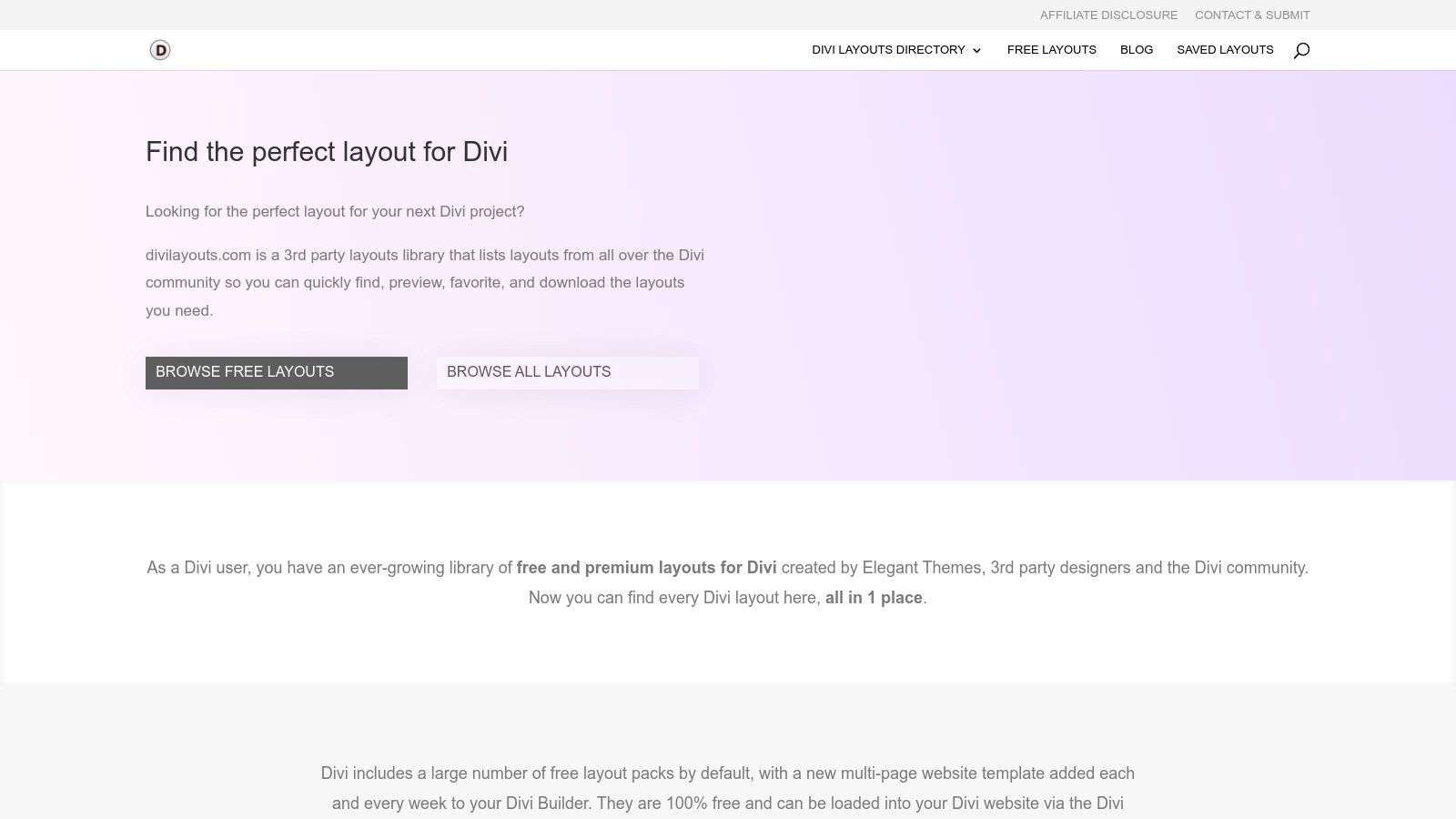
The site’s strength lies in its powerful filtering and search capabilities. You can easily sort by "Free" to see only the no-cost options, and a "Recently Added" section helps you keep track of the latest community contributions. While it's a fantastic discovery tool for free divi layouts, it's important to note that DiviLayouts.com is a directory, not a direct provider. Links often redirect to the original creator’s website to complete the download.
Key Features & Considerations
This aggregation model means the download process can vary significantly between layouts. Some creators may require an email signup, while others offer a direct download. Always check the licensing terms provided by the individual author, as they may differ from Elegant Themes' commercial-use policy. This variety, however, is what makes the platform a valuable resource for fresh and diverse design inspiration.
- Best For: Designers and developers looking for unique, community-made layouts and a centralized place to discover new third-party creators.
- Pros: Centralizes community-created freebies for easy discovery and offers design variety beyond the official Elegant Themes packs.
- Cons: Download process and usage terms vary by creator, as links often point to external websites.
Website: https://www.divilayouts.com/
4. Divi Theme Center (Freebies)
Divi Theme Center offers a dedicated "Freebies" section that functions like a marketplace for $0 Divi assets. It provides a variety of niche-specific, one-page layouts and sections, perfect for quickly spinning up landing pages or prototyping websites for businesses like bakeries, fitness studios, or construction companies. Each freebie includes a live demo, allowing you to see exactly what you're getting before you download.
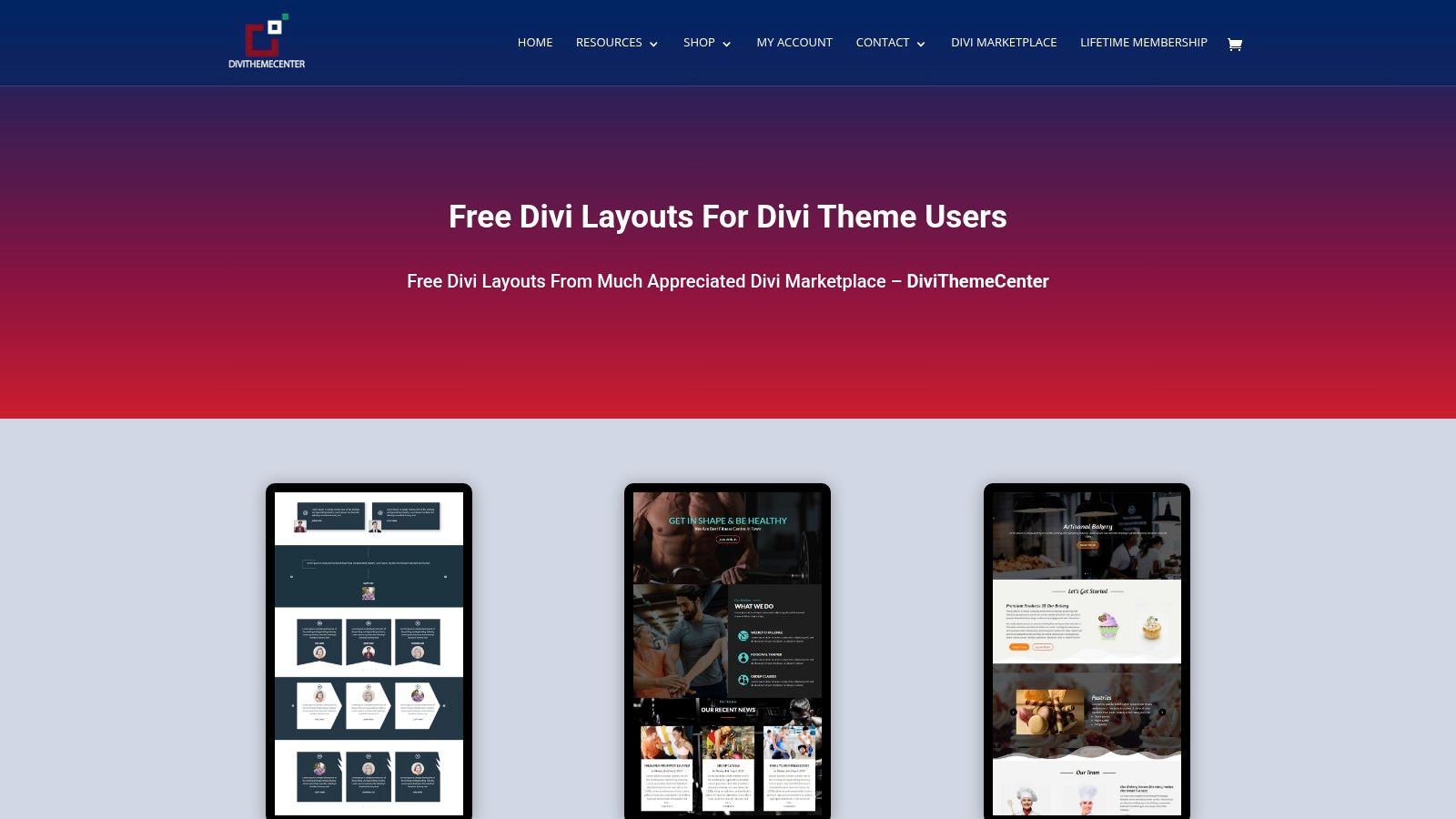
Unlike integrated libraries, the process here involves a simple checkout-style system where you "purchase" the item for free. After completing the process, you receive the JSON file along with installation tips. This marketplace approach makes it a valuable resource for finding unique, single-page designs that aren't available in the official Divi library, offering a different flavor of free Divi layouts for specialized projects.
Key Features & Considerations
A key advantage is the specificity of the layouts available, which can save considerable design time if one matches your project's niche. While the downloads are free, you typically need to create an account and go through the checkout process to access the files. The quality can vary since the assets are created by different authors, so it's important to use the live demos to vet each item.
- Best For: Users needing quick, niche-specific, single-page templates for landing pages or small business sites without requiring a membership.
- Pros: Excellent variety of niche one-page layouts, no membership required for most free downloads, and helpful live demos.
- Cons: Requires creating an account and completing a checkout process; quality and style can be inconsistent across different items.
Website: divithemecenter.com/freebies/
5. LayoutDivi (The Divi Marketplace)
LayoutDivi operates as a Divi marketplace and features a dedicated 'Freebies' section that offers a unique approach to free Divi layouts. Instead of providing full multi-page packs, its strength lies in offering modular, section-level bundles. These are pre-designed components like team member sections, pricing tables, progress bars, and feature grids that can be dropped into any existing page. This makes it an excellent resource for enhancing a specific part of your website without committing to a full template overhaul.
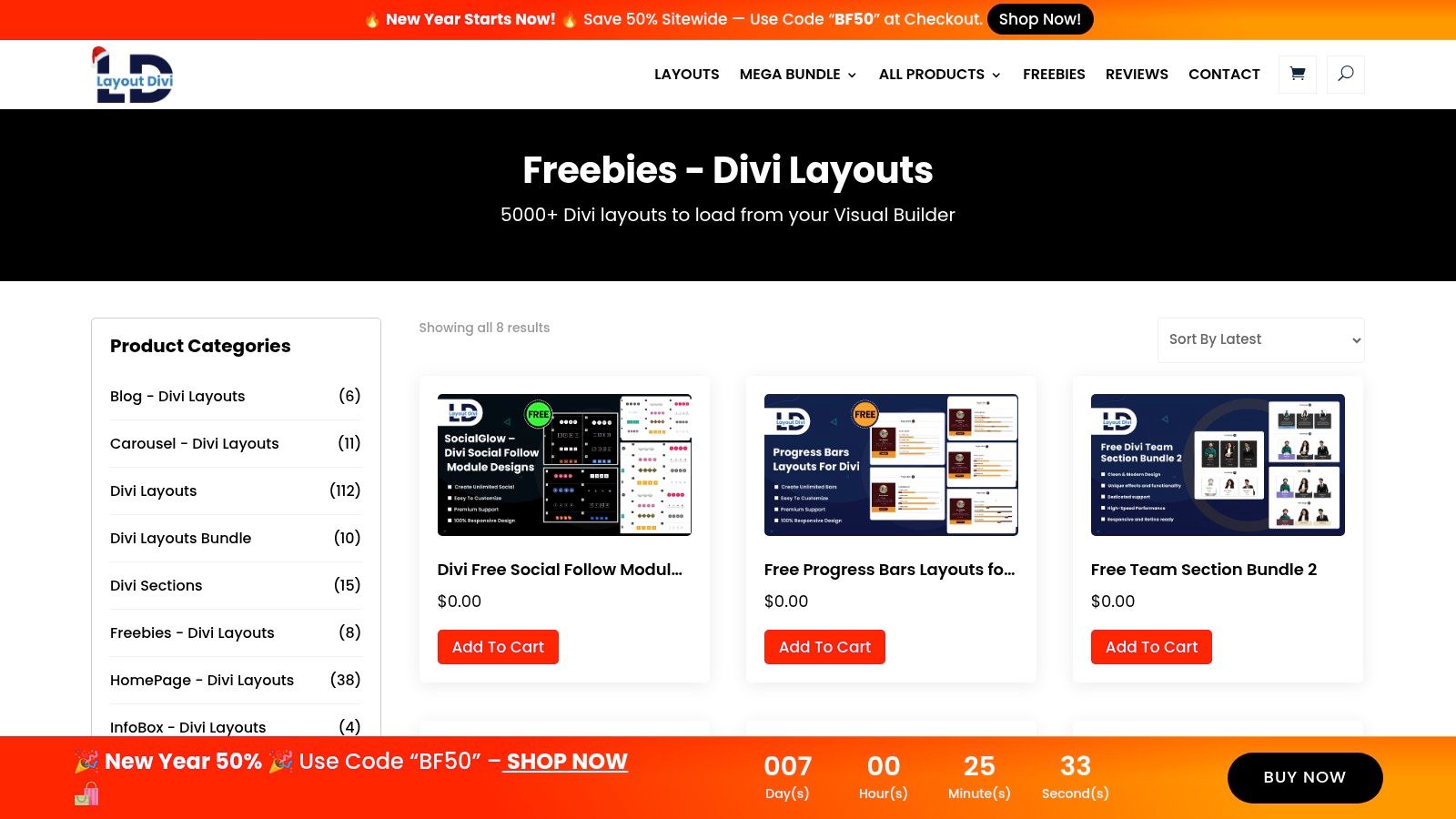
The primary advantage here is efficiency. If you're generally happy with your site design but need a professionally styled pricing table, you can grab one from LayoutDivi and import it directly onto your page. This modular approach allows for quick, targeted upgrades to specific components, saving you the time of building them from scratch.
Key Features & Considerations
Downloading the layouts requires a free account and involves a standard add-to-cart and checkout process, even though the items are priced at $0. This is a minor extra step compared to some other platforms. The selection in the freebies category can change over time as new items are added and others are potentially moved to paid products, so it's worth checking back periodically for new assets.
- Best For: Users looking for individual, high-quality sections to augment existing page designs or to style common web components quickly.
- Pros: Excellent for finding reusable modular pieces, and a great way to quickly add styled components like pricing tables or team sections.
- Cons: Requires user registration and a checkout process for free downloads; the free selection is not as extensive as others and can change.
Website: layoutdivi.com/product-category/freebies-divi-layouts/
6. DiviFlash – Free Divi Layouts Library
DiviFlash offers a focused collection of free Divi layouts specifically designed for small to medium-sized business niches. While the library is smaller than some larger players, its strength lies in providing practical, real-world templates for service industries like HVAC, insurance, roofing, and plumbing. Each layout is available as a direct JSON file download, making it accessible to anyone using Divi, regardless of their Elegant Themes membership status.
The primary advantage here is the niche focus and accessibility. Instead of sorting through hundreds of artistic or abstract designs, users can find a layout that closely matches a specific business need, significantly speeding up the initial build process. The platform provides clear live previews and categorizes layouts, allowing you to quickly find relevant designs for your project without any financial commitment.
Key Features & Considerations
A key benefit is that DiviFlash bypasses the need for an Elegant Themes subscription to access high-quality designs. You can simply visit the site, choose a layout, and download the JSON file to import into your Divi Library. This makes it an excellent resource for users on older lifetime plans or those who need a quick, one-off page design without logging into the ET ecosystem. While the design quality is generally high, some older packs may exhibit slight inconsistencies in branding compared to newer additions.
- Best For: Freelancers and agencies building websites for local service-based businesses who need niche-specific templates without requiring an ET membership.
- Pros: Strong focus on practical business niches, completely free JSON downloads, and clean import process.
- Cons: Smaller selection compared to the official Divi library, and some older designs lack the polish of newer packs.
Website: diviflash.com/layouts/
7. Divi Lover (Freebie Library)
Divi Lover offers a curated collection of stylish and conversion-focused free Divi layouts through its "Freebies" library. Instead of massive, multi-page packs, this resource specializes in high-impact, single-page templates and custom sections. The designs are modern and clean, often tailored for specific marketing needs like lead magnet funnels, event pages, or visually striking "About Me" pages, making them a great find for marketers and freelancers.
Access to most of the premium freebies is granted upon subscribing to the Divi Lover newsletter, which also delivers new resources directly to your inbox. This "gated content" model provides a steady stream of fresh, well-designed assets. The layouts often come with detailed blog posts explaining the design process and how to best implement them, adding significant educational value beyond just a simple file download.
Key Features & Considerations
What sets Divi Lover apart is its strong emphasis on aesthetic quality and marketing effectiveness. Each layout is thoughtfully crafted with a specific goal in mind, moving beyond generic templates to provide a solution for a particular business need. While the library isn't as vast as others, the quality-over-quantity approach ensures that each freebie is a polished and valuable asset for your projects.
- Best For: Marketers, freelancers, and designers looking for modern, conversion-optimized single-page layouts and unique sections.
- Pros: High-quality, modern visual styles, layouts are geared toward specific marketing conversions, and new freebies are sent to subscribers.
- Cons: Most free resources require an email subscription to access, and the overall collection is smaller than larger repositories.
Website: divilover.com/freebies/
8. VictorDuse.com (Divi Layouts)
VictorDuse.com offers a curated collection of free Divi layouts that stand out by frequently including crucial Theme Builder components. While many free resources focus solely on page layouts, Victor Duse often bundles global headers, footers, and templates for blog posts, archive pages, and even 404 error pages. This makes his downloads particularly valuable for users seeking a complete and cohesive website framework from a single source.
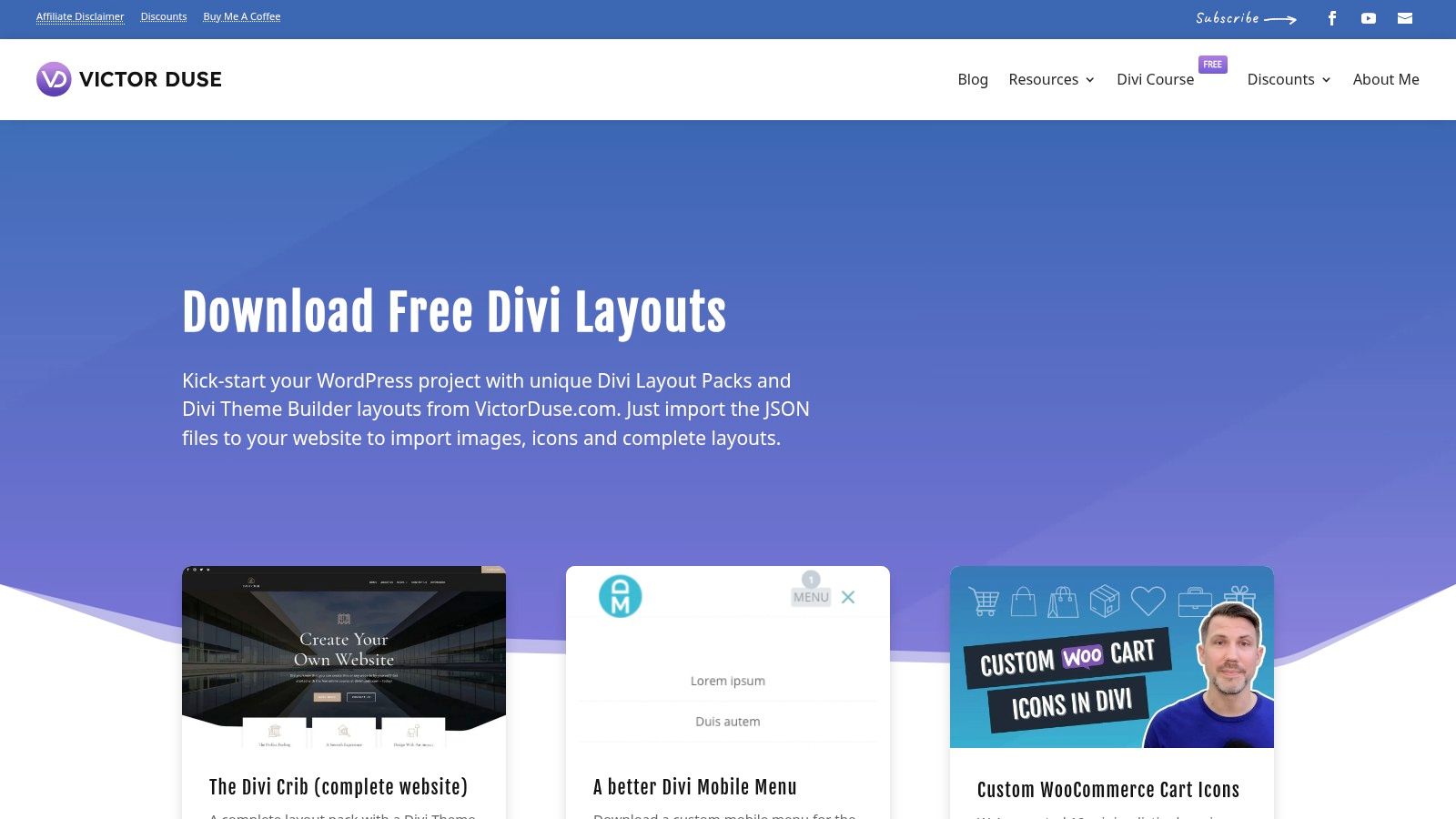
The site provides multi-page layout packs with clean, modern, and minimal aesthetics that are easily adaptable to a wide range of business and personal projects. The clear instructions and troubleshooting notes accompanying each download simplify the import process, making these assets accessible even for Divi beginners. It’s an excellent resource for those who need more than just a landing page template.
Key Features & Considerations
The primary differentiator here is the inclusion of Theme Builder files, which saves significant time in creating a consistent design across your entire site, from the main pages to system templates like search results. While the collection is smaller than massive directories, the quality and completeness of each pack are high. Be aware that some downloads may require an email newsletter signup to access the files.
- Best For: Users who need a complete website solution, including Theme Builder templates for global elements and post types.
- Pros: Includes valuable global header/footer and post templates, and features a clean, minimal design style suitable for many brands.
- Cons: A smaller collection of layouts, and some downloads require an email signup.
Website: victorduse.com/divi-layouts/
9. Divi Professional – Free Divi Layouts
Divi Professional offers a curated selection of free Divi layouts specifically designed for speed and simplicity. While the collection is smaller than others, its strength lies in providing lightweight, single-page templates perfect for landing pages, simple business sites, or minimum viable products (MVPs). Their offerings cater to specific niches like restaurants, SEO agencies, and corporate services, providing a focused starting point.
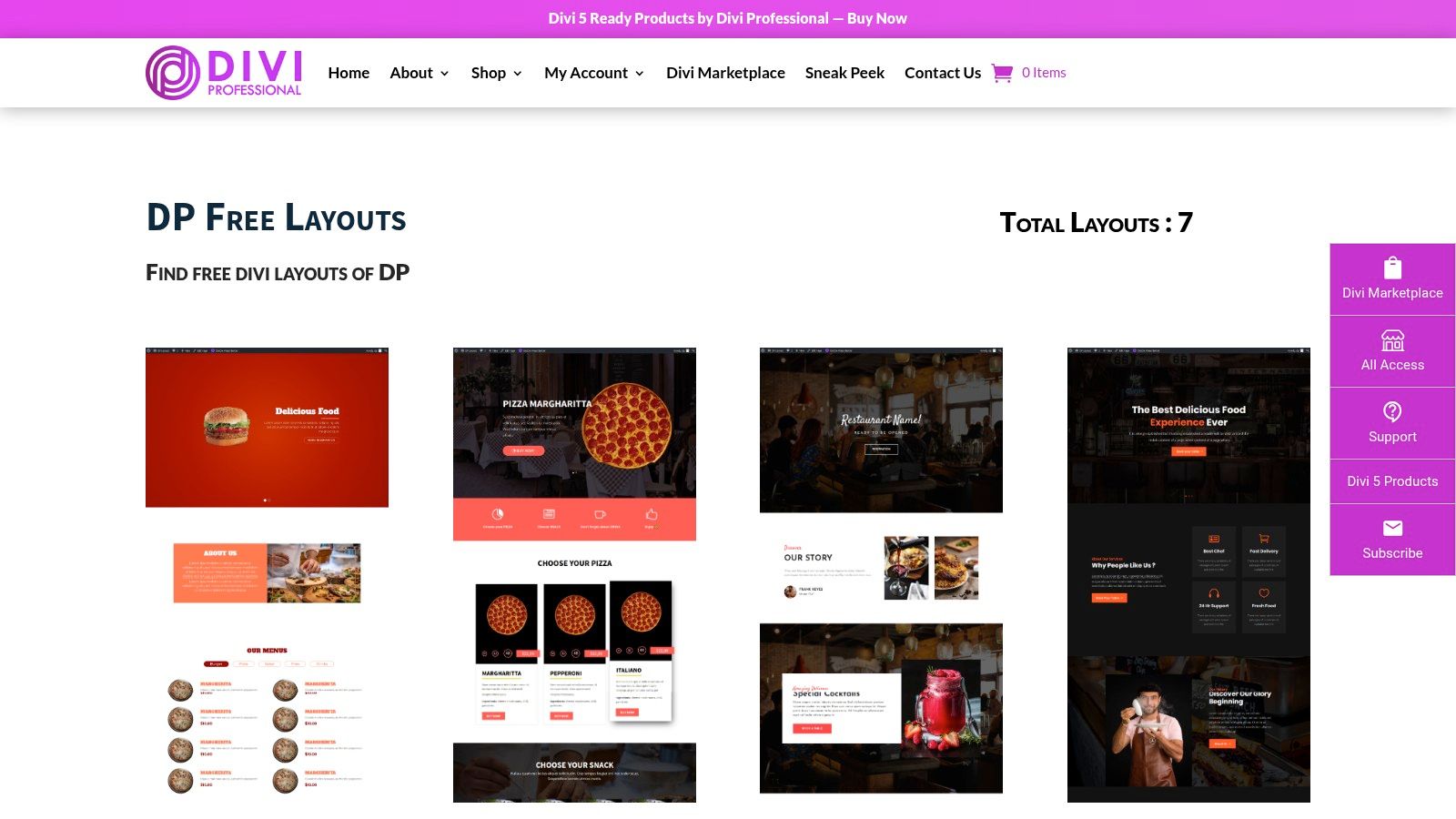
The primary advantage of Divi Professional’s layouts is their minimal bloat. They are built to be quick to import, easy to customize, and fast-loading, which is crucial for conversion-focused pages. Each layout comes with a live demo, allowing you to fully preview the design and functionality before downloading the JSON file. The import process is straightforward, making them an excellent choice for users who need to launch a professional-looking page without the complexity of a multi-page pack.
Key Features & Considerations
These layouts are completely free to download and use without needing to sign up or provide an email address. The focus on single-page designs means they are highly adaptable and can be easily restyled to match an existing brand identity. While the selection is limited, the quality is consistent, offering a reliable resource for specific projects where a full layout pack would be overkill.
- Best For: Users needing a fast, lightweight, and professional single-page website or landing page for a specific niche.
- Pros: Ideal for quick MVPs and simple landing pages, minimal bloat for faster performance, and easy to restyle.
- Cons: Very limited selection (around seven layouts), and less documentation compared to larger platforms.
Website: https://divi-professional.com/free-divi-layouts/
10. Layouts for Divi Builder
Layouts for Divi Builder offers a straightforward collection of free Divi page templates and sections, with a strong focus on conversion-ready landing pages. The platform is designed for users who need to quickly deploy specific, high-impact pages without navigating a massive, complex library. Its main appeal lies in its simplicity and directness, making it a great resource for launching marketing campaigns or product showcases efficiently.
The primary advantage is its frictionless acquisition process. Free layouts are clearly marked and can be downloaded with minimal clicks, embodying an easy select-import-launch workflow. This makes it an excellent choice for developers or marketers who need to act fast. These free Divi layouts serve as solid foundations that can be further enhanced with custom popups or interactive elements; you can find inspiration for these additions in our guide to Divi Areas Pro layouts that can save you hours of work.
Key Features & Considerations
While the collection is not as extensive or frequently updated as larger platforms, the quality is geared toward specific marketing goals. The site also provides basic FAQs on compatibility and installation, which is helpful for beginners. One point of potential confusion is the site's reference to "Divi Pro," which may be misconstrued, but the free resources themselves are clearly accessible and easy to use.
- Best For: Users needing quick, conversion-focused landing page templates without the overhead of a large library.
- Pros: Very simple and fast download process for freebies, great for creating standalone marketing pages.
- Cons: The library is smaller and updated less often than competitors; references to 'Divi Pro' can be confusing.
Website: layoutsfordivibuilder.com
11. Divicio.us – Free Divi Resources
Divicio.us offers a curated collection of high-quality, free Divi section layouts, perfect for enhancing specific areas of an existing website rather than starting from scratch. Instead of providing full multi-page packs, its focus is on individual, purpose-built components like custom headers, call-to-action sections, and specialized WooCommerce-friendly patterns. This makes it an excellent resource for designers looking to add a specific, polished element to their project without importing an entire layout pack.
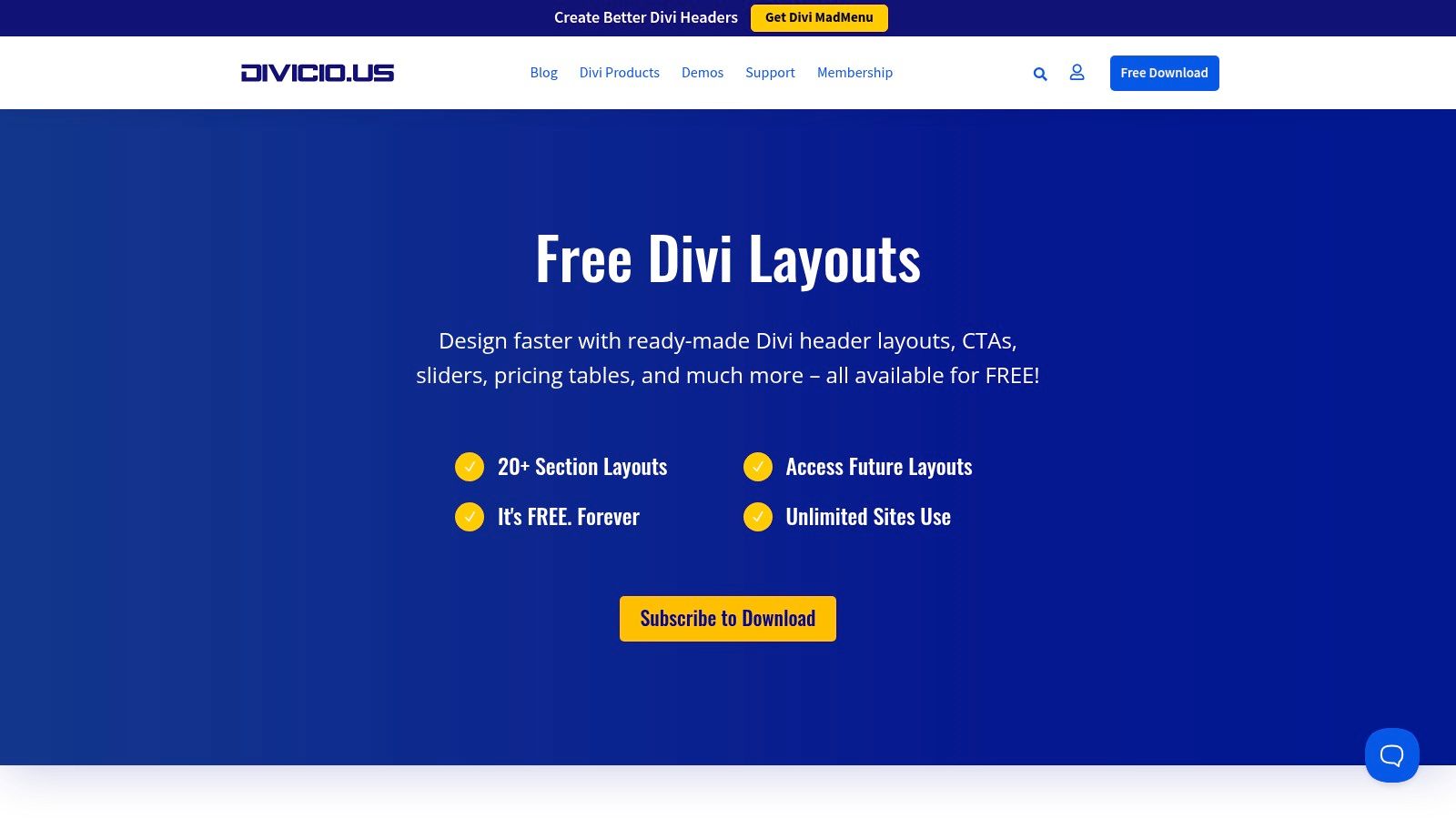
The primary advantage of Divicio.us is its focus on well-designed UX patterns, particularly for e-commerce. You can find unique header layouts that elegantly integrate with WooCommerce, helping to improve navigation and user flow on your online store. The layouts are modern and clean, allowing them to blend seamlessly into a wide variety of site designs.
Key Features & Considerations
Accessing the free divi layouts typically requires an email subscription to unlock the download links. Once subscribed, you can download the JSON files for manual import into your Divi Library. A significant benefit is that the free resources are licensed for use on unlimited websites, offering great value for freelancers and agencies managing multiple client projects.
- Best For: Divi users who need to add specific, well-designed sections like custom headers or CTAs to an existing website, especially WooCommerce stores.
- Pros: Excellent for targeted enhancements, offers unique WooCommerce-friendly header designs, and all freebies can be used on unlimited sites.
- Cons: Requires an email subscription to access downloads and does not offer complete, multi-page website packs.
Website: divicio.us/free-divi-resources/
12. Divi Engine – Free WooCommerce-oriented Layout Packs
Divi Engine is a go-to resource for developers looking to build advanced WooCommerce stores with Divi. While known for their premium plugins, they offer several high-quality, free Divi layouts specifically designed for eCommerce. These are not just basic templates; they are comprehensive, store-focused packs created to integrate seamlessly with their powerful BodyCommerce plugin, providing a solid foundation for a sophisticated online shop.
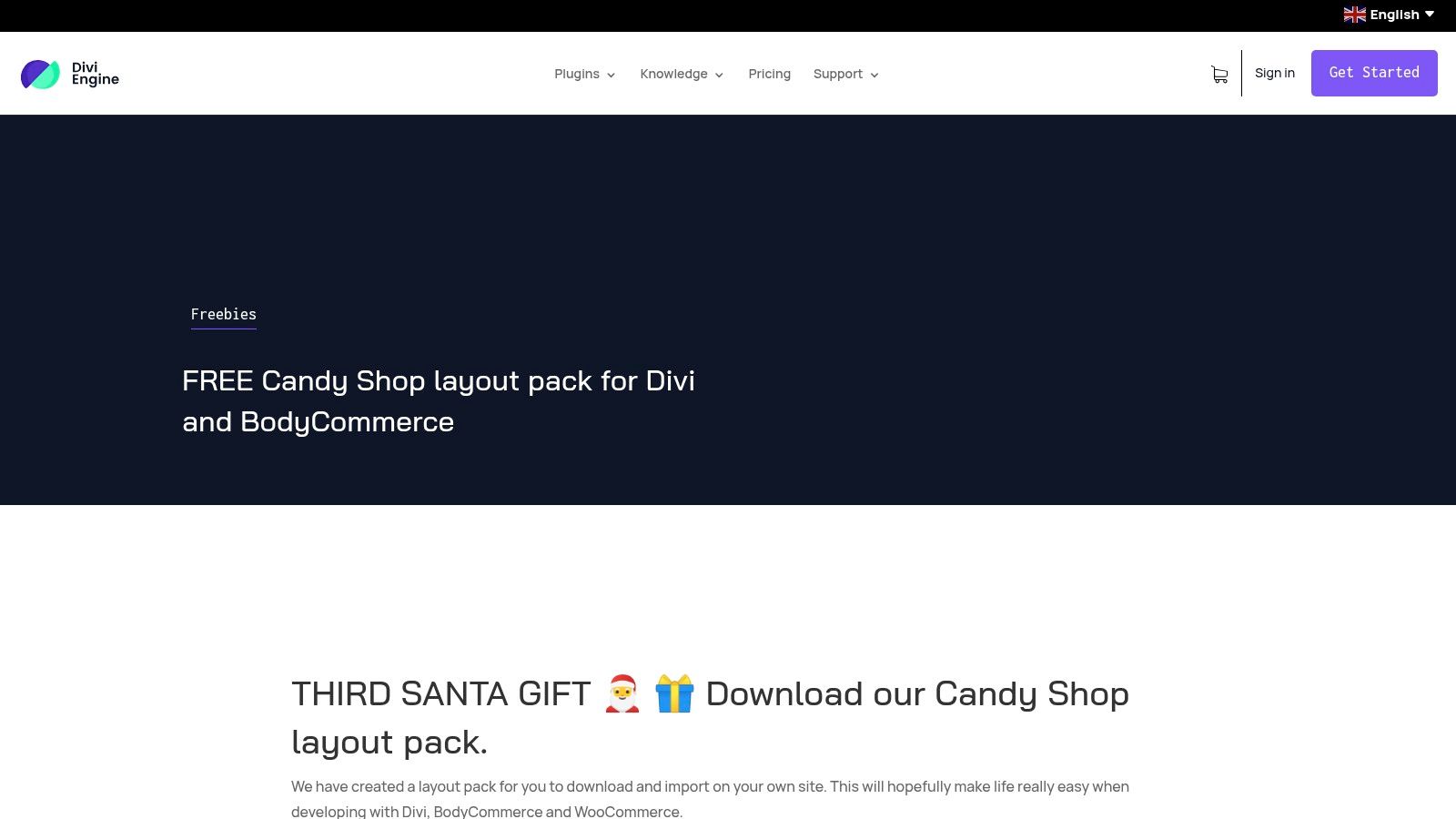
What sets Divi Engine apart is its niche focus and the quality of its supporting documentation. Each free layout pack comes with clear, detailed written instructions and video guides, walking you through the import and setup process. This is particularly valuable for complex WooCommerce builds. The layouts provide an excellent starting point for product pages, shop archives, and checkout processes that go beyond Divi's default capabilities.
Key Features & Considerations
While the layouts themselves are free to download and use, they are designed to showcase the full potential of Divi Engine's premium plugins. To achieve the exact look and functionality seen in the demos, you will often need the paid BodyCommerce plugin. This makes these packs an excellent "try-before-you-buy" opportunity, allowing you to see the plugin's power in a practical application before committing to a purchase. The quality and specificity of these free resources make them invaluable for anyone serious about Divi eCommerce.
- Best For: Developers and store owners building advanced WooCommerce sites who want a powerful, pre-configured starting point.
- Pros: Excellent for complex WooCommerce projects, includes detailed video and written setup guides, and provides a practical demo of their premium plugins.
- Cons: The best results and full functionality typically require purchasing the premium BodyCommerce plugin. The selection of free packs is smaller than larger directories.
Website: diviengine.com/free-candy-shop-layout-pack-for-divi-and-bodycommerce/
12 Free Divi Layouts — Side-by-Side Comparison
| Source | Core offering ✨ | Quality ★ | Target 👥 | Price / Value 💰 | Strength 🏆 |
|---|---|---|---|---|---|
| Elegant Themes (Divi) | ✨ Hundreds of multi‑page layout packs; one‑click Visual Builder import | ★★★★★ | 👥 Designers, agencies, power users | 💰 Membership required for in‑builder downloads | 🏆 Official, largest consistent library |
| Divi Theme Examples | ✨ Curated gallery with demos, screenshots & direct links | ★★★★ | 👥 Browsers, scouts comparing packs | 💰 Free to browse; ET membership to download | 🏆 Fast visual discovery/comparison |
| DiviLayouts.com | ✨ Aggregated marketplace of free & premium layouts with filters | ★★★★ | 👥 Designers seeking variety & community finds | 💰 Mixed (free + 3rd‑party paid) | 🏆 Centralized community aggregation |
| Divi Theme Center (Freebies) | ✨ $0 layouts, sections with demos & install tips | ★★★ | 👥 Niche one‑page prototypers | 💰 Free (account/checkout often required) | 🏆 Niche-specific one‑page starters |
| LayoutDivi (Marketplace) | ✨ Section‑level bundles (teams, pricing, progress) | ★★★ | 👥 Developers adding modular components | 💰 Free with registration/checkout | 🏆 Easy drop‑in component pieces |
| DiviFlash – Free Library | ✨ 50+ premade niche layouts; JSON downloads | ★★★★ | 👥 Small businesses, quick launches | 💰 Free (no ET membership) | 🏆 Business‑focused ready packs |
| Divi Lover (Freebie Library) | ✨ Conversion‑focused pages & sections; new freebies via email | ★★★★ | 👥 Marketers, conversion designers | 💰 Free (email subscription gating) | 🏆 Conversion‑optimized designs |
| VictorDuse.com (Divi Layouts) | ✨ Full site packs + Theme Builder (headers/footers/templates) | ★★★★ | 👥 Designers needing Theme Builder assets | 💰 Mostly free (some gated) | 🏆 Includes global Theme Builder templates |
| Divi Professional – Free Layouts | ✨ Lightweight single‑page starters & landing pages | ★★★ | 👥 MVP builders, landing page creators | 💰 Free (limited selection) | 🏆 Minimal bloat; fast to import |
| Layouts for Divi Builder | ✨ Free landing templates & sections; easy install flow | ★★★ | 👥 Users creating quick landing pages | 💰 Free | 🏆 Simple acquisition + compatibility FAQs |
| Divicio.us – Free Resources | ✨ 20+ section layouts (headers, CTAs, Woo patterns) | ★★★★ | 👥 WooCommerce sites, UX‑focused devs | 💰 Free (email unlock) | 🏆 Well‑designed Woo and header patterns |
| Divi Engine – Free Woo Packs | ✨ Shop‑ready templates paired with BodyCommerce guides | ★★★★ | 👥 Advanced WooCommerce builders | 💰 Free packs; best with paid BodyCommerce | 🏆 Clear shop setups & video guides |
From Layout to Launch: Supercharge Your Divi Workflow
You now have a comprehensive roadmap to the best sources of free Divi layouts available today. We've navigated through the official Elegant Themes library, explored specialized marketplaces like Divi Theme Center and LayoutDivi, and uncovered hidden gems from dedicated creators such as Divi Lover and Victor Duse. This curated collection proves that you don't need a massive budget to build a professional, visually stunning website; you just need the right starting point.
The true value of these resources lies not just in their aesthetic quality, but in their ability to dramatically accelerate your workflow. Instead of starting from a blank canvas, you begin with a structured, well-designed foundation. This frees up your time and mental energy to focus on what truly matters: strategy, content, and user experience. Whether you’re a freelancer aiming to deliver projects faster or an agency looking to scale operations, integrating these pre-built assets is a strategic advantage.
Key Takeaways and Your Next Steps
Before you dive in, let’s distill the most critical insights from this guide into actionable steps. Choosing the right layout is less about finding a perfect match and more about identifying a flexible base that aligns with your project's core goals.
- Assess Your Project's Scope: For a simple brochure site, a single-page layout from a source like Divi Theme Examples might be perfect. For a complex e-commerce store, a full-site layout pack from Divi Engine, designed specifically for WooCommerce, is a far more strategic choice.
- Prioritize Compatibility and Updates: Stick to reputable sources that keep their layouts updated with the latest versions of Divi and WordPress. An outdated layout can introduce security vulnerabilities or compatibility issues, negating the time you saved.
- Plan Your Customization: Before you import a single file, have a clear plan. Define your brand's color palette, typography, and imagery. Having these assets ready will make the customization process seamless and ensure the final design is cohesive and unique to your brand.
Remember, a great layout is more than just a pretty design; it’s the structure that holds your content. To maximize the impact of the content within your new Divi layout, it's vital to implement modern optimization techniques. Master the definitive framework for semantic SEO to ensure your pages are highly relevant and discoverable by search engines.
Beyond Static Pages: Adding Dynamic Interactivity
The ultimate goal is to move beyond a static, brochure-like website and create a dynamic, interactive experience that drives conversions. A free Divi layout provides the visual skeleton, but tools like those from Divimode provide the nervous system that brings it to life.
Imagine transforming a generic "Services" layout into an engaging funnel. With Divi Areas Pro, you could add a subtle slide-in that appears as a user scrolls, offering a related case study. You could replace the standard header with a custom-built mega menu that showcases your most popular WooCommerce products. Even with our free Popups for Divi plugin, you can easily add an exit-intent popup to your blog layout to capture newsletter subscribers before they leave. This synergy between a solid visual foundation and powerful interactive elements is what separates an average website from a high-performing one.
Ultimately, the resources in this article empower you to build faster, smarter, and more effectively. They democratize professional web design, putting powerful tools directly into your hands. Your journey doesn't end with a successful import; it begins there. Use these layouts as a launchpad for your creativity, experiment with customizations, and integrate powerful tools to build websites that not only look fantastic but also achieve tangible business goals.
Ready to elevate your new layouts from beautiful designs to powerful conversion tools? Explore the full suite of plugins at Divimode to add dynamic popups, slide-ins, and conditional content that will captivate your audience and grow your business. Start building more interactive and effective Divi websites today at Divimode.
More Articles You Will Like





