 Alex Martin
Tracking visitor interactions with website visitor tracking tools transforms vague analytics into actionable insights for Divi designers, WooCommerce managers, and agencies. Real-time dashboards reveal visitor paths as they unfold, while funnel visualization pinpoints drop-off steps.
This guide compares the top 12 platforms including Google Analytics GA4, Microsoft Clarity, Hotjar, Mixpanel, and more through the lens of Divi integration. We include real usage insights from freelancers who deploy Divimode’s Divi Areas Pro and developers who craft custom WooCommerce flows. From self-hosted Matomo configurations to GDPR-friendly Plausible setups, we cover each tool’s data handling model.
Expect in-depth coverage of:
- Core feature breakdowns and session replay limits
- Integration steps for Divi Builders and WooCommerce hooks
- Pricing tiers, hosting options, and privacy compliance notes
- Honest pros and cons based on live site tests
- Use-case scenarios, setup tips, screenshots, and direct links
These tools solve challenges like:
- Tracking anonymous visitor journeys and conversion drop-offs
- Pinpointing slow-loading modules or modal conflicts
- Aligning privacy requirements with user behavior data
Each entry highlights self-hosted vs cloud trade-offs and dives into GDPR/CCPA considerations. Whether you need customizable dashboards in Mixpanel or a code-free setup in Microsoft Clarity, this list helps you pick the right solution. Screenshots provide clear UI previews and direct links speed up your trial setup.
Our breakdown ensures you waste no time testing and implementing the right tool for your Divi design workflows or WooCommerce funnels. Let’s dive in and turn raw data into refined Divi experiences.
1. Google Analytics (GA4)
Google Analytics (GA4) is the most widely adopted website visitor tracking tool for Divi designers and WooCommerce managers. It delivers event-based analytics across web and mobile apps, making it ideal for in-depth performance monitoring. The intuitive interface surfaces key metrics and supports privacy-friendly settings to comply with GDPR.

Key Features
- Event-based analytics with Explorations workspace for custom reports
- Native BigQuery export for raw data analysis even on the free tier
- Advertising integrations with Google Ads and Marketing Platform
Pricing & Access
| Tier | Price | Ideal for |
|---|---|---|
| Standard | Free | SMBs and freelancers |
| GA4 360 | Custom enterprise quote | High-volume sites |
Basic setup requires a Google account and site verification script. Support channels include community forums and email tickets; GA4 360 adds SLA-backed enterprise support.
Pros and Cons
Pros
- Robust free tier covers most SMB needs
- Seamless integration across Google’s ad stack
- Scalable raw data exports
Cons
- Steep learning curve and complex UI
- Enterprise pricing requires sales contact
Privacy controls and cookieless measurement help you stay compliant.
Divi Integration Tips
These implementation notes help capture accurate event data across Divi layouts.
- Use Divi Areas Pro or Divi Mode scripts to insert GA4 tracking code globally
- Map custom events to Divi modules like Forms or Sliders
- Debug with Google Tag Assistant in your Divi staging environment
Use DebugView in GA4 to verify events on your staging site before going live.
Learn more about Google Analytics (GA4) on DiviMode.com
2. Microsoft Clarity
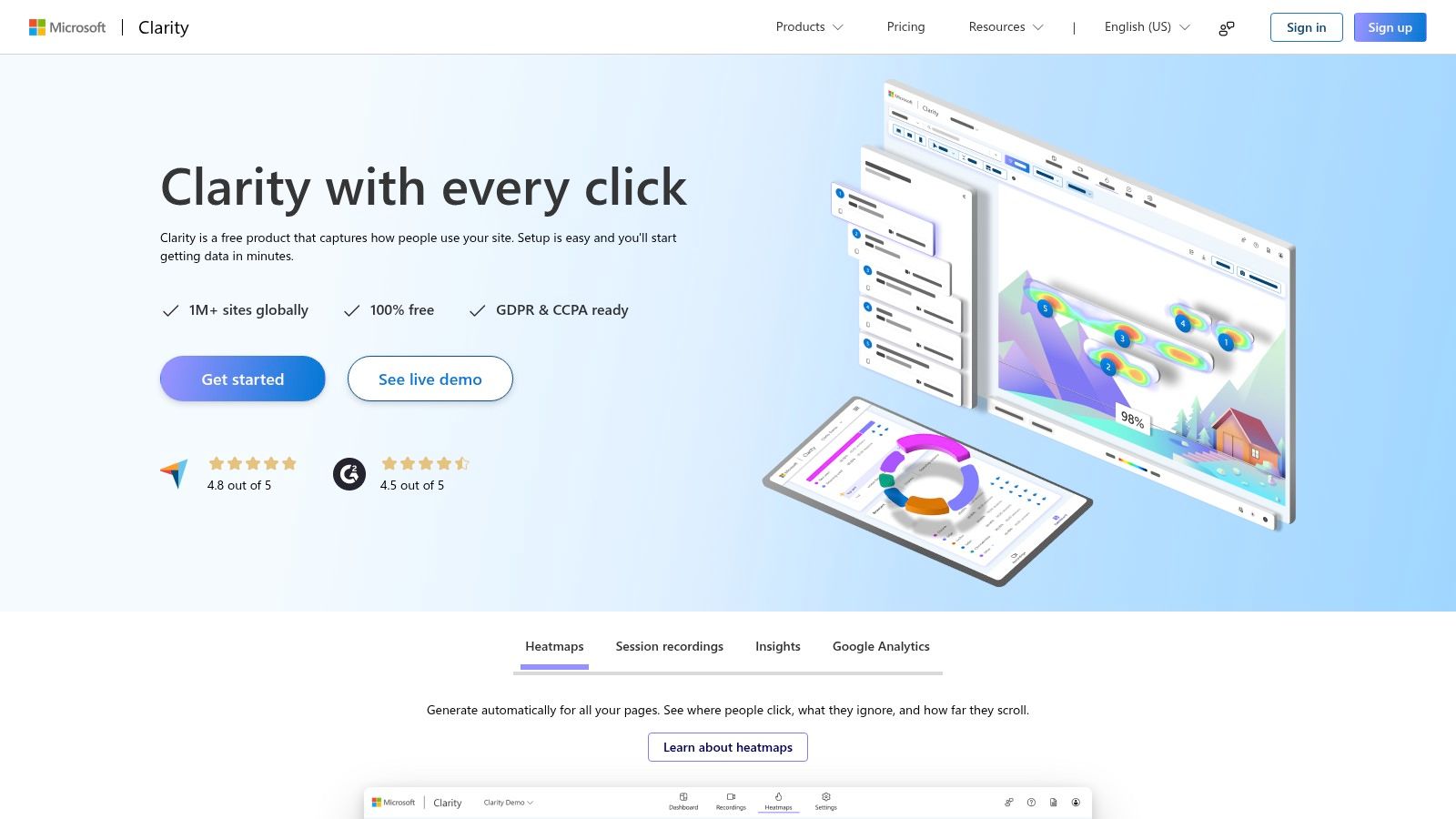
Microsoft Clarity is a free session replay and heatmaps tool designed for Divi designers and WooCommerce managers. It delivers unlimited behavioral recording with AI-driven insights and no traffic caps, making it a top choice among website visitor tracking tools. Clarity easily runs alongside your existing analytics stack for a fuller picture of user interactions.
Key Features
- Automatic heatmaps for every page, showing scroll, click, and attention patterns
- Unlimited session recordings with fast playback and filtering
- Rage click and dead click detection with custom filters
- AI-driven insights highlighting user frustration points
Pricing & Access
| Tier | Price | Ideal for |
|---|---|---|
| Free | $0 | All site sizes and SMBs |
Setup only requires adding the Clarity script to your Divi header. No subscription or usage limits apply.
Pros and Cons
Pros
- 100% free with no traffic thresholds
- Robust privacy controls meeting GDPR and CCPA
- Complements Google Analytics or other tools
Cons
- Lacks advanced funnel and ecommerce analytics
- Fewer deep-dive features compared with enterprise suites
Divi Integration Tips
- Use Divi Areas Pro or Code Module to insert the Clarity tracking snippet globally
- Tag Divi forms and sliders with custom attributes for filtered session views
- Combine Clarity recordings with GA4 events to validate engagement flows
Learn more about Microsoft Clarity on DiviMode.com: Learn more about Microsoft Clarity on DiviMode.com
3. Hotjar
Hotjar is an all-in-one experience analytics and Voice-of-Customer platform for Divi designers and WooCommerce managers. As one of the leading website visitor tracking tools, it combines heatmaps, session replays, funnels and surveys to surface both behavioral data and direct feedback.
The interface is clean and mobile-friendly, making it easy to navigate insights on the fly. Customer service includes live chat, email support and in-app guidance to help you refine your surveys and replay filters.
Key Features
- Heatmaps and zone-based analytics for clicks, taps and scroll depth
- Session replays with funnel and journey analysis to pinpoint drop-offs
- Surveys and feedback widgets with AI-powered summaries via Sense
- Interview recruiting and on-site polls for qualitative insights
- Impact quantification to correlate behavior patterns with conversion rates
Pricing & Access
| Tier | Price | Ideal for |
|---|---|---|
| Basic | Free (35 sessions/day) | Small blogs and tests |
| Plus | $39 per month | Growing businesses |
| Business | $99 per month | High-traffic sites |
Each plan unlocks higher session limits, advanced feedback features and AI summaries. Setup requires adding the Hotjar snippet via Divi Mode or Divi Areas Pro.
Pros and Cons
Pros
- Unified behavior analytics and feedback in one toolkit
- Generous free tier for early testing
- AI-driven insights speed up analysis
Cons
- Pricing scales steeply with session volume
- Advanced feedback features require higher tiers
Divi Integration Tips
- Use Divi Areas Pro or Divi Mode to deploy the Hotjar script globally
- Map heatmap zones to Divi modules like Image and Blurb modules
- Trigger surveys on key pages using Hotjar’s URL targeting rules
Learn more about Hotjar on DiviMode.com: Learn more about Hotjar on DiviMode.com
4. Mixpanel
Mixpanel is a product analytics platform offering event-based tracking with funnels, retention, path analysis, cohorts and built-in session replay. It excels for SaaS and B2C product teams that need deep, product-level insights rather than just pageview metrics. Compared to other website visitor tracking tools, Mixpanel stands out with its AI-assisted query builder (Spark) and advanced attribution features.

Key Features
- Event-based analytics with cohorts, properties and multi-touch attribution
- Funnels, retention & path reports for conversion and engagement analysis
- Built-in session replay to watch real user interactions
- AI-assisted query builder (Spark) for no-code ad hoc exploration
Pricing & Access
| Tier | Price | Ideal for |
|---|---|---|
| Starter | Free (up to 100k events/mo) | Freelancers & early startups |
| Growth | $25+ /mo | Scaling SMBs |
| Enterprise | Custom quote | Large teams with CSM support |
Basic setup requires adding the Mixpanel JavaScript snippet or plugin in your Divi header. Support channels include email, live chat and dedicated customer success managers on Enterprise.
Pros and Cons
Pros
- Scales from free to enterprise with deep analysis depth
- Generous startup program and event thresholds
- Combines behavioral analytics with direct session playback
Cons
- Event-volume pricing can increase as you grow
- Some advanced features locked behind higher tiers
Divi Integration Tips
- Use Divi Areas Pro or code module to insert the Mixpanel snippet globally
- Map custom events to Divi modules like Form Submissions or Slider Views
- Validate events with the Mixpanel Debugger and Chrome extension before launch
Learn more about Mixpanel at https://mixpanel.com/
5. FullStory
FullStory is one of the leading website visitor tracking tools for Divi designers and WooCommerce managers needing high-fidelity session replay and AI-driven insights. Its pixel-perfect replays and powerful search make diagnosing UX issues straightforward, while enterprise-grade governance keeps data secure.

Key Features
- Autocapture & session replay with pixel-perfect fidelity
- Funnels, segments, conversion analysis for behavior benchmarking
- AI-driven insights (StoryAI) to surface UX anomalies
- Powerful search across events, clicks, console logs
- Easy integrations with Salesforce, Slack, Marketo
Pricing & Access
| Tier | Price | Ideal for |
|---|---|---|
| Free | Up to 1,000 sessions/mo | Freelancers, small sites |
| Business | Custom quote | Growing e-commerce teams |
| Enterprise | Custom quote | Large enterprises |
Basic setup requires embedding the FullStory snippet in Divi’s Theme Options. Support includes email and live chat; enterprise plans add dedicated SLAs.
Pros and Cons
Pros
- Enterprise-grade privacy and governance
- High-quality replay fidelity and mature tooling
- Free plan to trial core capabilities
Cons
- Paid plans are premium-priced at scale
- Full enterprise capabilities require sales contact
Divi Integration Tips
- Add the FullStory script in Divi → Theme Options → Integration for site-wide capture.
- Map key Divi module events (forms, sliders) to custom segments in FullStory.
- Use StoryAI to auto-identify drop-off points on WooCommerce checkout flows.
Learn more at https://www.fullstory.com/ to see why FullStory stands out among website visitor tracking tools.
6. Heap
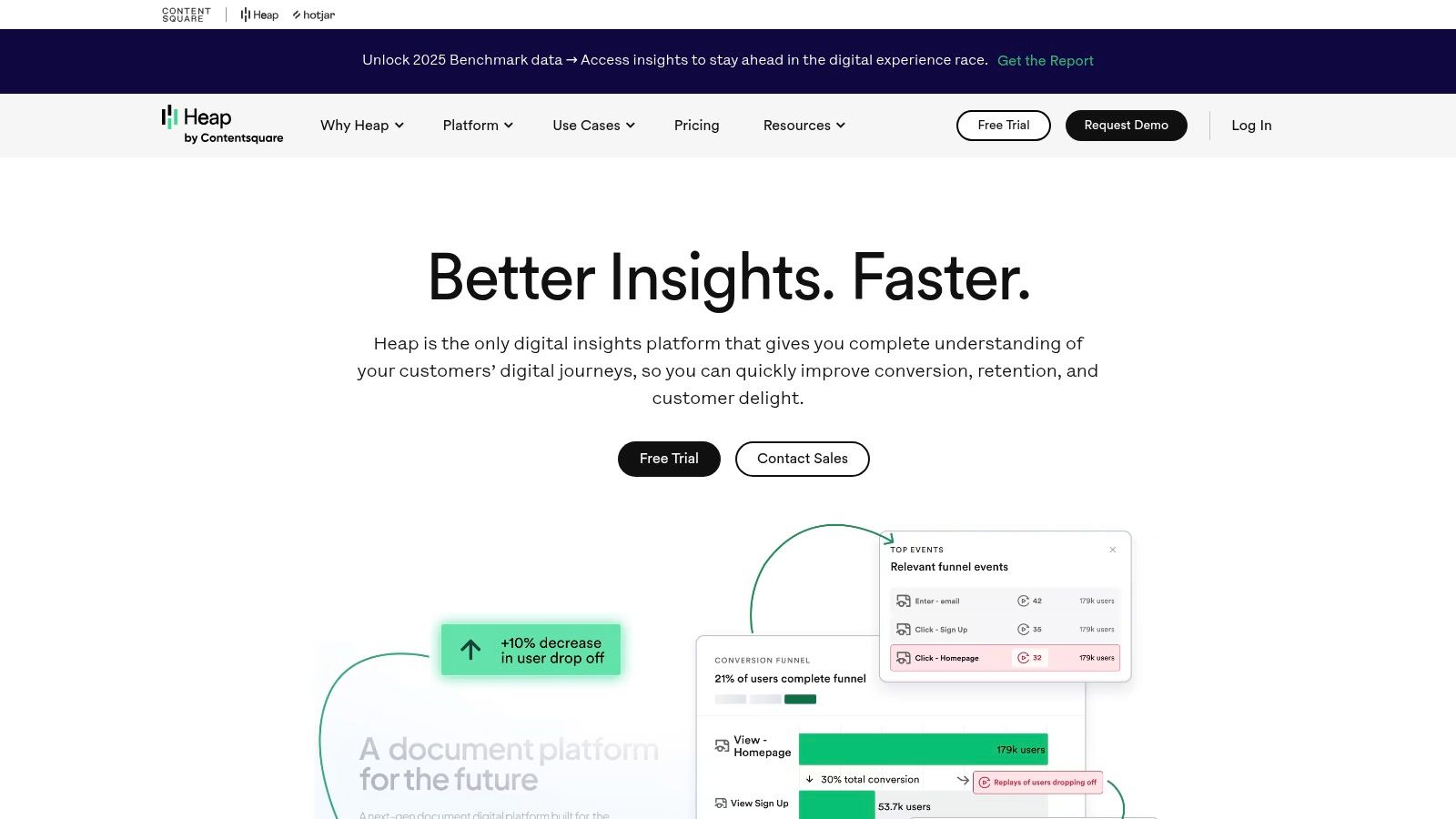
Heap is an autocapture product analytics platform that automatically records user interactions across your Divi or WooCommerce site. Teams can run journeys, funnels, and retroactive analyses without manual tagging, accelerating time-to-insight and reducing setup overhead. Heap stands out among website visitor tracking tools by offering optional session replay and heatmaps as add-ons for deeper UX insights.
Key Features
- Automatic event capture (autocapture) with full retroactive analysis
- Journeys, funnels, and engagement matrix for path and conversion analysis
- Warehouse sync and behavioral targeting in higher tiers
Pricing & Access
| Tier | Price | Ideal for |
|---|---|---|
| Free | Free | Small sites and prototyping |
| Growth | Custom quote | Scaling Divi agencies |
| Enterprise | Custom quote | Large teams with governance |
Access requires signing up on https://www.heap.io/ and adding Heap’s JavaScript snippet site-wide. Support is offered via documentation, live chat, and email ticketing.
Pros and Cons
Pros
- Fast time-to-insight with zero manual tagging
- Scales from free through enterprise with governance controls
- Session replay and heatmaps are available as optional add-ons
Cons
- Advanced DX add-ons increase overall cost
- Pricing beyond the free tier is not publicly listed
Divi Integration Tips
- Paste Heap snippet into Divi Theme Options → Integration header code
- Map custom events to Divi Form and Button modules using CSS selectors
- Enable query string tracking for product SKUs in WooCommerce pages
Heap’s autocapture model makes it ideal for teams seeking a low-overhead, comprehensive website visitor tracking tool.
7. Matomo (Cloud or On-Premise)
Matomo is a privacy-focused analytics platform that gives Divi designers and WooCommerce managers full ownership of their data. You can self-host Matomo on your own server for free or choose the Cloud SaaS for managed hosting and enterprise features. With no sampling and built-in GDPR tools, Matomo stands out among website visitor tracking tools by combining compliance, scalability, and flexibility.

Key Features
- Self-hosted option with full data ownership and zero data sharing
- E-commerce analytics for WooCommerce funnels, product performance, A/B testing
- GDPR compliance tools including cookie consent banners and data anonymization
- API access & integrations with WordPress, Divi Areas Pro, CRM, marketing apps
Pricing & Access
| Tier | Price | Ideal for |
|---|---|---|
| On-Premise | Free | Agencies and developers with hosting |
| Cloud Business | From $29/mo | SMBs tracking up to 50k pageviews |
| Cloud Enterprise | Custom quote | High-traffic sites and enterprises |
On-premise setup requires a LAMP/LEMP stack. Cloud plans include managed hosting, automatic updates, and priority support via email or SLA.
Pros and Cons
Pros
- Total control over raw data and retention
- No sampling, 100% data accuracy
- Scalable from small blogs to enterprise sites
Cons
- Cloud costs grow with traffic volume
- Self-hosting demands server maintenance
Divi Integration Tips
- Insert Matomo’s JS tracker globally using Divi Areas Pro
- Configure custom goals for Divi form submissions and button clicks
- Use the Matomo WordPress plugin to sync WooCommerce events automatically
Learn more at https://matomo.org/
8. Plausible Analytics
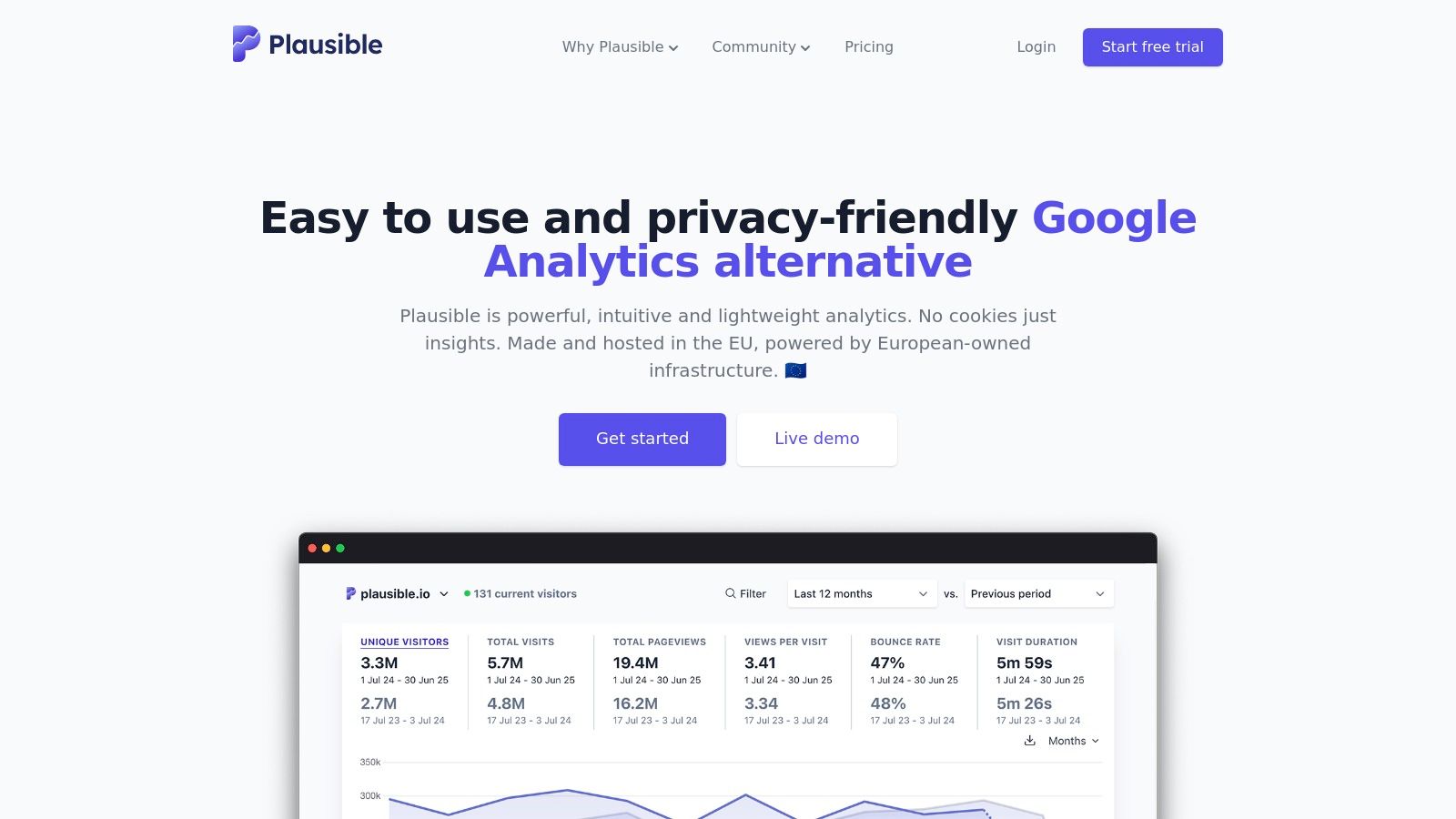
Plausible Analytics is a lightweight, privacy-friendly platform that ranks high among website visitor tracking tools tailored for Divi designers and WooCommerce managers. It offers simple dashboards with cookie-free analytics, funnels, and ecommerce attribution in an EU-hosted environment.
Key Features
- Cookie-less, GDPR-friendly tracking with no personal data collection
- Funnels and ecommerce revenue attribution for WooCommerce
- Looker Studio connector and robust Stats API
Pricing & Access
| Tier | Price | Ideal for |
|---|---|---|
| Starter | $9/mo (10k pageviews) | Small Divi blogs |
| Growth | $19/mo (100k pageviews) | Medium WooCommerce sites |
| Business | $49/mo (500k pageviews) | High-traffic e-commerce |
Basic setup requires signing up at plausible.io and inserting a lightweight script in your Divi header. Community support and email assistance are included with every plan.
Pros and Cons
Pros
- Ultra-light script ensures fast load times
- Transparent pricing with 30-day free trial
- Strong emphasis on privacy compliance
Cons
- Limited custom event tracking compared to enterprise suites
- Less suitable for highly complex, event-driven analytics
Divi Integration Tips
- Insert Plausible’s tracking script in Divi Theme Options header for site-wide analytics
- Use Divi Areas Pro to deploy custom funnel code snippets on landing pages
- Leverage the Stats API or Looker Studio connector to build bespoke Divi Mode dashboards
Discover more at https://plausible.io/
9. Crazy Egg
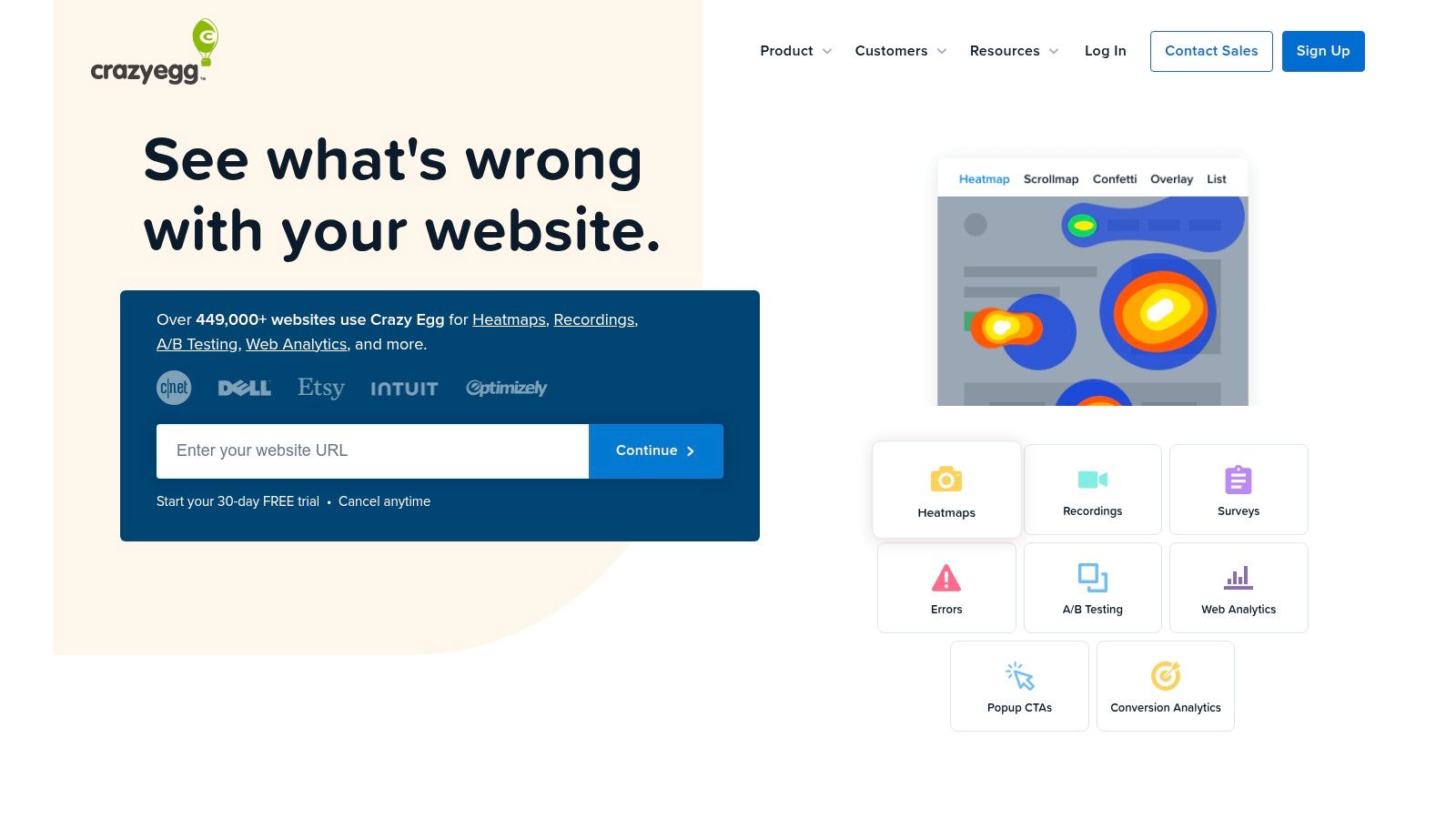
Crazy Egg focuses on conversion rate optimization with heatmaps, session recordings, A/B testing, error tracking and on-page surveys. Ideal for marketers and designers seeking page-level behavior insights, it stands out among website visitor tracking tools by combining visual analytics with built-in testing. Configuration takes minutes and provides actionable insights without complex setups.
Key Features
- Click, scroll and segment heatmaps
- Session recordings with AI-powered analysis
- Built-in A/B testing and CTA optimization
- Error tracking and on-page survey collection
Pricing & Access
| Tier | Price | Ideal for |
|---|---|---|
| Basic | $24/mo | Small blogs or portfolios |
| Plus | $49/mo | Growing businesses |
| Pro | $99/mo | Agencies and high-traffic sites |
All plans include a 30-day free trial and support unlimited domains. Upgrades add pageview and recording quotas.
Pros and Cons
Pros
- Easy setup across unlimited domains
- Combines heatmaps, recordings and native A/B tests
- Predictable pricing with free trial
Cons
- Limits based on pageviews and recording minutes
- Lacks deeper product analytics of enterprise suites
Divi Integration Tips
- Insert Crazy Egg script via Divi Areas Pro or Theme Options
- Map heatmaps to key Divi modules like Headers and CTAs
- Trigger recordings on WooCommerce checkout flows
- Use staging with DebugView to validate event captures
Learn more at https://www.crazyegg.com/
10. Lucky Orange
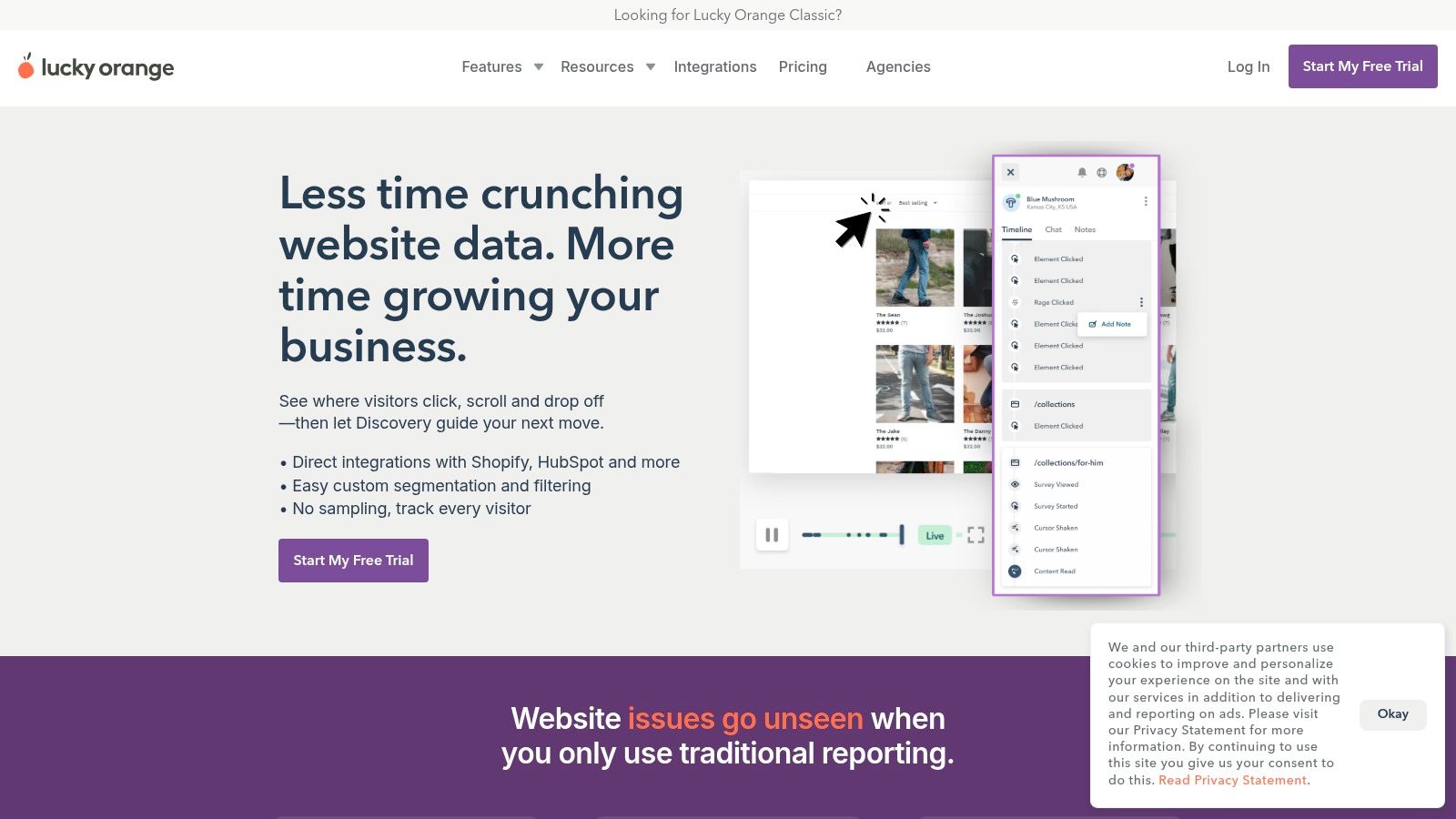
Lucky Orange is an all-in-one behavior analytics suite that ranks among the top website visitor tracking tools for Divi designers and WooCommerce managers. It combines dynamic heatmaps, session replay, funnels, form analytics, surveys, live chat, and guided insights in a single dashboard.
Key Features
- Unlimited heatmaps & recordings by plan for click, move, and scroll tracking
- Conversion funnels and form analytics to pinpoint drop-off points
- Live chat with visitor profiles and real-time tagging
- Discovery insights highlighting high-value visitors automatically
- On-site surveys and announcements to boost engagement
Pricing & Access
| Tier | Price | Ideal for |
|---|---|---|
| Free Plan | $0/month | Testing CRO concepts |
| Business | $10/month | Small to mid-size stores |
| Premium | $20/month | High-traffic sites |
| Enterprise | Custom quote | Agencies and large CRO |
Basic setup requires injecting the Lucky Orange script via Divi Theme Options or Divi Areas Pro. Shopify app users can install directly from the App Store.
Pros and Cons
Pros
- Broad feature set at competitive prices
- Free plan and Shopify app with transparent tiers
- Combines CRO tools, session replay, and live chat
Cons
- Data retention capped at 30–60 days on lower tiers
- Higher-traffic sites may need premium plans
Divi Integration Tips
- Add the Lucky Orange snippet in Divi Theme Options under Integration
- Create custom events for Divi Contact Forms or Slider modules
- Use CSS selectors in heatmaps to filter Divi-specific elements
- Route chat invites on high-value WooCommerce pages via Divi conditional logic
Learn more about Lucky Orange at https://www.luckyorange.com/
11. Mouseflow
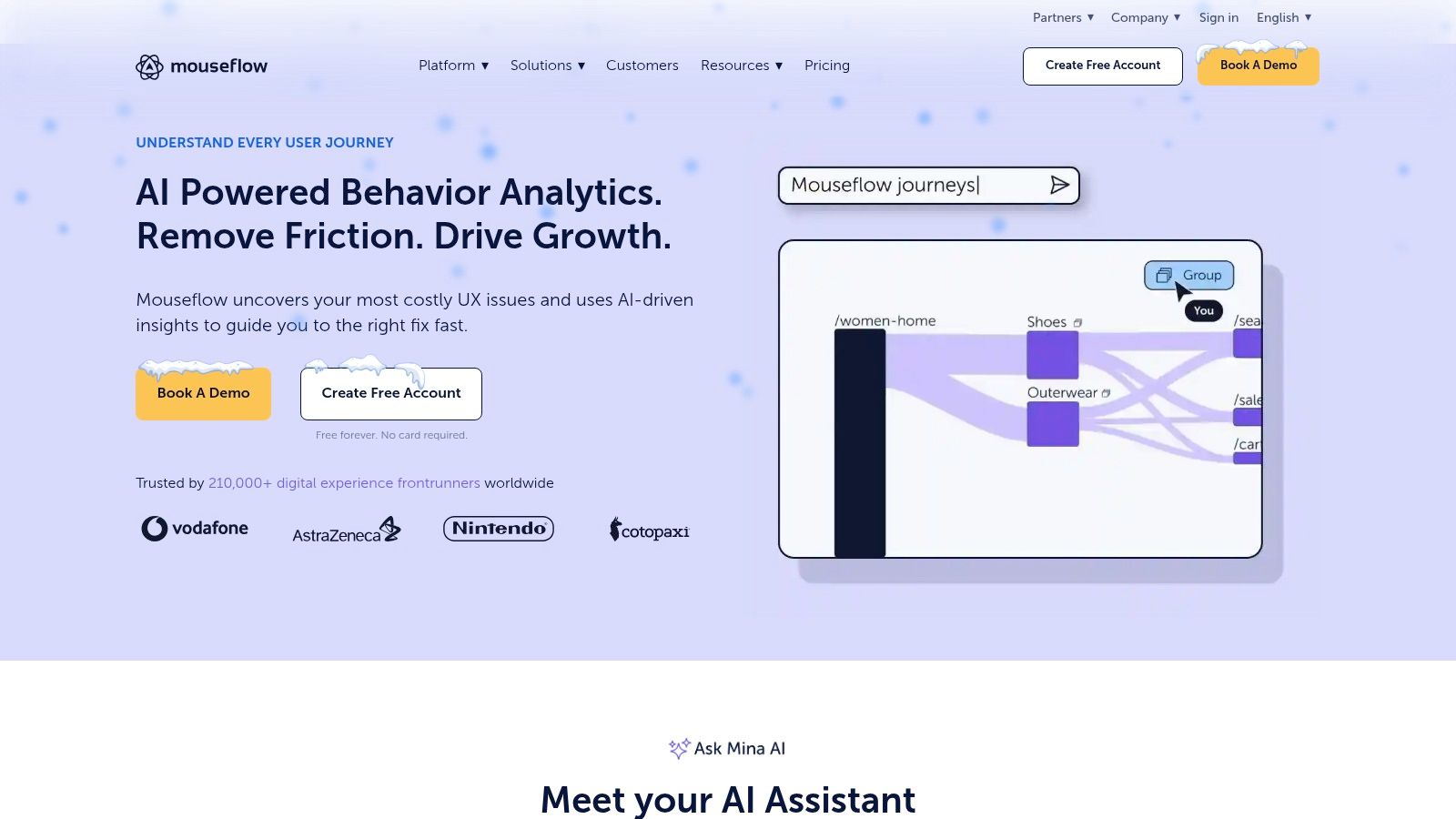
Mouseflow provides deep session replays, multiple heatmap types and automated friction insights, making it one of the most versatile website visitor tracking tools for Divi designers and WooCommerce managers. Its journey analytics and form tracking help pinpoint UX bottlenecks that hurt conversion.
Key Features
- Full session replays with friction and error detection
- Click, scroll and movement heatmaps
- Funnels, form analytics and journey analytics
- Built-in feedback surveys and feedback widget
- Integrations with Google Analytics, Hotjar, Slack and more
Pricing & Access
| Tier | Price | Ideal for |
|---|---|---|
| Free | $0/month (100 sessions) | Freelancers testing |
| Growth | $24/month (5,000 sessions) | Small Divi sites |
| Business | $99/month (15,000 sessions) | Growing WooCommerce stores |
| Enterprise | Custom quote | High-traffic enterprises |
Sign-up requires email verification and a script snippet install. Support includes email tickets, live chat and an extensive knowledge base.
Pros and Cons
Pros
- Predictable session-based plans scale with traffic
- Automated friction detection highlights UX issues quickly
- Clear tiering from free to enterprise
Cons
- Session caps vary significantly by plan tier
- Higher-volume needs require upgraded plans
Divi Integration Tips
- Insert Mouseflow script via Divi Areas Pro to activate tracking across all pages
- Map custom events from Divi contact forms to funnels in Mouseflow
- Use heatmaps on Divi landing pages to optimize module placement
Learn more at https://mouseflow.com/
12. Dealfront (Leadfeeder)
Dealfront (Leadfeeder) is a B2B website visitor identification tool that turns anonymous web traffic into actionable sales leads. It de-anonymizes company visits, enriches them with firmographics and contact data (via credits), and pushes leads directly into popular CRMs. Designed for ABM and sales teams, it complements full analytics suites by focusing on qualified company signals.

Key Features
- Company de-anonymization filters out ISP traffic and reveals business visitors
- CRM & marketing automation integrations with Salesforce, HubSpot, Pipedrive, and more
- Alerts & segmentation for ABM workflows: real-time notifications by industry, page, or company size
- Custom reporting tailored to sales pipelines and account-based marketing
Pricing & Access
| Tier | Price | Ideal for |
|---|---|---|
| Free | $0/month | Validate B2B traffic volume |
| Premium | From $99/month | Small-to-mid sales teams |
| Enterprise | Custom quote | Large organizations & agencies |
Sign up requires adding a small JavaScript snippet to your Divi header. Plans include unlimited users; higher tiers unlock credits for contact enrichment.
Pros and Cons
Pros
- Actionable company insights drive ABM outreach
- Unlimited user seats on paid plans
- Free tier available to test ROI
Cons
- Not a full analytics suite, no session-level metrics
- Contact enrichment consumes credits
Divi Integration Tips
- Use Divi Areas Pro or global header settings to insert the Leadfeeder script once
- Map Leadfeeder segments to custom Divi forms for targeted gated content
- Sync enriched leads into WooCommerce contacts via Divi hooks for seamless follow-up
Learn more about Dealfront (Leadfeeder) at https://www.leadfeeder.com/pricing/
Top 12 Website Visitor Tracking Tools — Comparison
| Tool | Core features | UX / Quality | Value & Pricing | 👥 Target audience | ✨ Unique selling points |
|---|---|---|---|---|---|
| Google Analytics (GA4) | Event-based web+app tracking, Explorations, BigQuery export | ★★★★☆ — Powerful but steeper learning curve | 💰 Free tier; GA4 360 enterprise via sales | 👥 Marketers, SMBs, enterprises | ✨ BigQuery export, 🏆 extensive ad-stack integrations |
| Microsoft Clarity | Unlimited session recordings, automatic heatmaps, rage/dead click detection | ★★★★☆ — Fast setup, straightforward replays | 💰 100% free | 👥 UX teams, small/medium sites | ✨ Unlimited recordings, strong privacy/GDPR controls |
| Hotjar | Heatmaps, session replay, funnels, surveys & VOC tools | ★★★★☆ — Intuitive UX for marketers & researchers | 💰 Free tier; paid plans scale by sessions | 👥 Marketers, UX researchers | ✨ Behavior + feedback in one, AI summaries |
| Mixpanel | Event analytics, cohorts, funnels, retention, built‑in replay | ★★★★★ — Deep product-level analysis | 💰 Free tier; event/usage-based pricing | 👥 Product teams, SaaS companies | ✨ Cohorting + Spark AI query builder, 🏆 product analytics depth |
| FullStory | Autocapture, pixel‑perfect session replay, segments, AI insights | ★★★★★ — High-fidelity replay & governance | 💰 Free trial; premium enterprise pricing | 👥 Enterprise UX, ecommerce teams | ✨ StoryAI, enterprise privacy controls, 🏆 replay fidelity |
| Heap | Autocapture, retroactive analysis, journeys, funnels | ★★★★☆ — Fast time‑to‑insight with low setup | 💰 Free tier; custom pricing for scale | 👥 Teams avoiding manual event tagging | ✨ Autocapture + retroactive queries, warehouse sync |
| Matomo (Cloud / On‑Prem) | Self‑hosted option, e‑commerce analytics, GDPR tools | ★★★★☆ — Full data control; more ops overhead | 💰 Self‑hosted free; Cloud tiers by traffic 💰 | 👥 Privacy/compliance teams, enterprises | ✨ No sampling, full data ownership, strong compliance |
| Plausible Analytics | Lightweight, cookie‑less analytics, funnels & attribution | ★★★☆☆ — Simple, fast dashboards | 💰 Transparent pricing; 30‑day trial | 👥 Small sites, privacy‑first teams | ✨ EU‑hosted, minimal script, GDPR‑friendly |
| Crazy Egg | Click/scroll heatmaps, session recordings, A/B testing | ★★★★☆ — CRO-focused, easy setup | 💰 Predictable tiers; 30‑day trial | 👥 Marketers, CRO specialists | ✨ Built‑in A/B testing + AI recording analysis |
| Lucky Orange | Heatmaps, replays, funnels, form analytics, live chat | ★★★★☆ — Broad CRO + engagement tools | 💰 Competitive pricing; free plan & Shopify app | 👥 Ecommerce & CRO teams | ✨ Live chat + visitor profiles + Discovery insights |
| Mouseflow | Session replay, multiple heatmaps, funnels, automated friction detection | ★★★★☆ — Useful automated UX alerts | 💰 Tiered session plans; free tier available | 👥 UX/CRO teams | ✨ Friction & error detection, clear tiering |
| Dealfront (Leadfeeder) | B2B visitor identification, firmographics, CRM integrations | ★★★☆☆ — Actionable lead discovery (not full analytics) | 💰 Free tier; paid plans/credits for enrichment | 👥 Sales teams, ABM practitioners | ✨ Company de‑anonymization, CRM alerts, 🏆 sales-focused lead intel |
Putting Insights into Action on Your Divi Store
You now have a clear view of 12 top website visitor tracking tools tailored for Divi users and WooCommerce managers. From Google Analytics (GA4) to Dealfront (Leadfeeder), each solution offers unique strengths. By combining heatmaps, session replays, funnel analysis, and privacy-friendly metrics, you can turn raw data into conversion-driving insights.
Key Takeaways
- Feature overlap and differentiation
- Mixpanel and Heap excel in event-driven analytics
- Hotjar, FullStory, and Mouseflow lead on session replays
- Plausible and Matomo focus on privacy-first tracking
- Budget versus scale
- Free tiers: Microsoft Clarity, Google Analytics, Plausible trial
- Mid-range: Crazy Egg, Lucky Orange, Dealfront
- Enterprise options: FullStory, Mixpanel, Heap
- Divi integration tips
- Use Divimode’s Custom Code Manager to inject tracking scripts
- Leverage Divi Areas Pro for targeted pop-up surveys with Hotjar
- Sync WooCommerce events (add-to-cart, checkout) via GA4 Data Layer
Choosing the Right Tool
Selecting the best website visitor tracking tools depends on your specific goals:
- Privacy requirements
- GDPR compliance: Plausible, Matomo on-premise
- CCPA support: Microsoft Clarity, FullStory
- Feature priorities
- Session replay and user journey: Mouseflow, Hotjar
- Funnel and cohort analysis: Mixpanel, Heap
- Lead generation insights: Dealfront, Lucky Orange
- Budget constraints
- Start with free and low-cost plans
- Scale up as data volume grows
- Factor in implementation and maintenance costs
Implementation Considerations
- Script management
- Use Divi’s code integration settings or Divimode Custom Code Manager
- Test snippets in a staging environment before going live
- Data layer setup
- Standardize WooCommerce events (view_item, purchase)
- Validate with browser dev tools to ensure accuracy
- Privacy and consent
- Implement a cookie banner that dynamically loads scripts
- Store consent records in a secure database
Next Steps for Your Store
- Audit your current analytics setup and identify data gaps.
- Select two to three website visitor tracking tools for a trial period.
- Configure key events and conversion goals in each platform.
- Monitor dashboards weekly and compare insights across tools.
- Iterate on design, content, and checkout flow based on findings.
By following these steps, you’ll uncover friction points in your user journey and tailor your Divi store for maximum engagement.
Final Thought
Tracking data is only as valuable as the actions you take. Embrace a culture of continuous testing and refinement to embed insights into every design and marketing decision. With the right website visitor tracking tools in place, you’ll transform visitor behavior into meaningful improvements and sustained growth.
Ready to streamline your script management and enhance your Divi integrations? Unlock the full potential of your tracking setup with Divimode by simplifying code injection, managing snippets centrally, and optimizing Divi Areas Pro layouts. Learn more at Divimode to take your analytics to the next level.
More Articles You Will Like