 Alex Martin
Your website header is the first impression, the primary navigation tool, and a critical conversion point all rolled into one. A well-designed header guides users, establishes brand identity, and drives action, making it one of the most important elements of your site's user experience. But with so many layouts-from minimalist sticky bars to feature-rich mega menus-how do you choose the right approach for your project?
This guide moves beyond generic advice to provide a strategic breakdown of effective examples of website headers. We'll analyze the 'why' behind each design, exploring the specific user experience principles and accessibility considerations that make them successful. You will discover how different header styles, such as centered logos, split navigation, and promotional bars, solve specific business problems and guide user behavior.
More importantly, this listicle provides actionable, Divi-specific takeaways. For each example, we will offer concrete implementation tips, showing you how to replicate these powerful designs using Divi's built-in tools and features like the Theme Builder, popups, and mega menus. Our goal is to equip you with the strategic insight and practical knowledge to stop guessing and start building headers that not only look great but also achieve key business objectives.
1. The Dynamic Header: Building Interactive Menus with Divimode
Divimode elevates the concept of a website header from a simple navigational tool to a powerful, interactive conversion asset. Rather than just being a source of inspiration, Divimode offers a practical toolkit for Divi theme users, centered around its flagship plugin, Divi Areas Pro. This approach allows designers and developers to build dynamic, behavior-driven headers that actively engage users and guide them through a marketing funnel.
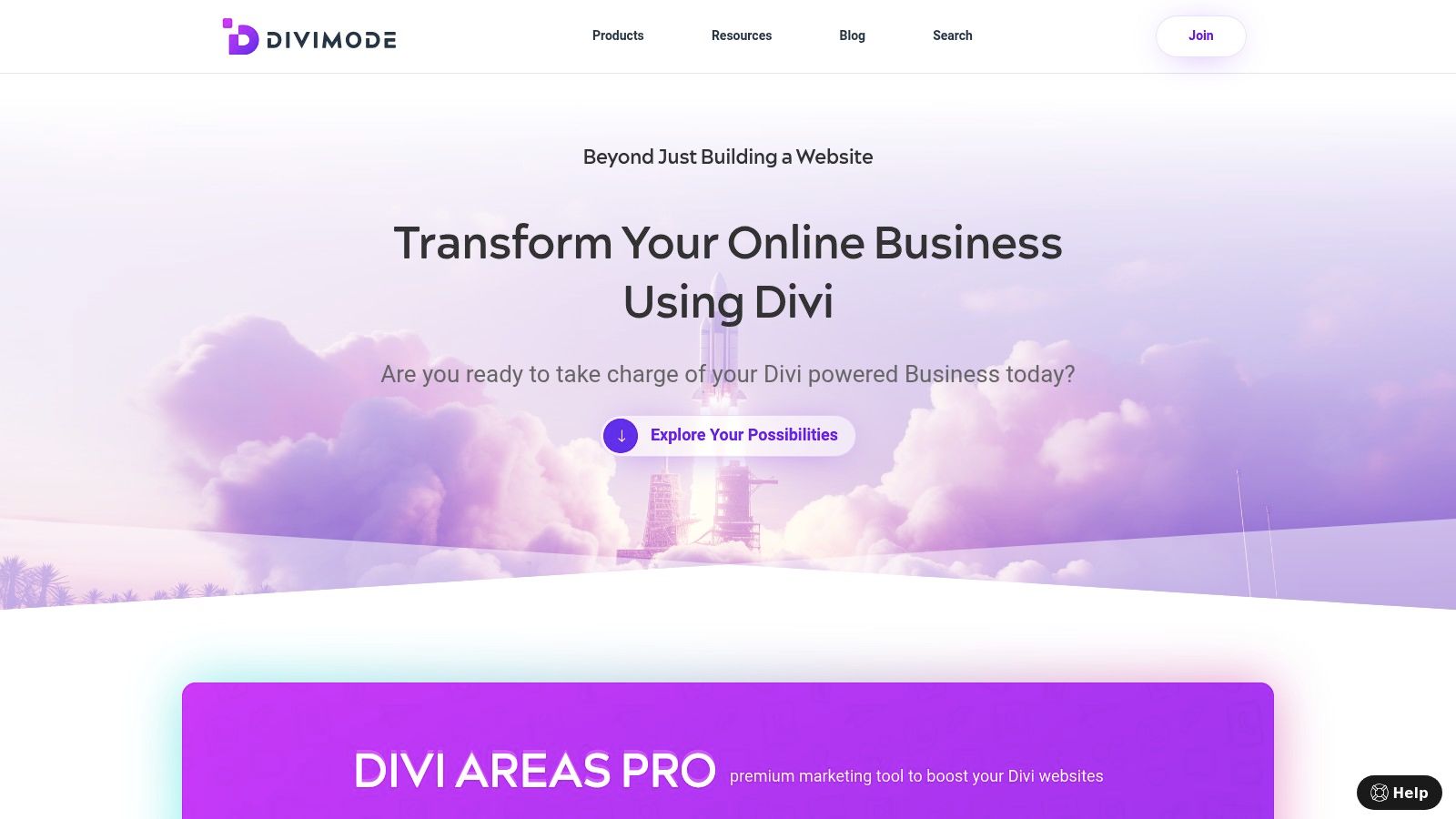
This platform stands out by transforming the header into a core component of user interaction strategy. Instead of a static bar, you can implement rich, multi-column mega menus that showcase product categories with high-quality images, descriptions, and calls-to-action. You can also deploy subtle fly-ins or popups triggered by specific user actions, such as exit-intent, scroll depth, or even back-button detection.
Strategic Analysis & Key Features
Divimode’s strength lies in its deep integration with the Divi ecosystem, offering a seamless workflow for anyone using Divi, Extra, or the Divi Builder. This specialized focus allows for unparalleled control and reliability within that environment.
- Behavioral Triggers: Go beyond standard headers by creating content that appears based on user behavior. A promotional banner can appear as a user is about to leave the site, or a helpful tooltip can pop up when they hover over a complex navigation item.
- Dynamic Content Areas: Build more than just navigation. Create popups, fly-ins, and dynamic content overlays using the familiar Divi Builder interface, saving significant development time.
- WooCommerce Integration: For e-commerce sites, this is a game-changer. You can design custom mega menus that feature your top-selling products or create targeted popups offering discounts to first-time visitors.
Strategic Insight: The core principle behind Divimode is that the header shouldn't be a passive element. By making it interactive and responsive to user behavior, you can increase engagement, guide user journeys, and ultimately boost conversions without relying on intrusive, page-disrupting popups.
Actionable Takeaways & Implementation
Getting started with Divimode is straightforward for Divi users. The free Popups for Divi plugin offers an excellent entry point to explore the potential of dynamic headers. For those seeking advanced targeting rules and a wider array of content types like mega menus and fly-ins, the premium Divi Areas Pro is the definitive solution. The platform also provides strong educational resources and responsive customer support, which user testimonials consistently rate with five stars.
While Divimode’s tools are incredibly powerful, they are exclusively for the Divi ecosystem. If your site uses a different theme, you'll need to explore other options. To explore various platforms that facilitate creating interactive menus and dynamic headers, delve into the features of the best WordPress page builders to find a solution that fits your tech stack.
For those committed to Divi, Divimode is an essential tool for creating modern, high-performing examples of website headers that truly stand out. You can learn more about the basics of building headers with Divi on their blog.
2. Divi Marketplace (Elegant Themes)
For Divi users seeking to bypass the design phase and jump straight to implementation, the official Divi Marketplace is an invaluable resource. Instead of offering visual inspiration, it provides production-ready header layout packs that can be imported directly into the Divi Theme Builder. This makes it one of the fastest ways to deploy complex and professionally designed headers without writing a single line of code.
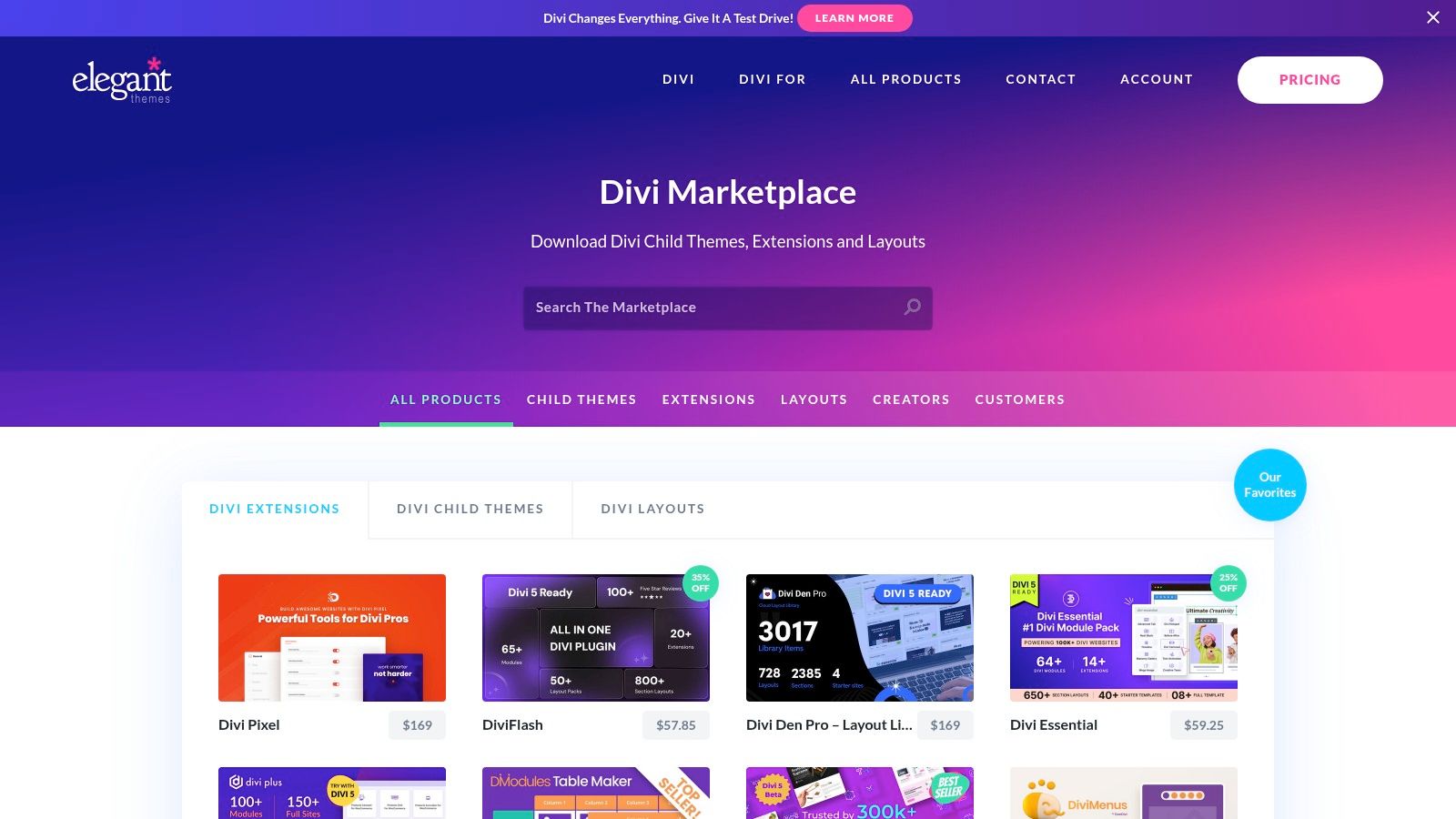
This platform stands out by offering a curated collection of third-party assets tailored specifically for the Divi ecosystem. These aren't just templates; they are fully functional .json files that include everything needed for a modern header, often with mobile-responsive versions, mega menu configurations, and specialized eCommerce layouts with dynamic cart features.
Strategic Analysis & Key Takeaways
The core value proposition of the Divi Marketplace is efficiency and specialization. It eliminates the need for users to build complex header structures from scratch, a process that can be time-consuming even with a powerful tool like Divi.
- Accelerated Workflow: By providing pre-built, importable layouts, designers and developers can significantly cut down on development time. This is especially useful for agencies managing multiple client sites.
- Access to Advanced Designs: Many packs include advanced features like slide-in menus, vertical navigation, and complex mega menus that might be challenging for less experienced users to create on their own. For those interested in mastering these techniques, you can explore more on designing website headers with Divi.
- Cost-Effectiveness: Most header packs are priced affordably, typically between $9 and $19. Many offer lifetime updates and unlimited website usage, delivering excellent long-term value.
Website Link: Divi Marketplace
Actionable Tips for Implementation
To get the most out of the Divi Marketplace, approach it with a clear goal. Before browsing, define your header requirements, such as the need for a prominent call-to-action, a mega menu for a large product catalog, or a minimalist sticky header. Always thoroughly review the live demo provided by the third-party author to ensure the header's functionality and responsiveness meet your project's standards. Remember that while the designs are ready to use, they are also fully customizable within the Divi Builder, allowing you to tweak colors, fonts, and layouts to match your brand perfectly.
3. Envato Elements
For designers and developers who need a vast library of design assets at their fingertips, Envato Elements offers a comprehensive subscription service. It's a goldmine for the initial stages of a project, providing thousands of hero and header UI kits for tools like Figma, Sketch, Adobe XD, and Photoshop. This platform allows you to rapidly prototype multiple header directions before committing to a final design in Divi.
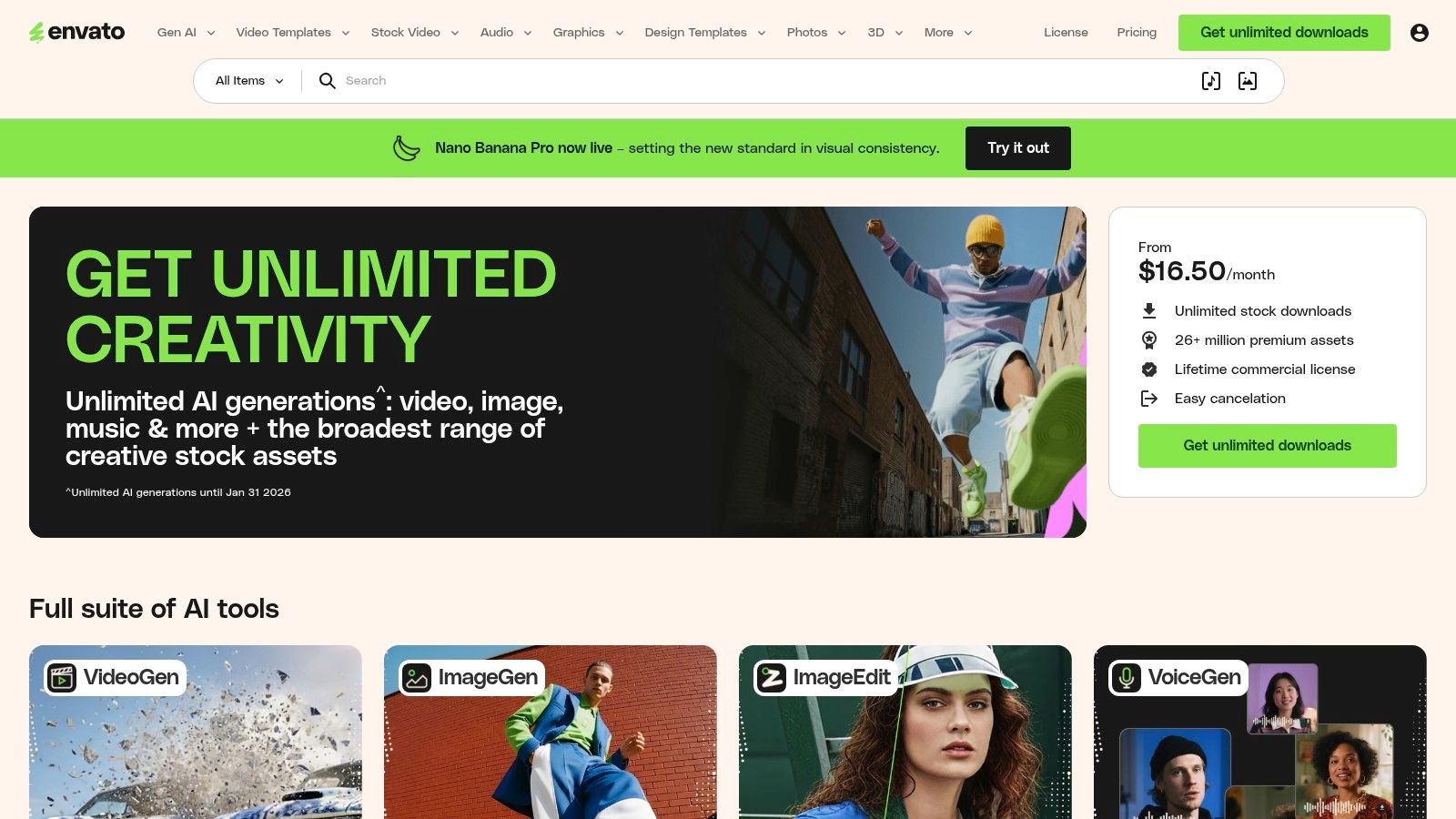
Unlike platforms offering ready-to-import Divi layouts, Envato Elements provides the design blueprints. These kits are packed with diverse header styles, often built on familiar grid systems like Bootstrap, making the transition from design to development more straightforward. The all-inclusive subscription model means you can download and experiment with countless assets without worrying about individual licensing.
Strategic Analysis & Key Takeaways
The primary value of Envato Elements is its breadth of choice and prototyping speed. It empowers designers to explore and validate numerous creative concepts quickly, ensuring the final header aligns perfectly with project goals before any development work begins.
- Rapid Ideation: The huge, searchable library lets you test various modern looks, from minimalist navigation to complex mega menus, without the upfront time investment of designing from scratch.
- Multi-Tool Compatibility: With assets available for all major design platforms, it fits seamlessly into existing workflows. A single download often includes files for Figma, Sketch, and XD, providing maximum flexibility. For those moving from design to development, understanding proper dimensions is key; you can delve into ideal header sizes for websites to ensure a smooth transition.
- Exceptional Value: A single subscription provides unlimited downloads of millions of assets, including fonts, stock photos, and icons, making it an incredibly cost-effective resource for agencies and freelancers.
Website Link: Envato Elements
Actionable Tips for Implementation
To maximize Envato Elements, use its powerful search filters to find kits that match your specific needs, such as "ecommerce header UI kit" or "minimalist navigation Figma." Always preview the asset files to check for well-organized layers and component-based structures, as quality can vary between creators. Use these kits as a high-fidelity wireframe or style guide to inform your Divi build, recreating the approved design using the Theme Builder for a pixel-perfect, fully functional result.
4. Creative Market
Creative Market serves as a massive à la carte marketplace for design assets, making it an excellent source for designers who need a specific header template without committing to a subscription. Unlike integrated ecosystems, it offers individual, multi-format header and hero section templates in file types like PSD, Figma, and Adobe XD, providing maximum flexibility for custom design workflows. This makes it an ideal stop for sourcing unique and varied examples of website headers for one-off projects.
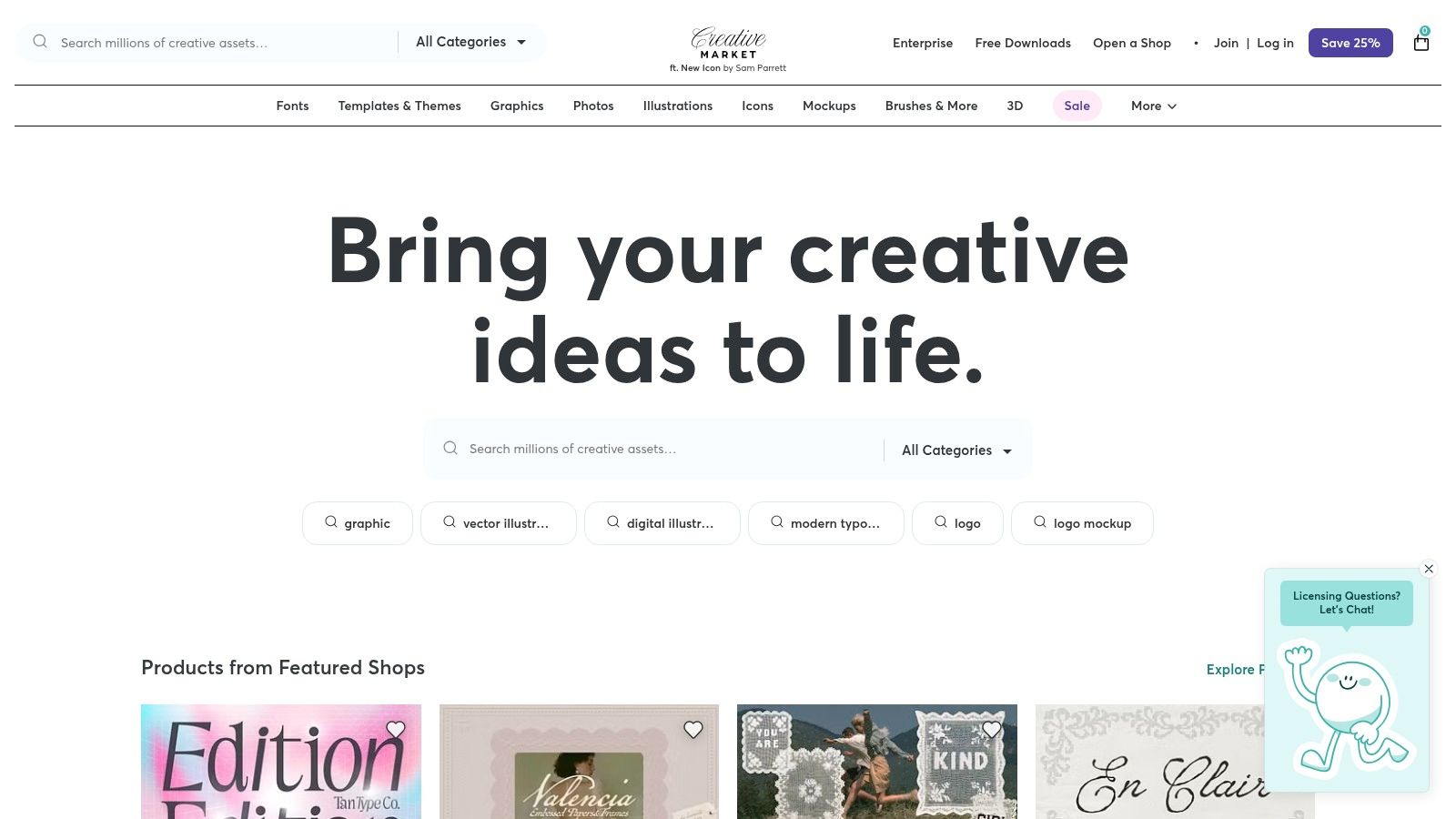
The platform’s strength lies in its sheer variety and pay-as-you-go model. You can find everything from minimalist corporate headers to complex eCommerce designs with integrated promotional banners. Assets are sold by independent creators, and files typically come with well-organized layers, making it easy to deconstruct the design, extract elements, or adapt the layout into a Divi build. The clear licensing tiers (personal, commercial, extended) for each item also simplify usage rights.
Strategic Analysis & Key Takeaways
The primary value of Creative Market is flexibility and specificity. It empowers designers to purchase precisely what they need, when they need it, providing a vast library of styles that can serve as a foundation for a custom Divi header or simply as high-fidelity inspiration.
- Cost-Control: The à la carte pricing model is perfect for freelancers or agencies managing tight project budgets. You only pay for the individual asset required, avoiding recurring subscription fees.
- Diverse Inspiration: With thousands of creators, the marketplace offers an unparalleled range of styles. You can find niche designs like split-screen hero headers, headers with integrated forms, or animated elements that you might not find in a theme-specific library.
- Multi-Format Access: Receiving files in formats like Figma or PSD allows for deep customization before ever touching the Divi Builder. You can perfect typography, spacing, and color palettes in your preferred design tool first.
Website Link: Creative Market
Actionable Tips for Implementation
To use Creative Market effectively, start with a focused search using keywords like "website header UI kit" or "hero section template." Always scrutinize the asset's preview images and read the file specifications to ensure it includes the formats you need and that the quality meets your standards. Pay attention to the creator's ratings and the date the asset was last updated to avoid purchasing outdated designs. Once downloaded, use the layered source file as a precise visual guide to recreate the header's structure, spacing, and styling within the Divi Theme Builder for a pixel-perfect result.
5. Figma Community — Website Header Designs
For designers who prefer to begin the creative process outside of WordPress, the Figma Community is an essential hub for inspiration and practical assets. It offers a vast collection of curated, free-to-access header and hero section templates. These files, which range from basic wireframes to polished UI kits, can be duplicated directly into your Figma account, providing a powerful starting point for any project.
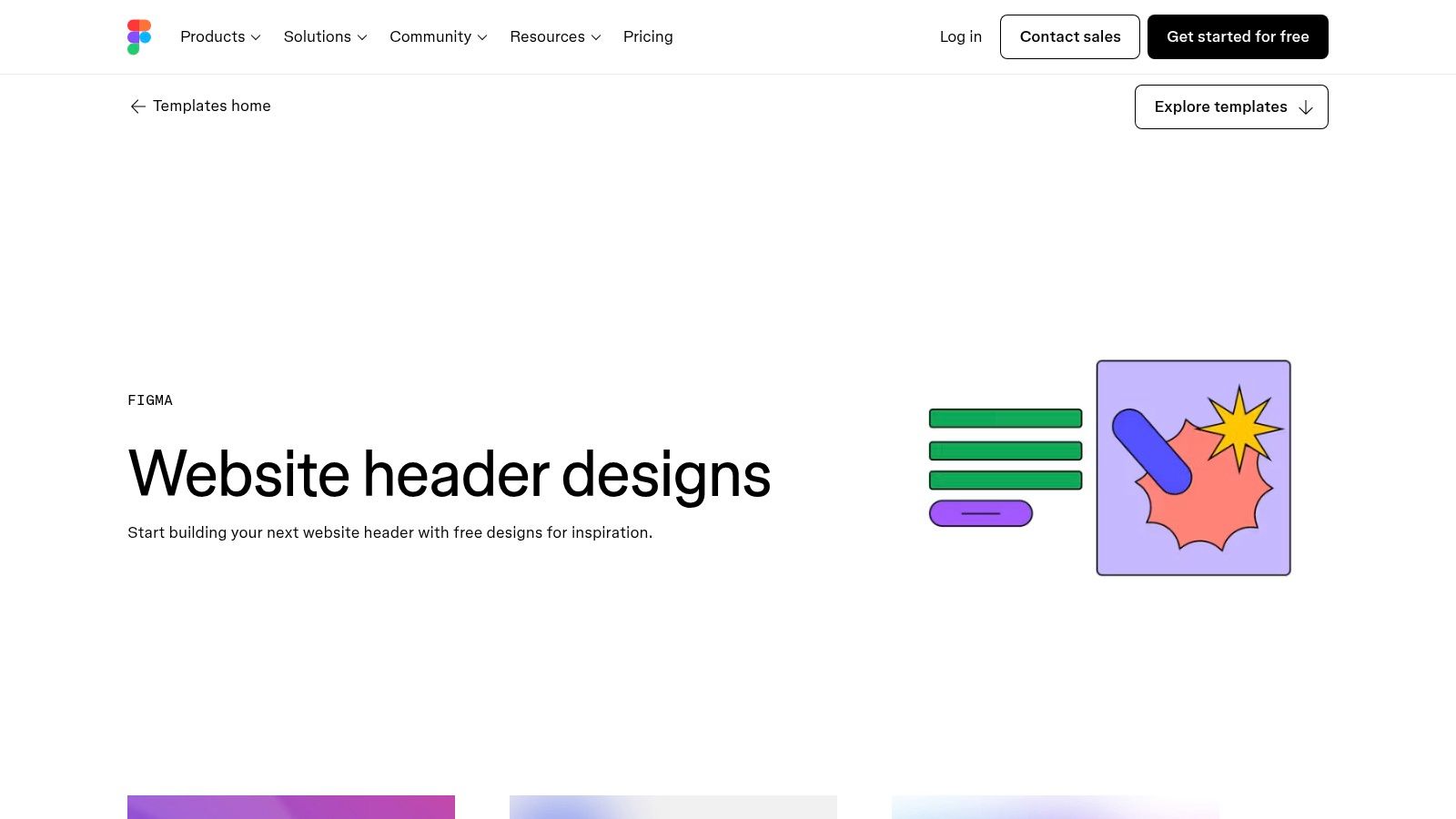
This platform stands out by empowering designers with fully editable source files. Unlike static image galleries, Figma files contain reusable components, variants, and style guides. Collections like 'Website hero headers' or '5 editable UI headers' allow for rapid prototyping, collaborative iteration with team members or clients, and the creation of a design system before development even begins.
Strategic Analysis & Key Takeaways
The core value proposition of the Figma Community is its emphasis on collaborative ideation and design-led workflows. It bridges the gap between initial concept and final implementation by providing a flexible, non-destructive environment to perfect header designs before committing to code or a specific builder.
- Accelerated Prototyping: Using pre-built kits allows designers to quickly test various header layouts, navigation structures, and interactive states. This is ideal for brainstorming and getting client sign-off early in the process.
- Design System Foundation: Many files are built with components and variants, making it easy to establish consistent styling for buttons, links, and navigation menus that can be reused across an entire site design.
- Cost-Free Exploration: Access to these high-quality resources is free with a Figma account, making it a budget-friendly way to explore modern examples of website headers and UI trends without any financial investment.
Website Link: Figma Community
Actionable Tips for Implementation
To maximize the value of Figma Community files, use them as a structured blueprint for your Divi build. Once you finalize a design in Figma, you can measure spacing, font sizes, and color codes to replicate the layout precisely within the Divi Theme Builder. Pay close attention to the file's licensing terms, as attribution requirements can vary. While these assets are not one-click exports for Divi, they provide a validated visual guide that significantly streamlines the development process, ensuring the final build matches the original design intent.
6. Awwwards — Header Design Inspiration
For designers and developers seeking bleeding-edge creative inspiration, Awwwards is the industry's gold standard. Its dedicated "Header Design" gallery is a curated showcase of award-winning websites, offering an unparalleled look at current trends in motion, interaction, and typography. This platform is less about providing templates and more about sparking creativity, making it an essential research tool for projects that aim to push design boundaries.
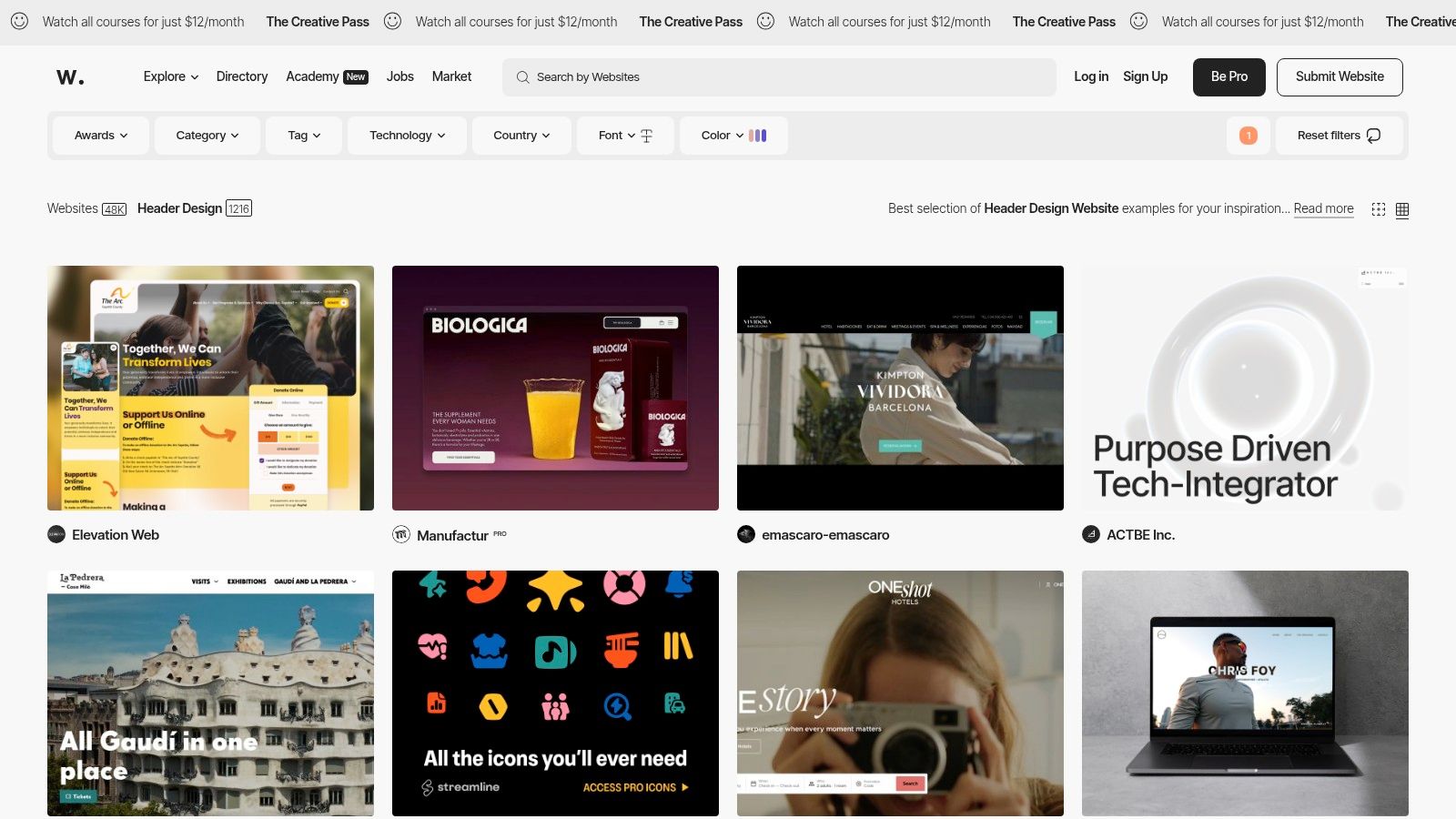
Unlike stock template sites, Awwwards presents real, live projects from top global agencies and brands. Users can explore how different industries are approaching header design, from minimalist sticky navigation to elaborate scroll-driven animated effects. The platform provides both desktop and mobile views, allowing for a comprehensive analysis of responsiveness and user experience across devices. It's an ideal resource for finding best-in-class examples of website headers to benchmark your own work against.
Strategic Analysis & Key Takeaways
The primary value of Awwwards lies in high-caliber inspiration and trend discovery. It provides a window into what the most innovative designers are creating, helping you move beyond conventional layouts and explore more dynamic, engaging header concepts.
- Benchmark for Quality: The sites featured have all been vetted by a jury of experts, ensuring a consistently high bar for visual and technical execution. This is invaluable for understanding what "award-winning" design looks like.
- Creative Fuel for Unique Designs: By showcasing advanced techniques like video headers, intricate micro-interactions, and unconventional navigation patterns, Awwwards helps designers break out of creative ruts and propose more ambitious ideas to clients.
- Client Buy-In: Presenting stakeholders with examples from Awwwards can be a powerful way to justify a more modern or unconventional design direction, demonstrating that such approaches are not just possible but are being celebrated in the industry.
Website Link: Awwwards Header Design Gallery
Actionable Tips for Implementation
To use Awwwards effectively, treat it as a research library, not a catalog. Instead of trying to copy a design exactly, deconstruct what makes it successful. Analyze the spacing, typography choices, interaction timing, and how the header adapts to different scroll states. Pay close attention to performance; while many designs are visually stunning, their animations can be resource-intensive. Your goal should be to adapt the concept or technique into your Divi project in a way that is both performant and aligned with your user's needs, not just replicate the aesthetic.
7. Lapa Ninja
Lapa Ninja serves as a massive visual library and a key destination for designers seeking real-world inspiration. It curates over 7,000 high-quality landing page examples from various industries, providing full-page screenshots. This allows designers to not just see isolated header designs but to understand how they function within the broader context of the entire page layout, which is crucial for evaluating hierarchy and user flow.
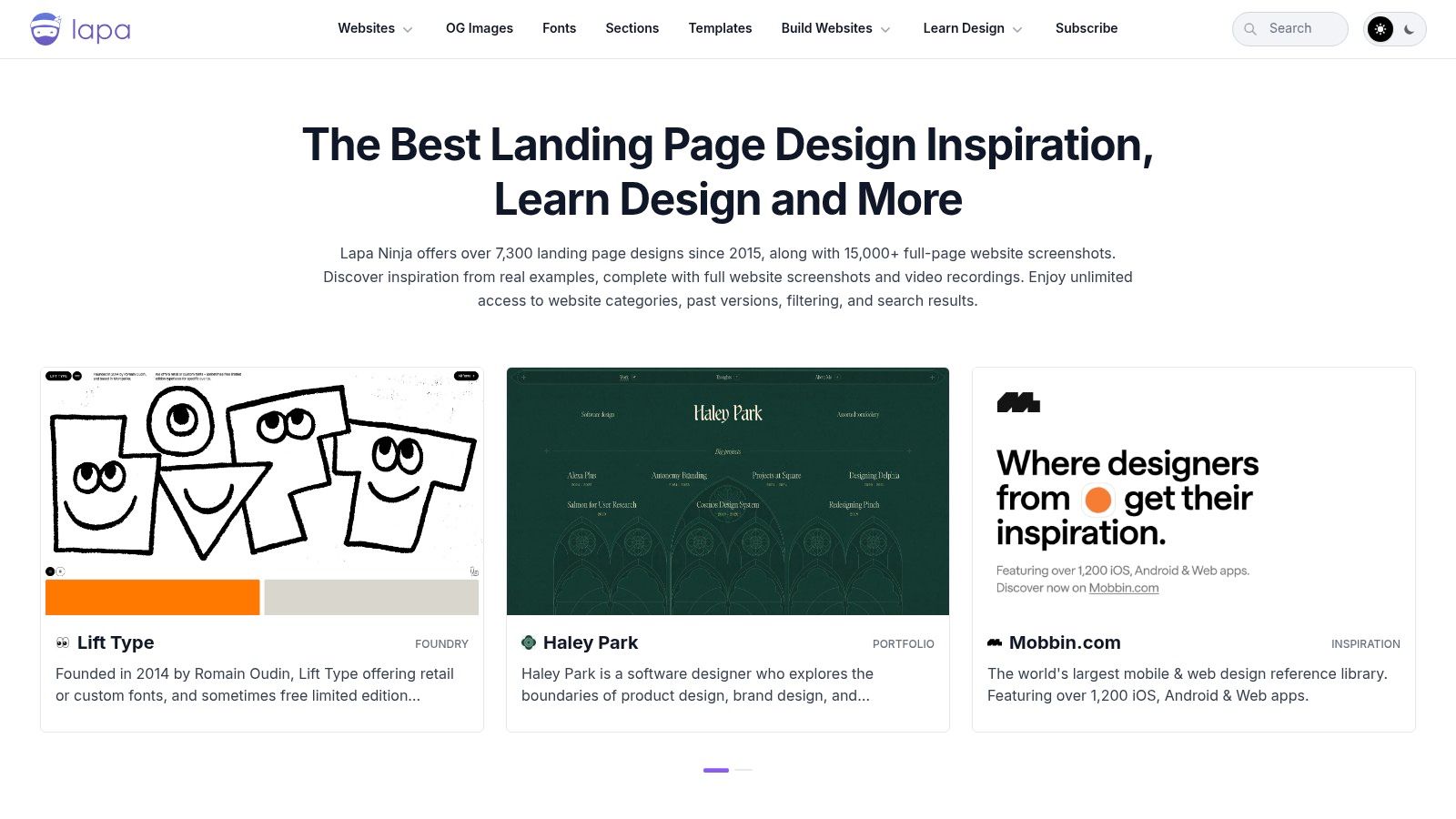
Unlike platforms offering ready-made templates, Lapa Ninja's primary purpose is research and ideation. It helps designers build mood boards, conduct competitive analysis, and spot emerging trends in navigation, call-to-action placement, and overall header aesthetics. Its extensive catalog is searchable and categorized, making it easy to find specific examples of website headers for SaaS, eCommerce, or portfolio sites.
Strategic Analysis & Key Takeaways
The strategic value of Lapa Ninja lies in its breadth of context and trend-spotting potential. It's a tool for gathering intelligence before the design process begins, ensuring your header concept is modern, effective, and competitively positioned.
- Comprehensive Competitive Audits: The platform provides a fast and efficient way to survey how leading brands in a specific niche structure their headers and user journeys. You can quickly see patterns in navigation links, CTA button styles, and promotional bar usage.
- Contextual Design Understanding: Seeing the full landing page helps you appreciate the relationship between the header and the hero section. This context is vital for making informed decisions about transparency, color contrast, and sticky behavior.
- Inspiration Beyond Your Niche: By browsing diverse categories, you can discover innovative header concepts from unrelated industries and adapt them to your project, leading to more creative and unique designs.
Website Link: Lapa Ninja
Actionable Tips for Implementation
To use Lapa Ninja effectively, start by filtering its library by your industry to establish a baseline. Then, broaden your search to other categories to collect fresh ideas. Create a "mood board" of screenshots, focusing specifically on headers you find compelling. For each example, analyze its structure: Is it a single-line or multi-line header? How does it handle navigation on mobile? What is the primary call-to-action? While the platform links to Framer or Webflow templates, a Divi designer can use these visuals as a blueprint to replicate the layout and functionality using the Divi Theme Builder.
7-Example Website Header Comparison
| Tool | 🔄 Implementation complexity | ⚡ Resource requirements & speed | 📊 Expected outcomes | 💡 Ideal use cases | ⭐ Key advantages |
|---|---|---|---|---|---|
| Divimode | Medium–High — plugin setup + Divi familiarity | Premium (Divi Areas Pro) with free Popups plugin; fast deployment inside Divi | Behavior-driven interactive headers, popups, mega menus; conversion-focused results | Divi/Extra sites needing advanced UI, WooCommerce flows, targeted triggers | Deep Divi integration; flexible triggers; developer API; strong docs/support |
| Divi Marketplace (Elegant Themes) | Low — import-ready packs | One-time purchase per pack (typically low cost); instant import into Divi | Production-ready header layouts (desktop & mobile variants) | Teams wanting quick, on-brand headers for Divi without coding | Fastest path to ready headers; low entry cost; includes variants |
| Envato Elements | Low–Medium — design adaptation required | Subscription access to many kits; quick to download many options | Wide visual exploration; multiple prototype-ready header directions | Designers/prototypers exploring multiple styles or toolsets (Figma/PSD/XD) | Huge searchable library; multi-tool files and grids for handoff |
| Creative Market | Low — one-off template adaptation | Pay-per-item (no subscription); quick to buy but needs adaptation | Specific, polished header templates for targeted needs | Buy single header/hero templates without ongoing cost | Pay only for needed items; wide stylistic variety |
| Figma Community — Website Header Designs | Low — duplicate & edit in Figma; rebuild for web | Free access with Figma account; very fast design iteration | Rapid ideation, componentized headers ready for collaboration | Wireframing, team collaboration, rapid UI exploration | Free, editable, component-ready files ideal for iteration |
| Awwwards — Header Design Inspiration | Low to gather; high to implement | Free gallery; no downloads — research-only; implementation may be resource-heavy | High-quality interaction and visual inspiration; benchmarks for excellence | Researching trends, motion/interaction patterns, stakeholder buy-in | Curated, best-in-class examples showcasing cutting-edge interactions |
| Lapa Ninja | Low — browse and collect examples | Free gallery with optional premium template links; fast to compile moodboards | Large set of real-world headers with full-page context for competitive audits | Moodboards, industry surveys, competitive analysis | Massive catalog and full-page screenshots for contextual insight |
From Inspiration to Implementation: Building Your Next Great Header
We’ve journeyed through a diverse landscape of website header examples, from the polished, ready-to-deploy layouts found in the Divi Marketplace to the cutting-edge concepts showcased on Awwwards. This exploration reinforces a central truth: a website header is far more than a simple navigation bar. It is a strategic centerpiece that directs user flow, communicates brand identity, and drives critical business objectives.
The key takeaway is that an effective header begins not with a design trend, but with a clear, defined goal. Whether your primary aim is to streamline complex navigation with a well-organized mega menu, boost conversions with a promotional bar, or capture leads using a behavior-triggered pop-up, your strategy must lead the design process. The examples of website headers we've analyzed serve as a strategic blueprint, not just a visual template.
Your Actionable Next Steps
To move from inspiration to a high-performing header, focus on a structured approach. Start by clearly defining your header's primary purpose. Is it to guide users to key products, encourage sign-ups, or provide seamless access to support? Once your goal is set, you can select the right header type and tools for the job.
Consider these final points as you begin your build:
- Prioritize User Experience: Always put the user first. Ensure your navigation is intuitive, your calls-to-action are clear, and the header remains accessible across all devices. A sticky header, for instance, enhances usability by keeping navigation visible as users scroll.
- Align with Brand Identity: Your header is often the first brand element a visitor interacts with. Use your brand’s typography, color palette, and logo placement to create a cohesive and memorable first impression.
- Leverage Divi’s Power: The true potential of these examples is unlocked when paired with the Divi Theme Builder. It provides the granular control needed to build custom headers from scratch or to modify pre-built layouts from sources like Divimode or Envato Elements to perfectly fit your strategic needs.
For complex projects or when in-house resources are limited, translating this inspiration into a fully functional and optimized digital experience can be a significant undertaking. In such cases, partnering with specialists can be a crucial step. For those navigating this decision, understanding the process of choosing a B2B web design agency can provide clarity and ensure you find a partner who can execute your vision effectively.
Ultimately, the best website header is one that is both beautiful and functional, serving as a powerful engine for user engagement and conversions. Use the insights and examples from this guide as your foundation to build a header that not only looks great but also delivers measurable results.
Ready to transform your Divi headers from standard to strategic? Divimode provides a massive library of professionally designed, conversion-focused header layouts and UI components that integrate seamlessly with the Divi Theme Builder. Stop building from scratch and start creating powerful user experiences today with Divimode.
More Articles You Will Like